Key Takeaway
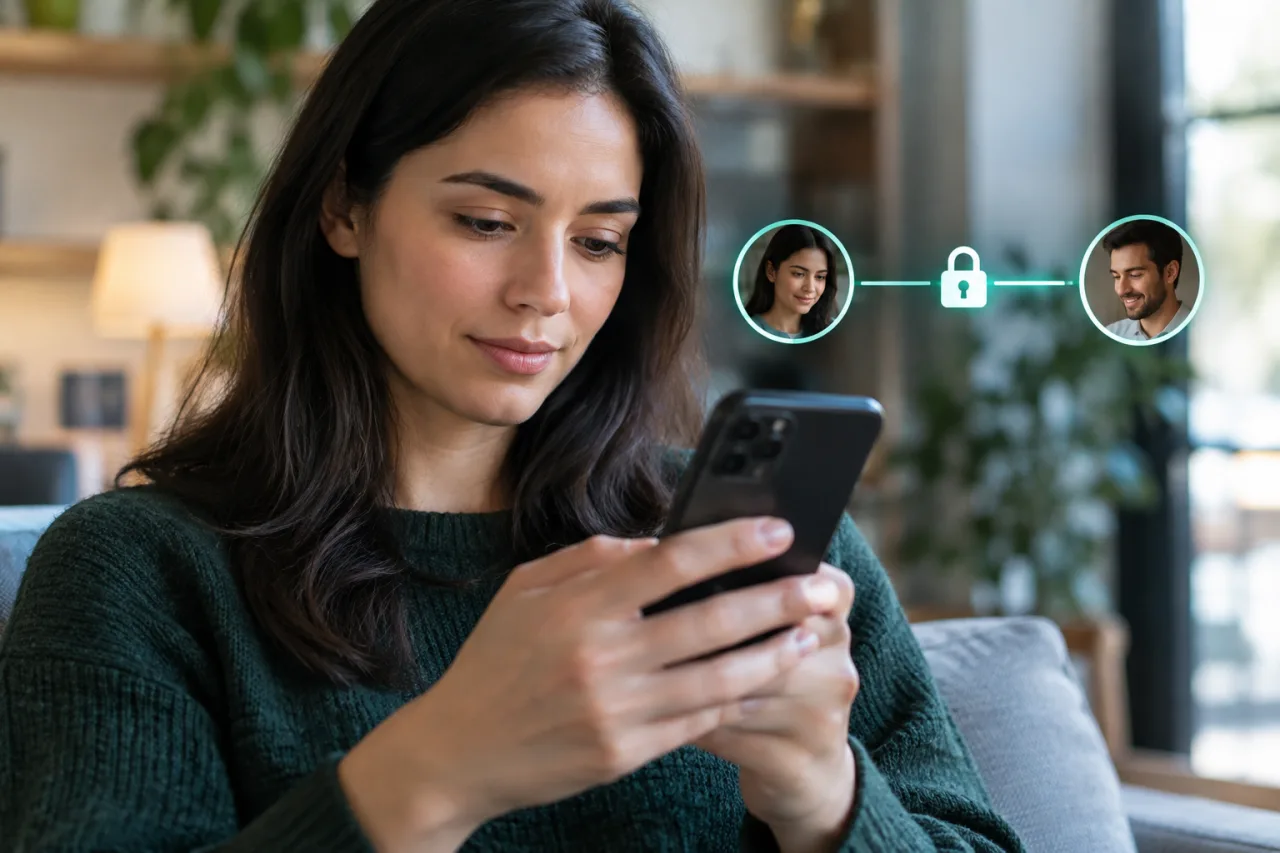
- 🔐 End to end encryption means only the two ends can read: WhatsApp’s help pages put it plainly — messages, calls, and shared media are secured so that no one outside the chat, not even WhatsApp, can read or share them.
- 🧱 What E2EE is NOT: it is not the same as regular transport encryption (which protects messages from Wi-Fi snoops but leaves them readable by the service provider), and it does not protect the ends themselves — a compromised phone reads what a safe phone hides.
- 👥 Each app differs: WhatsApp and Signal run E2EE by default for everything; Instagram and Facebook Messenger enable it per-chat or by default on newer lanes — the lock badge in the chat is the check.
- 📋 The practical gaps: cloud backups, screenshots, unread-but-delivered copies on the recipient’s device, and metadata all sit OUTSIDE the protected tunnel — E2EE secures the message, not the memory around it.
- 🔑 The recovery layer matters: encrypted chats that lose their keys are unrecoverable by design — which is why platform backup options and encrypted-backup toggles decide whether a lost phone deletes your history.
Table of Contents
End to end encryption is the most quoted security phrase in messaging — and the most misunderstood. WhatsApp’s help center defines the core: with E2EE, your messages are secured with a lock that only you and the recipient have the keys to, and no one in between — not the platform, not the carrier, not an interceptor on the network — can read them. That design answers the question most people actually have (“can the app company read my messages?”) with a no, while leaving open five practical questions this guide settles: what E2EE covers and leaves out, which of your apps actually run it, what backups and lost devices change, and what the law-enforcement debates in different countries change — and mostly don’t.
End to End Encryption vs Ordinary Encryption: The Tunnel and the Locked Room
The end to end encryption phrase gets confused with its cousin: two different protections wear similar names. Ordinary transport encryption (the padlock in your browser, TLS on every modern app) scrambles messages while they travel — a Wi-Fi snooper sees nothing — but the SERVICE operates the endpoint and can read the message content in the middle. End to end encryption adds the second half: the message is encrypted on YOUR device with keys only the recipients hold, and the service relays ciphertext it cannot open. The distinction matters practically: with transport-only encryption, a provider’s employee, a breach of the provider’s servers, or a legal request to the provider exposes content; with true E2EE, all three find only unreadable ciphertext. The security property also cuts the other way: the provider CANNOT recover content for you — which is why the backup and key-management sections below matter more than any marketing line.
Which Apps Run E2EE — and How to Check Yours
WhatsApp’s implementation is default-on for messages, calls, photos, videos, and voice notes in one-to-one and group chats, per its help pages — the platform documents the E2EE design so its defaults are public. Signal runs E2EE by default and is the reference design (the WhatsApp implementation builds on the Signal Protocol). Instagram and Facebook Messenger introduced default E2EE on their newer messaging lanes — the practical check is the same everywhere: the chat’s encryption details screen, or the padlock icon next to the conversation. Telegram remains the cautionary case: its default chats are cloud-based (the provider CAN read them by design) and only “Secret Chats” run E2EE, device-to-device. The rule that survives every app update: verification screens exist in all major apps (security codes, safety numbers) — comparing those codes with your contact confirms no middleman sits in your specific chat. The comparison takes two minutes per important contact and stays valid until either of you reinstalls; the apps even let you mark verified contacts so future changes raise a visible flag.
What E2EE Does Not Protect — the Honest Gaps
- The ends themselves. A compromised phone bypasses every cipher — the screen displays the plaintext, and stalkerware, malware, or a borrowed unlocked device reads what the tunnel hides. the phone-hacked and stalkerware guides cover the device half of messaging security; the account-hardening checklist covers the account keys.
- Backups. A cloud backup that isn’t itself encrypted end-to-end re-centers the plaintext on a server — WhatsApp’s encrypted-backup toggle exists for exactly this reason, and its absence is how history leaks after a cloud-account compromise.
- Screenshots, forwarding, and human copies. E2EE protects the pipe, not the recipient’s choices — a forwarded message, a screen record, or a shared phone defeats it social-engineering style.
- Metadata. Who messaged whom, when, how often, and from which network can remain visible to the service even when content cannot be read — the pattern-analysis layer lives outside the tunnel.
- Business and AI surfaces. Messages routed through business APIs or assistant features may run different protections — the badge-less chats are where to apply skepticism.
End to End Encryption and the Law-Enforcement Debates
End to end encryption questions with a country attached — “can police read WhatsApp,” “is E2EE banned in the UK” — trace to a real but narrow policy fight: some governments press platforms for lawful-access mechanisms, while platform operators and security researchers argue that deliberate weaknesses would weaken everyone’s security. The honest summary for a messaging user: end to end encryption remains the default on WhatsApp and Signal today, platform operators have publicly committed to the design, and no consumer-facing “government backdoor” has replaced it — the debates concern FUTURE obligations, and the practical defense stays the same regardless of jurisdiction: keep devices clean, verify security codes with important contacts, and treat the lock badge as the fact-check on any rumor about an app “becoming readable.” Rumors of E2EE removal circulate constantly and resolve into settings-menu changes (encrypted backups, chat transfers) — the WhatsApp recovery guide covers which of those matter for access, and which are safety wins.
End to End Encryption in Practice: Five Everyday Scenarios
- You send your aunt a photo of your boarding pass. The tunnel protects it in flight and on the servers; her unlocked phone, her cloud photo sync, and her screenshot habits are outside the tunnel — the message ends where her device care begins.
- Group chats with coworkers. Group E2EE covers the members the chat holds — someone forwards the thread outside the group and the protection ends at the forward. The admin habits (who gets added, invite links) are part of the same security surface.
- You message a business account. Platform-side automation or human agents on business APIs may run different protections — the badge tells the truth, so check it before sharing anything sensitive with a shop’s “official” chat.
- Your phone dies with no backup. The chats are ciphertext everywhere: without a key you hold, the history is unrecoverable — the privacy guarantee, experienced as a cost.
- Someone screenshots your message. Nothing technical fails — the protection covers transport and storage at the provider, never the human copy. Disappearing messages narrow the window but never close it.
The Backup and Recovery Layer: Where E2EE Meets Reality
- Check your backup encryption. WhatsApp’s end to end encrypted backup setting (password or 64-digit key protected) extends E2EE to the cloud copy — without it, the backup restores readable content on a server. The toggle is in chat backup settings, and turning it on is a five-minute upgrade.
- Use the chat-transfer flow between phones. Modern platforms transfer chats device-to-device over local E2EE — the safe lane when upgrading handsets, superior to restoring a server backup.
- Save the key you create. An encrypted backup whose password is lost equals a history that no support desk can recover — by design. Store it the way you’d store a spare house key.
- Verify codes with the contacts that matter. The security-code screen in each app lets two people confirm no interception layer sits between them — a two-minute ritual worth running once with family and once with work contacts.
Frequently Asked Questions
Is WhatsApp really end to end encrypted?
Yes — WhatsApp’s help center states that messages, calls, and media in individual and group chats are secured end to end, so only the sender and recipient can read them, not even WhatsApp. The implementation builds on the Signal Protocol, and the chat’s encryption-details screen lets two users verify their specific session’s codes.
Can police or my government read my end to end encrypted messages?
Not by reaching the service: E2EE leaves only ciphertext on WhatsApp’s servers, so law enforcement serving the provider gets unreadable data — access runs through the ends (a seized unlocked device, cloud backups) or through policy changes that have not overridden the default. The honest layer: device compromises and unencrypted backups are the real exposure lanes, which this guide’s gaps-section covers.
Does end to end encryption protect me from malware or a stolen phone?
No — E2EE protects the message in transit and at rest at the provider; it cannot protect the screen that displays the message or a device that runs reader apps. Stalkerware, infostealers, and unlocked-borrowed phones read plaintext at the ends — which is why the messaging defense is a pair: E2EE for the pipe, device hygiene for the ends.
Why did my chat history disappear after switching phones — did encryption delete it?
That is the design working: chats stored encrypted with keys held on the old device do not transfer invisibly — they move via the encrypted chat-transfer flow or restore from a backup, and an encrypted backup restores only with its password or key. If no backup existed and the phone is gone, the history is unrecoverable by anyone — the privacy guarantee and the recovery risk are the same property.
Are Instagram and Facebook Messenger end to end encrypted like WhatsApp?
Meta has been rolling E2EE into its messaging lanes — with defaults arriving gradually — and the reliable check is per-chat: the padlock icon or the encryption-details screen in the conversation. Business and API-routed threads can differ, so treat the badge as the truth, and apply the backup-encryption toggle the same way you would on WhatsApp.
Financial Disclaimer
This article provides general cybersecurity information and does not constitute legal or professional advice. Platform implementations, defaults, and legal frameworks change over time and vary by jurisdiction; verify against each provider’s official help pages before acting. The author and publisher disclaim any liability for actions taken based on this information.