

Table of Contents
Key Takeaway
- ⏱️ Thirty minutes, whole home: A smart home security audit is three sweeps: a ten-minute device census, a five-minute router gate, and a ten-minute device walk, and every step below names what to click.
- 🛰️ Start at the router: CISA’s home-network guidance puts the router at the gate of every smart home security plan: change its default login, update its firmware, run WPA3 or WPA2-AES, and disable WPS, UPnP and remote management.
- 👥 Segregate the gadgets: CISA recommends putting smart home devices on a guest network when they only need internet access, so a compromised bulb cannot reach your laptop or phone backups.
- 🔎 The census finds ghosts: Most homes discover at least one forgotten device in the router’s client list, an old camera or plug still holding a default password, and that device is the audit’s real prize.
A smart home security audit takes thirty minutes, one notebook, and the router app you already have installed, and it closes the gap that most households never measure: the difference between the devices you remember buying and the devices actually connected to your network. Every home that has owned routers for more than two years carries ghosts, a plug discontinued and replaced, a camera moved and forgotten, a television running factory firmware from 2023, and each ghost holds a default password that CISA’s guidance calls no protection at all because they are published online. This piece is the full audit, sweep by sweep, with the exact settings to open and the red flags to write down.
The Philippines angle is not decorative here. The fastest-growing device categories in Filipino homes, CCTV cameras watching the house while the family works abroad, wifi light bulbs on prepaid load, smart televisions streaming in every bedroom, are exactly the categories that ship with default credentials and cloud-only apps. When the primary earner is an OFW relying on that camera feed for peace of mind, a smart home security audit is not a tech chore; it is the integrity check on a promise that someone back home will be seen and protected.
The Census Sweep: the Router Client List First
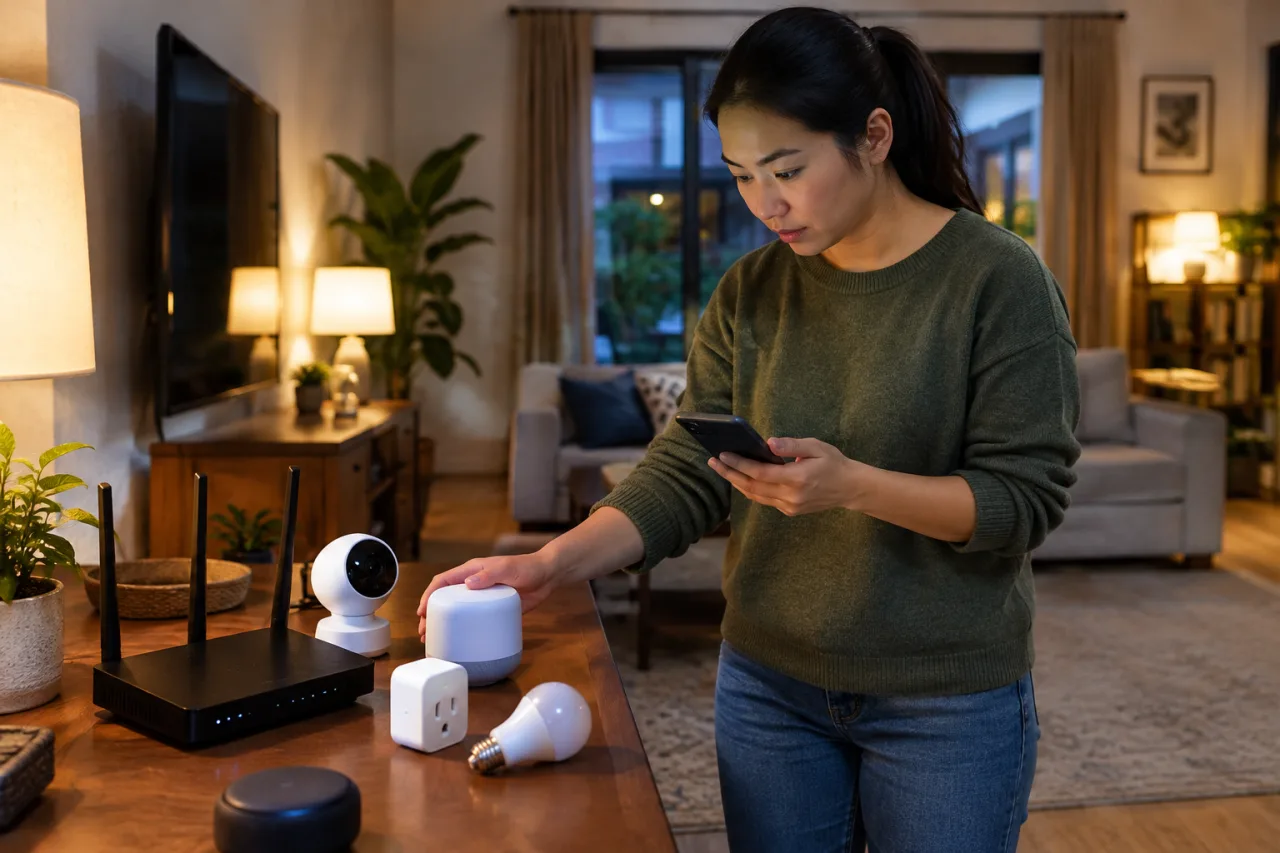
Open your router’s administration page or app, find the client list, and write down every connected device and every device that has connected recently. Router dashboards name phones, laptops, and televisions plainly, and they name the boring things too: a bulb, a plug, a doorbell, a set-top box, a smart speaker, an air conditioner module. Anything you cannot immediately place in a room goes on the red-flag page of the notebook. This census matters because attack surfaces are invisible from the couch; the devices that scare security teams are the ones nobody remembers plugging in.
Two supporting sources complete the census. First, every companion app you use, the camera app, the lights app, the vacuum app, carries a device list of its own, and comparing it against the router list catches devices that live on someone else’s cloud link rather than on your local list. Second, walk the rooms with the notebook: smart bulbs, TV soundbars, and appliance wifi modules rarely identify themselves helpfully in a dashboard. Vendor dashboards differ in one relevant way, though: some ISPs lock their client lists behind a support page, and some mesh apps only show live connections, so when the dashboard under-reports, the companion apps and the room walk carry the census instead, and the router client list is re-checked after the next reboot. Households with children should also run the census against the parental-control profile in the same sitting, because our parental controls setup guide and this audit share one truth: a network policy is only as good as the device list it assumes. The census is also where you count categories, which sets up the table below.
| Device category | The 30-second check | Red flag to write down |
|---|---|---|
| Cameras (CCTV, baby monitors, doorbells) | Default password changed? App updated? Remote view still on? | Feed viewable with the printed default credential |
| Smart speakers and displays | Voice history retention, mic mute switch works | Microphone active in a bedroom you did not choose |
| Smart plugs, bulbs, extensions | Firmware update available? Removed from vendor cloud? | Still on its factory wifi password |
| Smart televisions | ACR and tracking settings, camera and mic options off | Factory firmware older than 12 months |
| Appliances and thermostats | Connected but unused? Disconnect the unused ones | Needs a cloud account to answer a light switch |
| Repeaters and old routers | Admin password, firmware, or retirement | Second router still running 2023 firmware |
The Router Gate: Five Settings to Confirm
CISA’s home-network guidance reads like a checklist already, and its router priorities transfer directly: change the router’s administrator username and password away from the printed default, check firmware and enable automatic updates where offered, change the default network name, run the strongest encryption your hardware supports (WPA3 Personal, or WPA2 AES where WPA3 is absent), and disable three convenience doors by name: Wi-Fi Protected Setup (WPS), Universal Plug and Play (UPnP), and remote management. Each of those three exists to save you twenty seconds at setup and can cost an attacker the keys to the whole network, which is why every serious guidance document names them for disabling.
We maintain deeper walkthroughs for the router itself, including the ten-minute router lockdown that walks the password and firmware changes screen by screen, and the article on router hardening that covers the wider settings surface. The audit step here is narrower by design: confirm those five smart home security settings, note anything the dashboard cannot do, because a router too old for WPA3 or for firmware updates is a red flag of retirement age, not a device to configure around.
The Device Walk: Room by Room, Notebook in Hand
The device sweep applies four questions to each row of your census table. One: does this device still have its default password, printed on a sticker or pre-filled by the app? Change it, and CISA’s password guidance is explicit that defaults provide no protection because they are published online. Two: is the firmware current, with automatic updates on where the vendor offers them? Cameras and televisions age fastest here, and our smart television lockdown covers the settings menus unique to that screen. Three: what does the app collect, and what does the hardware expose? Cameras get a physical-placement review, speakers get their mic mute verified, and the permissions list in each companion app gets trimmed to what the device needs. Four: does this device still earn its network access? The unused bulb from a renovation, the plug replaced by a newer model, and the demo unit that came with an appliance all leave the network with a factory reset, because the cheapest attack surface is the one that no longer exists.
After a first run, three findings account for most of what a residential audit actually catches. The most common is the default-credential camera, shipping with admin/admin or password printed on the base, still exposed to vendor cloud view, and invisible in daily use precisely because its app works perfectly for the owner. The second is the retired router pressed into service as a repeater, running firmware nobody updated since it was demoted, bridging two networks that each assume the other maintained the security updates. The third is the over-permissioned companion app that requested contacts, location, and photo access with the installer defaults, none of which a bulb or a plug legitimately needs. Each finding maps to one of the four questions above, and each one is closed in minutes once named, which is the entire value of writing the census down instead of trusting memory.
The sweep also has a resale rule worth writing on the notebook cover. No device leaves the house, sold, gifted, or returned, without a factory reset and account deregistration inside its companion app, because account-linked devices keep serving their old owner’s feeds and notifications otherwise. Resellers and secondhand buyers inherit default passwords otherwise, and neighbors inherit your camera history.
The Segregation Move: Guest Network for the Gadgets
The highest-leverage twenty seconds in any smart home security audit is a single toggle: create the guest network and move your smart home devices onto it. CISA states the reasoning directly: connect smart home and other IoT devices to the guest Wi-Fi when internet access is the only thing they require, because separation prevents a compromised gadget from discovering your computers, reaching router settings, or importing vulnerabilities into the network that holds your work files and family photos. The setup lives in the router dashboard, takes one password, and every modern device handles it, since a bulb or camera needs nothing from your laptop except internet access.
One boundary belongs beside the toggle: guest networks isolate internet-only gadgets, and a handful of smart home security tools deliberately break under them. Apps that control devices by local discovery often fail to reach hardware on the other segment, and some video doorbell setups route only through cloud anyway, so the practical pattern is to segregate the cloud-dependent gadgets, keep genuinely local-control hardware on the main network with its credentials hardened, and note which devices need which treatment in the census list. Segmentation also simplifies the audit habit that follows. When gadget traffic lives on its own network, reviewing that one network’s client list once a quarter reviews most of the house at once, and a strange device appearing there is visible immediately, before it can see anything that matters.
The Habit: a Quarterly Fifteen Minutes
The first audit is the expensive one because the census happens once; every later pass is a review. Keep the notebook, or a note app page, with three columns: device, network, and last check date. Quarterly, re-run the router client list against it, re-confirm firmware auto-updates held their settings after app updates, and retire anything nobody in the house can explain. Households that pair this rhythm with the free-steps walk in our home wifi guide report audits shrinking from thirty minutes to fifteen, and the ghosts stop accumulating because something now watches the watchers, so to speak: the census list itself.
For OFW households the quarterly check attaches naturally to the routine video call with home: ask the person holding the camera app to read the client list from the router dashboard, confirm the camera firmware updated, and confirm nothing new appeared on the guest network. A family safety ritual, one more reason the camera feed stays trustworthy across the months between visits.
What Comes Next for Connected Homes
Two shifts will make this audit easier and one will raise the stakes. Device labeling programs are arriving that put a security baseline on the box, the way energy ratings changed appliance shopping, which means purchases can be screened for the audit criteria before they ever enter the house. Vendors are migrating to the Matter standard, which improves local control and interoperability, though it does not remove password and firmware duties. And the volume of connected devices per home keeps climbing, which means the census list keeps growing: the audit is not a one-time project but the maintenance manual for a house that now runs on wifi. The thirty minutes you spent today is the setup cost; the quarterly fifteen minutes is the rent.
Frequently Asked Questions About a Smart Home Security Audit
What is a smart home security audit?
It is a structured smart home security sweep of every connected device in your home, the router that gates them, and the settings that decide what each one can reach. The version in this piece takes thirty minutes across three passes: a device census from the router client list, a router-settings gate, and a per-device sweep for passwords, firmware, and permissions.
Why start the audit at the router?
Because the router touches everything else. It holds the credentials that gate the network, the firmware that patches it, and the guest-network toggle that separates gadgets from computers, which is why CISA’s home-network guidance treats router settings as the first moves in securing a household network.
Should smart devices really go on a guest network?
Yes, when they only need internet access, which covers most bulbs, plugs, cameras, and televisions. CISA recommends exactly this, and the benefit is blunt: a device isolated on the guest network cannot discover or attack your computers and phones if it or its vendor gets compromised.
How do I find devices I forgot about?
Your router’s client list is the census source: it names whatever has connected to your network, including devices whose apps you deleted long ago. Walk it room by room against your notebook, and anything unidentifiable either gets named, tested, and secured, or gets the factory reset that retires it.
Can I run this audit on a home I am far away from?
Yes, and it matters most for exactly that case. A remote smart home security review runs through the companion apps instead of the router dashboard: check each camera or device app for its firmware status, its still-on default credential if any, and its list of accounts with access, then ask the person at home to read the router client list on your next call and compare it to your notebook. The camera feed an OFW parent relies on deserves the same sweep it would get if you were standing in the living room.
Is it risky to sell an old smart camera or television?
Only when it leaves with accounts still attached. Before resale or gifting, run a factory reset and deregister the device inside its companion app, which unlinks the old owner’s feeds and history. Otherwise the next owner may inherit access to the previous household’s footage and settings.
How often should a smart home security audit run?
Thirty minutes for the first full audit, then a fifteen-minute quarterly review of the router client list, firmware statuses, and any new devices added since. Tying the review to a quarterly event, a school break, a sale season, or a scheduled call with family, is the habit that keeps it from lapsing.
- Official cisa.gov/news-events/news/home-network-security — CISA’s home-network guidance
- Official cisa.gov/news-events/news/securing-internet-things-iot — CISA’s password guidance
- Official cisa.gov/audiences/high-risk-communities/projectupskill/module5 — CISA states the reasoning directly
External sources linked in this article, in order of first mention. Spotted an error or a broken link? Tell us.
Cite this pagePublished Nov 19, 2026
Agron, E. (2026, November 19). Smart Home Security Audit: a 30-Minute Checklist for Every Connected Device You Own. WorldNgayon. https://worldngayon.com/smart-home-security-audit/
Agron, Edmon. “Smart Home Security Audit: a 30-Minute Checklist for Every Connected Device You Own.” WorldNgayon, 19 Nov. 2026, worldngayon.com/smart-home-security-audit/.
Agron, Edmon. “Smart Home Security Audit: a 30-Minute Checklist for Every Connected Device You Own.” WorldNgayon, November 19, 2026. https://worldngayon.com/smart-home-security-audit/.
Agron, E. (2026) ‘Smart Home Security Audit: a 30-Minute Checklist for Every Connected Device You Own’, WorldNgayon, 19 November. Available at: https://worldngayon.com/smart-home-security-audit/.
E. Agron, “Smart Home Security Audit: a 30-Minute Checklist for Every Connected Device You Own,” WorldNgayon, Nov. 19, 2026. [Online]. Available: https://worldngayon.com/smart-home-security-audit/
@online{agron2026smarthome,
  author       = {Agron, Edmon},
  title        = {{Smart Home Security Audit: a 30-Minute Checklist for Every Connected Device You Own}},
  year         = {2026},
  date         = {2026-11-19},
  organization = {WorldNgayon},
  url          = {https://worldngayon.com/smart-home-security-audit/},
  urldate      = {}
}TY - ELEC AU - Agron, Edmon TI - Smart Home Security Audit: a 30-Minute Checklist for Every Connected Device You Own T2 - WorldNgayon PY - 2026 DA - 2026/11/19/ UR - https://worldngayon.com/smart-home-security-audit/ Y2 - ER -
Cite the version you read; the page may be updated. Zotero and Mendeley can also import this page directly.