

Key Takeaway
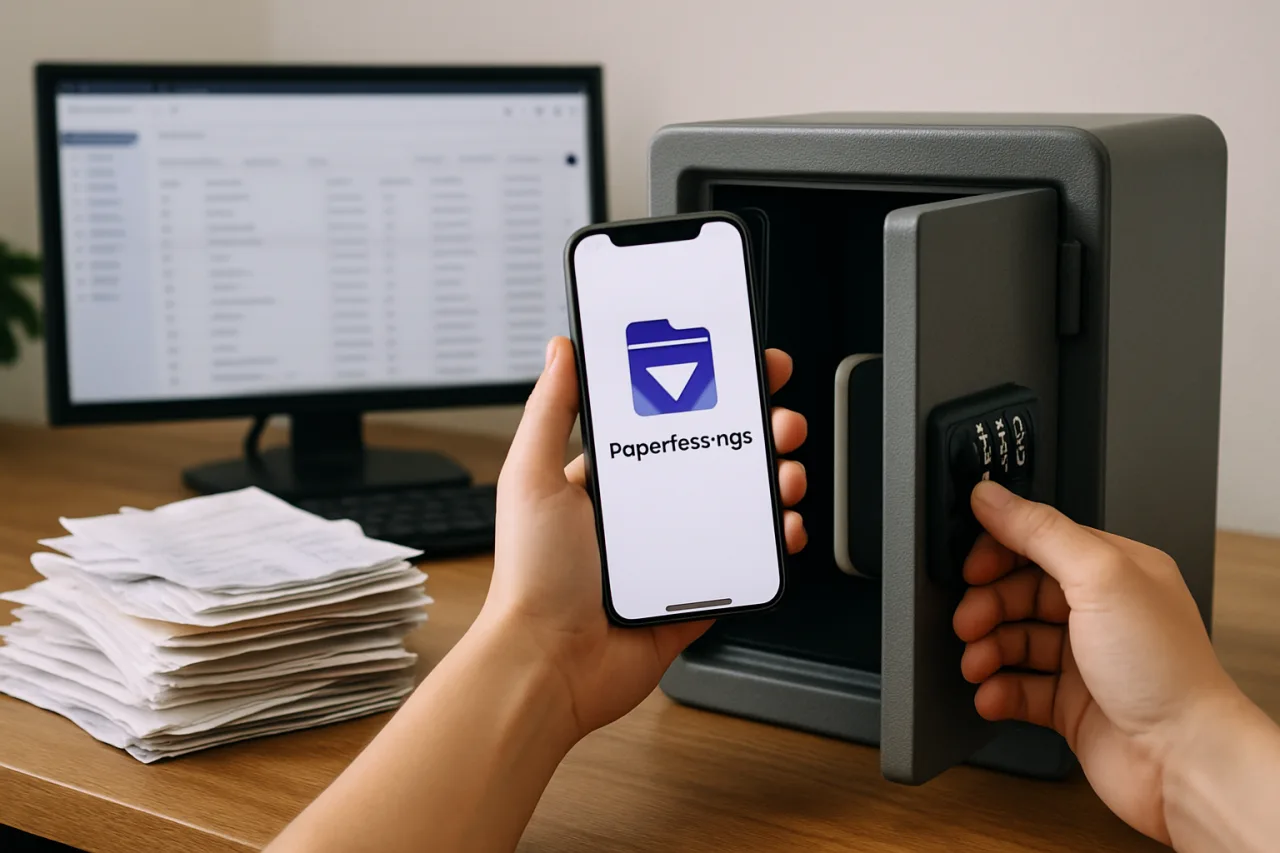
- 🗄️ A Paperless-ngx document vault turns the photographed-documents chaos in your camera roll into a searchable archive: drop a scan, the server runs OCR, files it, and makes every word findable.
- 🧾 The OFW paper mountain — OEC, contracts, payslips, receipts, IDs — is exactly the workload this vault eats: text-extracted, dated, tagged by correspondent, searchable in seconds.
- 🖥️ 4 GB RAM is the working tier (2 GB for light use) because bulk OCR is the memory spike that kills workers; Hostinger’s KVM plans map cleanly to both profiles.
- 📥 The consume folder is the magic: e-mail attachments, phone scans, and downloads dropped into one watched directory file themselves automatically.
- 💾 The archive stores each document twice (original + OCR’d PDF) — budget double your paper’s size on disk before the first import.
Scroll the camera roll of almost any Filipino worker and the same ghost appears: photographs of documents — the OEC, the employment contract, a lease, an insurance policy, a receipt that proves a warranty — taken in a hurry because the paper was needed now. The photos exist; finding them is the problem. A Paperless-ngx document vault replaces that ghost with a system: you drop any scan into a watched folder, the server runs OCR, reads the text, guesses the date and correspondent, tags it, and files it — and from then on, “where is my contract” takes three seconds instead of twenty minutes of camera-roll scrolling. This Paperless-ngx document vault guide builds the system on a Hostinger VPS in about an hour, tuned for the documents OFWs actually keep.
Table of Contents
After the install: When the vault is running and OCR is filing automatically, the companion guide — Paperless-ngx on Hostinger: the Family Document Vault That Answers ‘Where Is It?’ Forever — covers the household scenarios and first-week fixes that turn a working vault into a family habit.
Why Paper and Not the Camera Roll
The camera roll photograph fails every test a document needs to pass: it is unsearchable (the text lives in pixels), unfiled (it sits between food pictures and screenshots), unsecured (any gallery-share leaks it), and unretrievable at scale (nobody scrolls 4,000 images to find a contract). The Paperless-ngx document vault fixes all four at once. A scanned document in the vault is OCR’d — the text becomes searchable data — filed with tags and correspondents the system learns to guess, stored on a server behind authentication, and retrievable from anywhere. The full self-hosting analysis makes the honest boundary too: this is paper, not photos or video — holiday JPEGs belong on the Immich photo vault, and the two services pair perfectly on one VPS.
For the OFW specifically, the Paperless-ngx document vault concentrates its value on the documents that cross borders: the OEC and overseas employment certificate, the signed contract with the agency, payslips for loan applications, the passport page, insurance policies, property titles left with family, school records of the children. These documents appear rarely and matter enormously — the worst time to search a camera roll is when an embassy appointment is in forty minutes.
Step 1: Size the VPS
The real constraint is memory: PostgreSQL, the task broker, the web server, and a Tesseract OCR worker resident together fit in 2 GB for light use, but importing a backlog of hundreds of scans is the memory spike that gets workers killed by the kernel’s out-of-memory killer. The mapping to Hostinger’s KVM plans: KVM 1 (4 GB class) handles light use and steady-state filing comfortably; KVM 2 is the backlog-friendly tier for the initial “scan everything in the filing cabinet” weekend. Disk budget is double your scans — the vault stores each document as the original file plus an OCR’d archive PDF.
Affiliate disclosure: WorldNgayon may earn a small commission when you use our links, at no extra cost to you. Full details on our disclaimer page.
Step 2: the One-Line Install
The project ships an interactive installer that builds the four-container stack (webserver, PostgreSQL, Valkey broker, plus optional Office converters) with the sane defaults:
bash -c "$(curl --location --silent --show-error https://raw.githubusercontent.com/paperless-ngx/paperless-ngx/main/install-paperless-ngx.sh)"
The installer asks for the port, admin credentials, and data location, then writes the compose file and starts everything. Twenty minutes from fresh VPS to login page — the hour in this guide’s title includes configuration and the family onboarding. Docker itself installs with the official convenience script if the VPS is fresh (curl -fsSL https://get.docker.com | sh).
Step 3: Configuration That Matters
Three settings separate a working vault from a weekend of confusion. PAPERLESS_URL: the server refuses to serve on hostnames it has not been told about — set this to your subdomain (docs.yourdomain.com) before the first login, and point the domain’s A record at the VPS. OCR languages: add the languages your documents actually use — English plus Filipino; Tesseract handles both, and mixed-language documents OCR far better when both packs are installed. HTTPS: same discipline as the photo vault — put the service behind a reverse proxy (Caddy) with automatic certificates, because the mobile app and every remote login expect a secure connection.
Step 4: Feed the Vault — Scanner, Phone, and Inbox
The consume folder is the Paperless-ngx document vault’s front door: a watched directory where any dropped file files itself. Three feeding paths cover every document source. The scanner at home scans straight to a Samba/NFS share mapped to the consume folder (or the family scans into the Nextcloud instance from our Nextcloud guide and copies across). The phone becomes the pocket scanner: the Paperless mobile app photographs documents, crops, and uploads them through the API — the OEC handed to you at the airport is in the vault before the plane boards. And the inbox method — email the attachment to an address that drops into the consume folder — turns every emailed billing statement, insurance policy, and agency contract into a self-filing event.
Step 5: the OCR Filing Machine
Drop a PDF into the consume folder and the machine goes to work: OCR extracts the text, the matching engine reads it and guesses a correspondent (the agency whose name appears on every contract), a document type (invoice, contract, certificate), a date, and tags — learning from your corrections each time. The first hundred documents need light supervision; by the fiftieth, the filing guesses are right more often than not, and the Paperless-ngx document vault becomes self-maintaining. The document vault payoff arrives the day you type “contract Al Rajhi” or “OEC 2025” into the search bar and the exact document appears — full-text search across every word of every document you own, on hardware you control.
Step 6: Backups and the Come-Back-Anywhere Promise
The Paperless-ngx document vault stores your files as plain documents on disk — no lock-in, no proprietary format — which makes the backup story simple and the exit strategy honest: the archive is restorable to any machine that runs Docker. The habit: nightly backup of the data directories (documents, PostgreSQL dump, configuration) to a second location — the pattern from our Nextcloud backup setup applies directly — and a quarterly restore test, because an untested backup is a hope. With the nightly job running, the document vault’s promise holds: your family’s paper trail survives the phone that falls in the harbor, the laptop that dies abroad, and the filing cabinet that floods in a typhoon.
The First Weekend Plan: Scan the Cabinet Without Drowning
A new vault tempts everyone into a heroic weekend that ends in a half-burnt stack and a dead scanner. The plan that finishes instead: three passes, ordered by urgency. Pass one — the crisis documents, the fifteen papers an emergency would demand (passports, contracts, titles, policies, the OEC): photographed with the phone app, in the vault within an hour. Pass two — the financial layer: payslips from the last two years, insurance, loan records, tax documents, in one scanner session. Pass three — the deep archive: everything older, fed a folder per weekend until the cabinet is history. The consume folder files each pass automatically; the matching engine learns your filing style as the volume grows.
Set expectations for the machine-learning part of the weekend: the first hundred documents need ten minutes of tag corrections, the next hundred need five, and by the third hundred the filing guesses are better than most humans’. That curve is the real argument for finishing the backlog — the vault gets smarter with every document, which is the opposite of every manual filing system ever attempted.
Frequently Asked Questions
What is a Paperless-ngx document vault?
A Paperless-ngx document vault is a self-hosted document management system: you drop scans into a watched folder, the server runs OCR to make the text searchable, automatically files each document with tags, correspondents, and dates, and serves everything through a searchable web interface. It replaces the camera-roll-photographing habit with a structured, private archive on a VPS you control.
Is Paperless-ngx good for OFW documents like OEC and contracts?
It is built for exactly that paper: OCR reads English and Filipino documents, the matching engine learns that your agency’s contracts always file the same way, and retrieval takes seconds when an embassy appointment or loan application needs a document now. The vault holds anything textual — contracts, payslips, certificates, policies, receipts — while photos of people belong on a photo server like Immich alongside it.
How much RAM does Paperless-ngx need?
Light use fits in 2 GB; 4 GB is the working recommendation because bulk OCR imports are the memory spike that triggers kernel out-of-memory kills on small boxes. Hostinger’s KVM 1 covers light use, KVM 2 covers a serious “scan the whole cabinet” backlog. Disk needs roughly double your document size — originals plus OCR’d archive copies.
Can the vault read handwritten documents?
OCR handles printed text well and handwriting poorly — signatures are recognized as graphics, and cursive extraction is unreliable. The vault’s answer is to store the original image alongside the OCR’d version, so handwritten notes (signatures, margin annotations) are preserved and viewable even where the text is not machine-readable. Typed and printed documents — the vast majority of official paperwork — extract fully.
How do I get documents into the vault?
Three paths: the scanner writes to the consume folder (a watched directory that files everything dropped in), the mobile app photographs and uploads documents from anywhere, and email ingest turns every attachment you send to the vault’s address into a filed document. Between the three, every document source — paper, email, phone — has a one-step entry.
What happens if I stop paying for the VPS?
Take the archive with you: documents are stored as plain files on disk, and a backup copy restores onto any Docker-capable machine — another VPS, a home server, even a spare laptop. The vault is a system, not a subscription trap; the hosting is where the convenience lives (reachable from anywhere, no home-router ports), not where the lock-in lives.
Final Word: The Paper Stops Wandering
Every OFW carries a second, invisible filing cabinet — the Paperless-ngx document vault ends that — photographs of the documents that prove who they are, what they signed, and what they own, scattered through a camera roll that answers no questions. The Paperless-ngx document vault ends the wandering: scan once, and the machine reads, files, and remembers every document for the rest of your life, retrievable in seconds from any country on earth. An hour of setup, a KVM plan, and the nightly backup — and the drawer of dreaded paperwork becomes a search box that always answers — the promise of a real Paperless-ngx document vault.
- ssdnodes.com/learn/paperless-ngx-document-management — The full self-hosting analysis
External sources linked in this article, in order of first mention. Spotted an error or a broken link? Tell us.
Cite this pagePublished Sept 19, 2026 · Updated Oct 9, 2026
Agron, E. (2026, September 19). Stop Photographing Documents Into Your Camera Roll. Build the Vault Instead. WorldNgayon. https://worldngayon.com/paperless-ngx-document-vault-hostinger-2026/
Agron, Edmon. “Stop Photographing Documents Into Your Camera Roll. Build the Vault Instead.” WorldNgayon, 19 Sept. 2026, worldngayon.com/paperless-ngx-document-vault-hostinger-2026/.
Agron, Edmon. “Stop Photographing Documents Into Your Camera Roll. Build the Vault Instead.” WorldNgayon, September 19, 2026. https://worldngayon.com/paperless-ngx-document-vault-hostinger-2026/.
Agron, E. (2026) ‘Stop Photographing Documents Into Your Camera Roll. Build the Vault Instead’, WorldNgayon, 19 September. Available at: https://worldngayon.com/paperless-ngx-document-vault-hostinger-2026/.
E. Agron, “Stop Photographing Documents Into Your Camera Roll. Build the Vault Instead,” WorldNgayon, Sept. 19, 2026. [Online]. Available: https://worldngayon.com/paperless-ngx-document-vault-hostinger-2026/
@online{agron2026paperlessngx,
  author       = {Agron, Edmon},
  title        = {{Stop Photographing Documents Into Your Camera Roll. Build the Vault Instead}},
  year         = {2026},
  date         = {2026-09-19},
  organization = {WorldNgayon},
  url          = {https://worldngayon.com/paperless-ngx-document-vault-hostinger-2026/},
  urldate      = {}
}TY - ELEC AU - Agron, Edmon TI - Stop Photographing Documents Into Your Camera Roll. Build the Vault Instead T2 - WorldNgayon PY - 2026 DA - 2026/09/19/ UR - https://worldngayon.com/paperless-ngx-document-vault-hostinger-2026/ Y2 - ER -
Cite the version you read; the page may be updated. Zotero and Mendeley can also import this page directly.


