
Table of Contents
Key Takeaway
- 💰 The best budget app for OFW: the WorldNgayon Money Planner is a free, web-based money planner at money.worldngayon.com, built for Filipino overseas workers first and open to every expatriate.
- 🧩 What it does: splits your salary into buckets, plans your Uwi Fund and emergency fund, and tracks spending, bills, padala, loans, contributions and investments against that plan.
- 🌏 Why it fits the OFW life: two currencies, two households and one going-home goal are built into the design, instead of a single-country card budget.
- 🔒 What it never asks for: no bank connection and no card numbers; the planner is free, with an optional one-time ad-free pass.
- 🛠️ What pairs with it: 150+ free OFW tools at tools.worldngayon.com, from the Uwi Fund calculator to the job-scam scorer.
Ready to plan your salary? Open the WorldNgayon Money Planner at money.worldngayon.com: free, no bank connection, no card numbers, and your first plan takes about five minutes. Start your salary split, your Uwi Fund and your emergency fund today.
Every payday abroad starts the same way. The salary lands, and within hours it is already spoken for: the padala for the family, the loan amortization back home, SSS and Pag-IBIG, rent in the host country, a cousin’s tuition, and the quiet promise that “next year” you will finally start saving for good. By the end of the month many OFWs and expatriates cannot say exactly where the money went, and the dream of going home for good keeps moving further away.
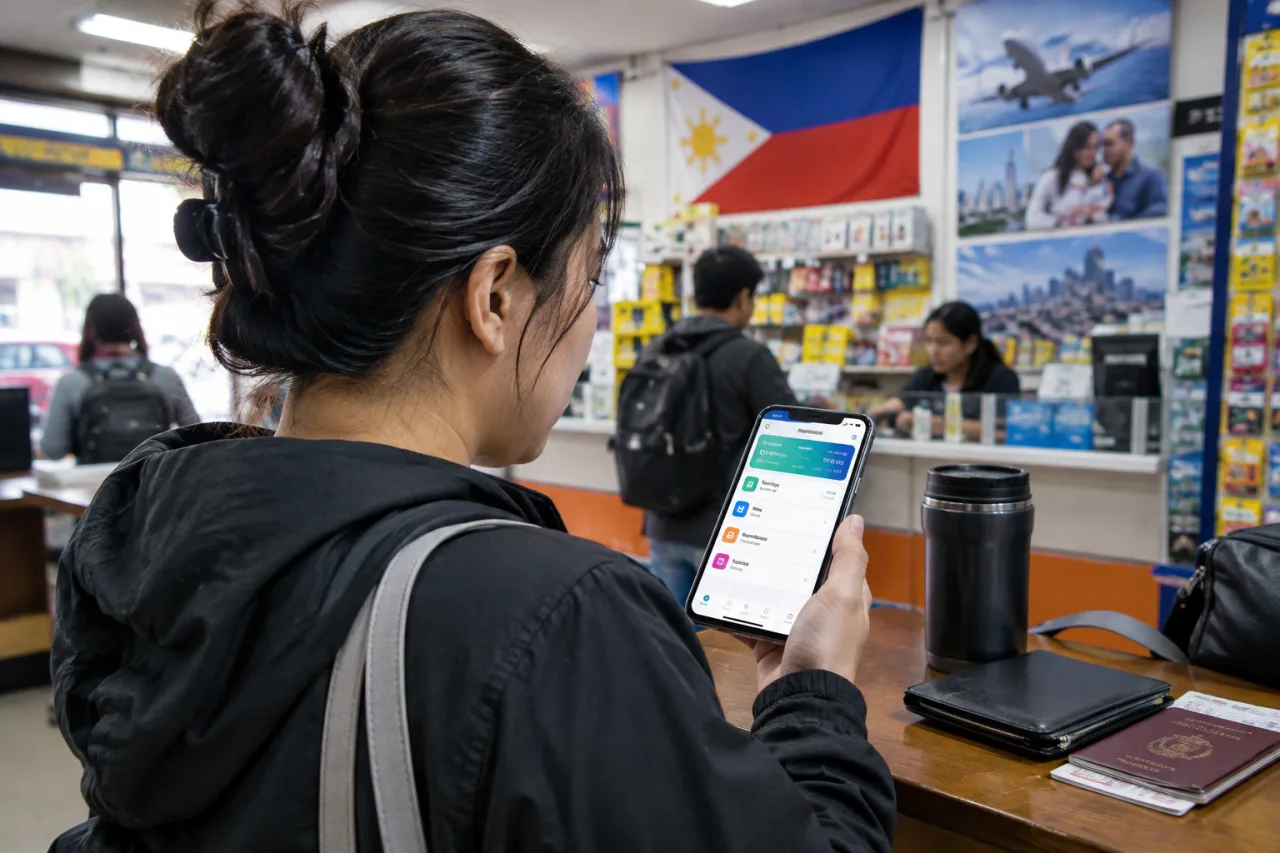
If you have been searching for the best budget app for OFW workers, start with what an OFW actually needs. The WorldNgayon Money Planner at money.worldngayon.com was built to fix exactly that. It is a free, web-based money planner made for Filipino overseas workers first and open to every expatriate, whatever their nationality. It does not connect to your bank and it does not ask for card numbers. Instead, it gives you one place to decide what every peso, riyal, dirham or dollar is for, then shows you, in pictures, whether your plan is working.
Why OFWs and expats need a different kind of budget
Overseas Filipinos are one of the strongest economic forces in the Philippines. According to the Bangko Sentral ng Pilipinas, cash remittances reached a record US$35.63 billion in 2025, 3.3 percent higher than the US$34.49 billion recorded in 2024, a milestone BusinessWorld covered as the all-time high. The BSP also reported that full-year cash remittances were equal to 7.3 percent of the country’s gross domestic product. Behind those figures are millions of individual salaries, each one stretched across two countries.
Most budgeting apps were not designed for that life. They assume you earn, spend and save in one currency, in one country, for one household. An OFW in Riyadh, Dubai, Singapore or Hong Kong lives differently:
- You earn in one currency and much of your money is spent in another.
- You support two households: yourself abroad and your family at home.
- Some of your biggest costs are Philippine obligations such as SSS, PhilHealth, Pag-IBIG and loans from home.
- Your contract has an end date, so your real goal is not just “save more” but “have enough to go home for good.”
- Exchange rates and remittance fees change what your family actually receives.
A generic expense tracker can record what you spent. It cannot tell you whether your current split of salary will let you go home in 2029 as planned. The WorldNgayon Money Planner was designed to answer that question.
What is the WorldNgayon Money Planner?
The WorldNgayon Money Planner is a free online budget and savings planner for overseas workers. You set up your take-home pay, split it into buckets (needs, wants, Uwi Fund, emergency fund, investments and giving), then record what really happens each month. The planner compares your plan with reality and shows the result on a visual dashboard.
It runs in any modern browser on a phone or computer, so there is nothing to install. You can start as a guest, and your plan stays in your own browser. When you create a free account, your plan is saved securely and syncs across your devices, so you can update it on your phone at lunch break and review it on a laptop on your day off.
How it works in five steps
Set up your pay. Enter the currency you earn in, your home currency and your monthly take-home pay. Live exchange rates are built in.
Split your salary. Choose a ready-made rule such as 50/30/20 or build your own buckets. The total always stays at 100 percent, and you can turn on tithes if you give.
Set your Uwi Fund. Pick the date you want to go home for good and list what you need: a house, a small business, a car, savings to live on. The planner tells you how much to set aside each month.
Choose your safety net. Decide whether your emergency fund should cover 3 or 6 months of your monthly needs. The dashboard shows it filling up, and the planner tells you to fill it first.
Follow your payday to-do. Each payday the planner gives you a short, ranked list: overdue bills and contributions first, then your salary split, then your goals. Once a month, a quick check-in records what really happened.
A guided walkthrough runs automatically for new users, and a full User Guide in Settings explains every page in plain English.
Features that fit the OFW life
Salary allocation: one plan for every peso
Salary allocation is the heart of the planner. Instead of tracking spending after the fact, you decide in advance what each part of your salary is for. Every other page follows this split. When you log an expense, it counts against the right bucket, so the Spending page can say something as simple and useful as “Wants: SAR 650 of SAR 1,000 used.”
Uwi Fund: your going-home plan
The Uwi Fund is the feature most OFWs ask for first. You set your target date and list the costs of settling back home. The planner works out the monthly amount you need, and the allocation page tells you whether your current split will reach the goal on time. If it will not, you see that now, not five years from now, while there is still time to adjust.
The planner uses the same method as our free Uwi Fund calculator (tools.worldngayon.com/tools/uwi-fund/), so you can try the numbers there first.
Emergency fund: 3 or 6 months, your choice
Contracts end early, employers delay salaries, and family emergencies happen. The Emergency Fund page lets you choose 3 or 6 months of your monthly needs as your target. The dashboard shows how many months you have covered and how long your money would last if your income stopped today. It also reminds you, gently, to fill your safety net before you invest.
Want a quick estimate first? Try the free emergency fund calculator (tools.worldngayon.com/tools/emergency-fund-calculator/), and read the sizing math in our emergency fund Philippines guide.
Spending and bills, with your fixed costs counted automatically
You can add expenses as they happen or type each category’s total at month end. Loan payments, SSS, PhilHealth, Pag-IBIG and MP2 contributions, and the monthly share of your yearly costs are counted automatically, so your spending picture is complete without double entry. The Bills page lists each monthly bill once, lets you tick it paid, and can email you the day before it is due.
Padala and rate alert
Record what you send home and see what your family actually receives after fees. Set a target exchange rate and the planner emails you when the indicative rate reaches it, so you can time a bigger padala for a better rate. The fees your transfer eats matter too: our remittance fee guide shows what each corridor really costs.
Loans and debt: see the true interest
Many OFWs carry a loan without knowing its real cost. Enter four numbers: how much you borrowed, your monthly amortization, the total number of months and how many you have paid. The planner works out the true annual interest rate, how much interest you are paying in total, and cheaper ways out, such as comparing it with an SSS salary loan or a Pag-IBIG MP2 savings plan for money you are ready to park, or making extra payments. A loan that looks harmless at “only 5,000 a month” can turn out to cost far more than you expected. The standalone loan payoff calculator runs the same math.
Contributions and yearly costs
Track SSS, PhilHealth, Pag-IBIG and MP2 with their due days and tick each month when paid. For big once-a-year costs such as tuition, insurance, a ticket home or Christmas, the Yearly Costs page works out how much to set aside each month so the big bill never becomes a crisis. The SSS voluntary contribution calculator sizes the contribution before you commit.
Can I afford it?
Before a big purchase, type what you want and when you need it. The planner tells you whether your spare money covers it, and how buying it would move your going-home date. It turns an emotional decision into a clear trade-off.
Investments, trade log and net worth
For those who invest, the planner tracks your holdings with indicative live prices for Philippine Stock Exchange (PSE) stocks and major cryptocurrencies where available. A trade log for forex, crypto and gold shows your win rate and habits. The Net Worth page adds up what you own minus what you owe, using your goals, holdings and loans.
Family share link
You can create a read-only link so your spouse or family at home can see your dashboard and goals. Private items like your trades stay hidden, and you can turn the link off at any time. It is a simple way to make the family part of the plan, not just the receivers of it.
Which Is the Best Budget App for OFW Workers?
Ask five OFWs what the best budget app for OFW workers looks like and you will hear five answers: one wants envelope simplicity, one wants charts, one wants a joint view with the family. The honest test is narrower. The best budget app for OFW use is the one that survives two currencies, two households and an end-dated contract, and that test removes most generic apps before the feature grid even starts.
What makes it the best budget app for OFW households
Choosing the best budget app for OFW needs starts from the table below. The best budget app for OFW families is the one that fits the OFW life. There are many good budgeting apps, and most are excellent at one job: tracking card spending in one country. The WorldNgayon Money Planner takes a different approach, built around the OFW and expat situation.
| What you need | Typical budgeting app | Spreadsheet | WorldNgayon Money Planner |
|---|---|---|---|
| Two currencies, live rates | Often one currency | Manual | Built in |
| Going-home (Uwi) goal with a date | Generic savings goal | Build it yourself | Dedicated Uwi Fund planner |
| SSS, PhilHealth, Pag-IBIG, MP2 | Not included | Manual | Built in, counted automatically |
| True loan interest and alternatives | Rarely | Needs formulas | Built in |
| Padala tracking and rate alerts | Rarely | Manual | Built in |
| Needs your bank login | Often | No | Never |
| Cost | Often a monthly subscription | Free | Free, optional one-time ad-free pass |
Beyond the feature list, four design choices set it apart:
- It plans first, then tracks. You decide where money goes before payday, and every page measures against that plan.
- It is visual and encouraging. Progress rings, bars and a full-green emergency fund make good habits feel rewarding.
- It respects your privacy. No bank connection, no card numbers, and your salary and savings figures are never used to target ads. You can export all your data or delete your account at any time.
- It is for everyone abroad. It was built for Filipinos, and other nationalities are welcome. The language is plain English and every currency is supported.
A month with the Money Planner: an example
What does the best budget app for OFW life look like on an actual payday? Consider Ana, a nurse in Riyadh who takes home SAR 10,000 a month. She chooses a custom split: 45 percent for needs, 15 percent for wants, 20 percent for her Uwi Fund, 10 percent for her emergency fund, 5 percent for investments and 5 percent for tithes.
On payday, her to-do list reminds her that her Pag-IBIG contribution is due and her credit card bill at home is overdue. She pays them, sends her padala, and moves her Uwi and emergency amounts to savings. The loan she took for her sister’s tuition is already counted under Needs, along with her contributions and the monthly share of her yearly plane ticket.
Mid-month, Ana wonders if she can buy a new phone. The “Can I afford it?” page shows that it fits her wants budget but would push her going-home date back by two weeks if she took it from savings, so she waits a month. At month end, the check-in takes two minutes. Her dashboard shows her emergency fund at 4 of 6 months and her Uwi Fund on track for her target date. For the first time, she knows exactly where her salary went and why. That is what the best budget app for OFW workers is supposed to feel like, and it is the test we built the planner to pass.
Is it safe? Privacy and security
Security was a priority from the start. Sign-in uses a one-time email link, with an optional password for places where email cannot be opened, such as an office computer. Passwords are stored as secure hashes, sign-in attempts are rate-limited, and you get an email whenever a password is added, changed or removed. The site uses HTTPS everywhere and a strict Content-Security-Policy, and it is built on standard web-security practice. Payments for the ad-free plan are handled by PayPal, so the planner never sees your card details. Safety and privacy are preconditions of the best budget app for OFW trust, and they are built in rather than sold as extras.
Free, with an optional ad-free pass
The planner is free to use with all features included. Ads from Google AdSense keep it free, and your financial figures are never shared with advertisers. If you prefer no ads, you can buy a 30-day or 365-day ad-free pass through PayPal. It does not renew automatically, so you will never be charged by surprise.
Frequently asked questions
What is the best budget app for OFW workers?
The best budget app for OFW families is one that handles two currencies, family support, Philippine contributions and a going-home goal. The WorldNgayon Money Planner was built for exactly these needs, so for many readers it is simply the best budget app for OFW life, and it is free to use at money.worldngayon.com.
Is the WorldNgayon Money Planner free?
Yes. Every feature is free with ads. An optional 30-day or 365-day ad-free pass is available through PayPal and does not renew automatically.
Can non-Filipino expatriates use it?
Yes. It was built for Filipinos, but everyone is welcome. It supports every major currency and uses plain English throughout.
What is an Uwi Fund?
“Uwi” means “go home” in Filipino. An Uwi Fund is the money an OFW saves to settle back home for good, for example for a house, a business or living costs. The planner turns that target into a monthly saving amount with a deadline.
How much emergency fund should an OFW have?
A common guide is 3 to 6 months of your monthly needs. The planner lets you choose 3 or 6 months and tracks how close you are.
Does it connect to my bank account?
No. You enter your own figures. It never asks for bank logins or card numbers.
Does it work on mobile?
Yes. It runs in any modern phone or computer browser, and a free account syncs your plan across devices.
Can my family see my plan?
Only if you choose. You can create a read-only family link and turn it off at any time.
More free tools for OFWs at tools.worldngayon.com
The best budget app for OFW money works best with a wider toolbox behind it, and the Money Planner is part of a bigger family. At tools.worldngayon.com you will find 153 free calculators, checkers and generators for OFWs, expats and Filipino professionals. These pair especially well with your Money Planner:
- Uwi Fund calculator (/tools/uwi-fund/): work out your going-home savings target by return date.
- Emergency fund calculator (/tools/emergency-fund-calculator/): size your safety net for both the Philippines and your host country.
- Padala budget planner (/tools/padala-budget-planner/): set a monthly family allowance that fits your income.
- Remittance final-PHP comparator (/tools/remittance-final-php-received-comparator/): see which provider puts the most pesos in your family’s hands.
- Exchange rate alert (/tools/exchange-rate-alert/): get notified when the rate reaches your target.
- SSS voluntary contribution calculator (/tools/sss-voluntary-contribution-calculator/): for voluntary, self-employed and OFW members.
- Pag-IBIG MP2 dividend calculator (/tools/pag-ibig-mp2-dividend-calculator/): estimate what your MP2 savings will earn.
- Loan payoff and debt snowball calculator (/tools/loan-payoff-debt-snowball-calculator/): plan the fastest way out of debt.
- End-of-service gratuity calculator (/tools/end-of-service-gratuity-calculator/): estimate your end-of-service benefit in KSA, UAE, Qatar and Kuwait.
- Job offer scam scorer (/tools/job-offer-scam-scorer/): paste a job offer and see the red flags.
There are also tools for government documents, careers, small business, cybersecurity, content creation, study and faith. Explore all our FREE tools at tools.worldngayon.com.
Start your plan today
If you have compared every budgeting app for Filipinos abroad and still feel nothing fits, that is the gap this planner fills. Your salary abroad is the result of real sacrifice: time away from family, long shifts and missed birthdays. It deserves a plan that respects that sacrifice and brings you closer to home every month. Open money.worldngayon.com, enter your take-home pay, and in about five minutes you will have a salary split, an Uwi Fund target and an emergency fund goal you can see and follow.
Plan your salary at money.worldngayon.com, then explore our many FREE tools at tools.worldngayon.com. The best budget app for OFW salaries is the one you actually open every payday, and five minutes today is enough for the first plan.
Financial Disclaimer
The WorldNgayon Money Planner gives planning estimates only, based on the figures and assumptions you enter. This article is general information about the planner and budgeting tools, not financial, tax or legal advice. Program rules, fees and rates change; verify details on the official pages before acting. WorldNgayon.com is not liable for decisions made based on this content.
- Official bsp.gov.ph/Media_And_Research/Media%20Releases/2026/News%2003162026a1… — Bangko Sentral ng Pilipinas
- bworldonline.com/top-stories/2026/02/16/730762/ofw-remittances-soar-t… — BusinessWorld covered as the all-time high
External sources linked in this article, in order of first mention. Spotted an error or a broken link? Tell us.
Cite this pagePublished Nov 19, 2026
Agron, E. (2026, November 19). The Best Budget App for OFW: Meet the WorldNgayon Money Planner. WorldNgayon. https://worldngayon.com/best-budget-app-for-ofw/
Agron, Edmon. “The Best Budget App for OFW: Meet the WorldNgayon Money Planner.” WorldNgayon, 19 Nov. 2026, worldngayon.com/best-budget-app-for-ofw/.
Agron, Edmon. “The Best Budget App for OFW: Meet the WorldNgayon Money Planner.” WorldNgayon, November 19, 2026. https://worldngayon.com/best-budget-app-for-ofw/.
Agron, E. (2026) ‘The Best Budget App for OFW: Meet the WorldNgayon Money Planner’, WorldNgayon, 19 November. Available at: https://worldngayon.com/best-budget-app-for-ofw/.
E. Agron, “The Best Budget App for OFW: Meet the WorldNgayon Money Planner,” WorldNgayon, Nov. 19, 2026. [Online]. Available: https://worldngayon.com/best-budget-app-for-ofw/
@online{agron2026bestbudget,
  author       = {Agron, Edmon},
  title        = {{The Best Budget App for OFW: Meet the WorldNgayon Money Planner}},
  year         = {2026},
  date         = {2026-11-19},
  organization = {WorldNgayon},
  url          = {https://worldngayon.com/best-budget-app-for-ofw/},
  urldate      = {}
}TY - ELEC AU - Agron, Edmon TI - The Best Budget App for OFW: Meet the WorldNgayon Money Planner T2 - WorldNgayon PY - 2026 DA - 2026/11/19/ UR - https://worldngayon.com/best-budget-app-for-ofw/ Y2 - ER -
Cite the version you read; the page may be updated. Zotero and Mendeley can also import this page directly.