Key Takeaway
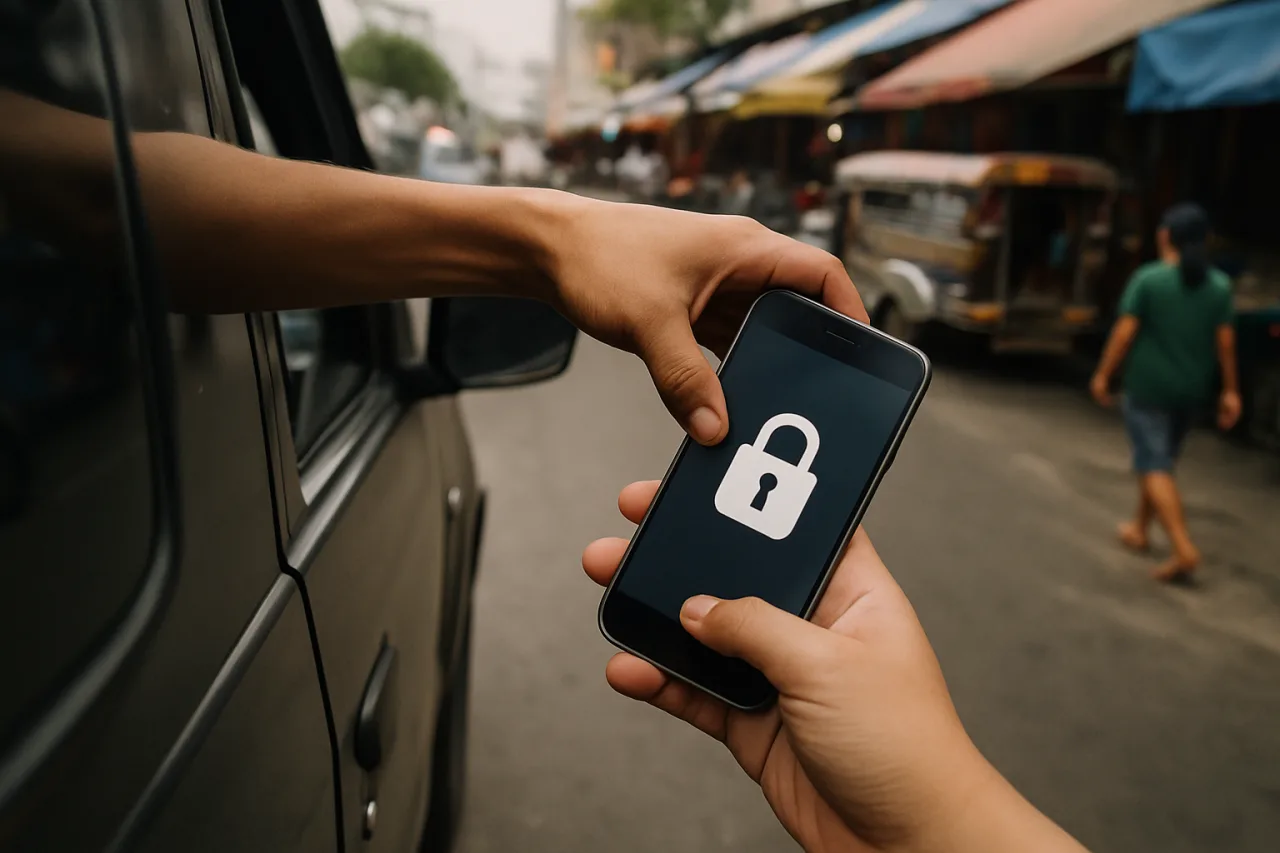
- 🚨 In the Philippines, a stolen phone is a wallet, a bank, and an identity in one hand — snatching crews work markets and jeepney routes precisely because one unlocked phone opens GCash, banking apps, and email at once.
- ⏱️ The response is a 20-minute lockdown sequence: lock the SIM line, freeze banking, wipe remotely, secure the recovery email — in that order, because each minute the phone stays live is the thief’s window.
- 📵 Pre-load the defenses now: SIM PIN, screen-lock beyond fingerprints, device tracking on, and a written “lost phone card” in your wallet with the numbers to call.
- 🏦 The banking layer: call the provider’s hotline to freeze, change your app PIN from another device, and file the police report banks require for dispute claims.
- 🔗 Completes the security cluster: SIM-swap defense, online-banking safety, and the AI account lockdown.

Table of Contents
Stolen phone security is a first-hour skill, and the snatch happens in seconds. The damage unfolds in the next hour, and it unfolds in a predictable order the crews know better than their victims do: SIM out of the stolen phone and into a burner before you finish filing the police report, banking apps pried open behind the screen-lock, the recovery email captured, and the family chat — with its remittance confirmations and its “send money to this new number” hooks — now in a stranger’s hands. A stolen phone is not a lost gadget; it is a master key to a Filipino household’s money. This piece is the counter-sequence: what to do in the first 20 minutes, what to pre-load this week so the sequence works, and the OFW layer for phones lost abroad.
The Stolen Phone Security Sequence: the First 20 Minutes
Sequence matters because some actions unblock others. Do them in this order:
- Minute 1-3: lock the SIM. Call your carrier (or use their app from any device) and have the line suspended. This kills SMS 2FA — the thief’s most valuable tool — and stops OTP interception dead. Globe: 730-1000. Smart: *888. Do this before anything else.
- Minute 3-8: freeze the money. From another phone or a laptop: change your GCash/banking app PIN, freeze cards in the bank’s app, and call the hotline to report the device. For GCash: the in-app freeze plus the 2882 hotline. Speed here beats elegance — a frozen account reopens in minutes once you have a replacement SIM.
- Minute 5-8: wipe remotely. Android: use Google’s Find My Device → Erase. iPhone: use iCloud’s Find My → Erase. Both work even if the phone is offline — the command fires when it next touches a network. Mark the device lost first (it locks the screen and shows a message), then erase.
- Minute 8-12: secure the email. The recovery email is the master key to everything else. Change its password from a clean device, sign out all sessions, and check the account’s security page for new logins or forwarding rules the thief may have set.
- Minute 12-15: file the report. The police blotter is not bureaucracy — banks and telcos require it for dispute claims and SIM reissue. Get the report number; you’ll quote it repeatedly.
- Minute 15-20: alert the family chat. Post the theft to the group yourself, from another device: “phone stolen, I will only message from this number, ignore money requests.” The impersonation scam starts inside your own chat threads — kill it with an announcement, not silence.
That is the sequence. Practiced once, it runs in twenty minutes; improvised at midnight, it fails at every step.
Pre-Load the Five Stolen Phone Security Defenses This Week
- 1. SIM PIN. A SIM PIN means a stolen phone’s SIM is useless in another handset — the thief can’t move your line to a burner to catch OTPs. Five minutes in settings, one time, forever. (This is also the SIM-swap defense‘s first layer.)
- 2. Biometric + strong screen lock, no notification previews. Banking apps behind the lock screen; notifications without message previews, because a lock screen that previews GCash OTPs is a self-defeating lock.
- 3. Find My Device / Find My iPhone verified ON. Not just enabled — verified, with the account you’d use to trigger it remembered from a second device.
- 4. The wallet card. A paper card in your actual wallet: telco hotlines, bank hotlines, your SIM number, the family contact to alert. When the phone is gone, the list in your head is gone too — paper survives the theft.
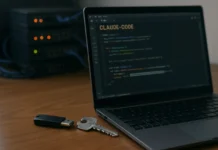
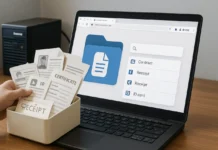
- 5. Recovery paths that don’t live on the phone. Backup codes printed and stored at home; a recovery email whose password isn’t saved in the phone’s browser. The thief gets the device; the family keeps the system.
The Banking Layer, Done Properly
The money apps deserve their own paragraph because they are the actual target. Sequence: freeze first (hotline or the bank’s app from another device), rotate credentials second (app PIN and linked-email password), document third (blotter report number, timeline of what you did and when — disputes hinge on prompt action). Philippine banks’ dispute processes now routinely honor app-based freezes, but the paper trail is what converts a freeze into a protected claim if unauthorized transfers already went out. The online-banking safety guide covers the standing habits; this sequence is the emergency version.
The OFW Layer: a Phone Lost Abroad
The stakes rise when the theft happens in Riyadh, Dubai, or Hong Kong: the SIM is foreign, the telco hotline is unfamiliar, and the family chat is the lifeline that just went dark. The sequence adapts: kill the email first (it works from anywhere and unblocks everything else), then use your PH bank’s app — which runs on any connection — to freeze accounts, then call the PH telco’s international line (Globe’s +632-730-1000 works from abroad) to suspend the SIM. Notify the family chat from a work phone or a teammate’s device. And the pre-load changes too: OFW phones should carry no banking apps on the lock-screen-accessible layer — keep finance apps inside a work profile or app-lock, because the phone that gets stolen abroad is usually taken with violence or stealth, and every minute of the thief’s head start compounds across a time zone. The travel cybersecurity kit article is the packing-list version of this layer, and the NTC’s SIM-registration guidance (ntc.gov.ph) covers the registration side.
The Thief’s Playbook, Named — So It Stops Working
Know the script because it is consistent: (1) keep the phone live and harvest OTPs from lock-screen previews or the SIM in a burner; (2) open money apps while the session cookies are warm; (3) hit the recovery email and quietly add the thief’s own recovery address — the move that survives even a password change; (4) message the family from the victim’s own chat apps with a payment emergency. Every step has a counter in the sequence above: SIM suspension kills step one, fast freezing kills step two, the email session-purge kills step three, and the family announcement kills step four. The script only works on the unprepared — preparation is the whole game, and it costs one evening.
Frequently Asked Questions (FAQ)
- Q: Can the thief use my GCash if the phone is locked?
- Screen locks and biometrics block casual access, but lock screens leak OTP notifications and thieves have workarounds for older Android builds. Treat a stolen phone as compromised: freeze accounts regardless of the lock, and rely on the SIM PIN to break the OTP chain.
- Q: Will remote wipe work if the phone is offline?
- Yes — the erase command queues and executes when the device next connects to any network. Mark it lost immediately so it locks in the meantime.
- Q: What do I do about a stolen phone’s eSIM?
- Contact the telco to deactivate that eSIM profile; eSIMs can’t be physically moved, but the profile can still receive SMS on the original device until deactivated.
- Q: Should I report to the NTC?
- The telco handles deactivation, but the police blotter is the document every institution asks for. File locally where the theft happened; for phones stolen abroad, the local police report plus your embassy’s assistance record serve the same purpose.
- Q: How do I protect the family from “me” while the phone is out?
- Announce from another device immediately, in the family chat itself: phone stolen, ignore money requests, contact me at this alternative number. The announcement must come before the scammer’s message does.
Financial Disclaimer: This article is for general information only and is not financial advice. Bank dispute and freeze procedures vary by institution; confirm current processes with your bank.