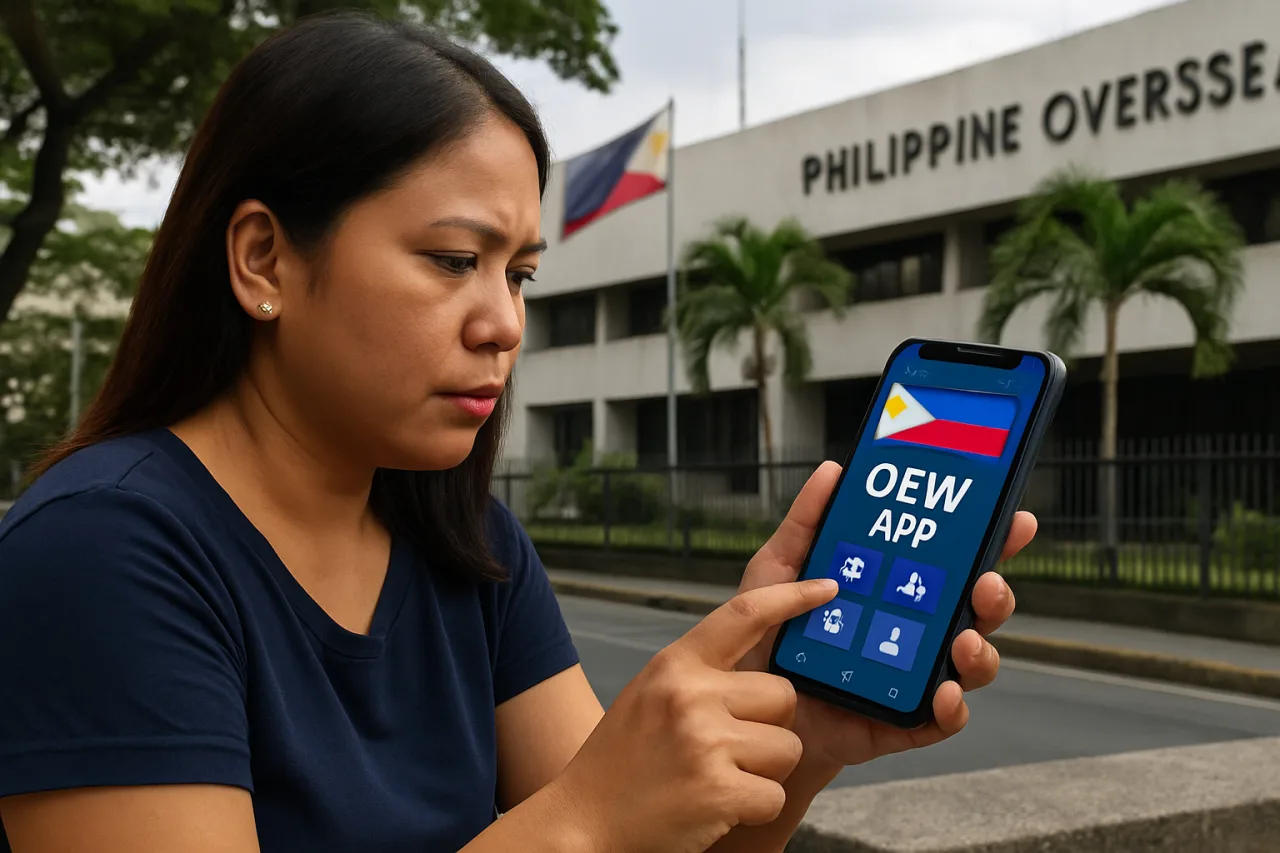
The OFW App ecosystem finally has a map: five official government applications now carry the overseas Filipino worker’s life in the phone — the DMW Mobile App that issues the OFW Pass, the DICT-built OFW App that puts benefits, contributions and job reporting in one screen, the OWWA Mobile App that runs membership and the e-Card, the welfare-check system Kumusta Kabayan, and the eGovPH super app where the returning worker’s Travel Pass actually lives. Workers download them one by one as problems appear, then never learn which app handles which life event — and the fixer economy and lookalike apps feed exactly on that confusion. This guide separates the five apps, states what each one handles and what it does not, walks the lifecycle of a deployment through their screens, covers the login failures and troubleshooting answers workers actually search, and closes with the safety rules for downloading government apps from abroad.
Key Takeaway
- 🗺️ Five official apps, one job each: DMW Mobile = identity and OFW Pass · OFW App (DICT) = benefits, contributions, jobs and reporting · OWWA Mobile = membership and the e-Card · Kumusta Kabayan = welfare check-ins and AKSYON requests · eGovPH = the super app holding the OFW Travel Pass.
- 🆓 All are free — and every fixer transaction built on the old queue system now dies against a free app flow.
- 📶 The lifecycle rule: outbound workers verify identity (DMW Mobile) and clearance (eGovPH); deployed workers carry membership (OWWA) and the welfare line (Kumusta Kabayan); vacationers renew (OWWA) and regenerate the pass (eGovPH).
- 🛠️ The troubleshooting law: login and KYC failures follow app-version rules — the OFW App’s own release notes improved the KYC and QR rendering lines — and the 1348 hotline remains the human layer when screens fail.
- 🛡️ The safety line: official store listings only — government apps are the subject of lookalike phishing builds, and an OFW’s phone holds exactly the identity data scammers want.
The map: five official apps and one super app
Readers should hold the architecture before the detail, because the naming chaos — OFW app, DMW app, OWWA app, Kumusta Kabayan, eGovPH — is really five tools with clean boundaries. The DMW Mobile App is the Department of Migrant Workers’ documentation app: e-registration, the OFW Pass QR credential, verification cross-referenced against the department’s database. The OFW App — built by the DICT’s eGovernment group, 100K-plus installs on Google Play — is the worker companion: benefits and contributions at a glance, abuse and health and immigration reporting, in-app job exploration, eTravel services, and government-service access. The OWWA Mobile App runs the welfare agency’s own layer: membership payments and renewal, membership status, and the e-Card rendering. Kumusta Kabayan, launched by DMW and OWWA in September 2025, is the welfare-check system that calls the worker directly — a survey app on living and working conditions, hotlines, and the AKSYON Fund request line. And eGovPH is the national super app — the one carrying the DMW’s Balik-Manggagawa service and the OFW Travel Pass generation inside it. One phone can hold all five; no single app does everything, which is why the guide exists.
The DMW Mobile App: identity and the OFW Pass
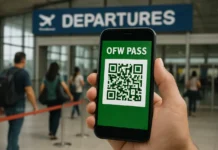
The DMW Mobile App is the identity rail of the system: it creates and holds the worker’s e-registration — the account every other documentation step reads — and it pilots the OFW Pass as the QR-code successor to the paper OEC. The app’s verification flow uploads basic information plus the passport and visa document photos, cross-references them against the DMW’s database, and issues the QR credential that immigration authorities verify at airport counters. The design intent, announced by the DMW during the app’s rollout, was to make the OFW Pass free and instantly verifiable — transaction-free documentation replacing the old paid queue era. For the returning-worker documentation flow (Travel Pass details, validity, the free-fee story), our OFW Pass guide covers the eGovPH route end to end; the DMW Mobile App’s e-registration itself is the first-run setup this guide’s lifecycle table references.
The OFW App: DICT’s worker companion
The OFW App — the DICT eGovernment build on Google Play with the package name ofw.app — is the broadest worker-facing tool of the five, and the one whose name creates most of the confusion: it is not the DMW app, and it does not issue the OFW Pass. What it does: a benefits-and-contributions screen that shows OWWA, SSS and Pag-IBIG standing at a glance; a reporting channel for abuse, health and immigration concerns; in-app job exploration; eTravel services integration; and access windows into other government services. Its release history matters to troubleshooting: version 1.1.3’s update notes describe an improved KYC process, updated QR rendering, and interface refresh — the exact areas the app’s user complaints cluster around. The app channels feedback to the DMW feedback address while its developer is the DICT’s eGovernment office — a useful fingerprint for workers checking they downloaded the official build rather than a lookalike.
The OWWA Mobile App: membership and the e-card
The OWWA Mobile App is the member-services rail: membership payment and renewal (USD 25 per two-year cycle), membership status lines, and the OWWA e-Card — the worker’s government-recognized ID — rendered digitally alongside the physical card claimed in person in Manila. The app exists on both Apple and Google stores, and its role in the family workflow is the quiet one: relatives in the Philippines cannot renew a worker’s membership status issues from their own phone without the worker’s credentials, but the app itself is where the renewal payment and status checks happen, at any hour, before any airport trip. Our OFW ID guide carries the full e-Card process — the app here is its rendering layer — and the broader SSS and Pag-IBIG benefit pieces ride the same family-account logic.
Kumusta Kabayan: the welfare check-in
Kumusta Kabayan — DMW and OWWA’s September 2025 launch — is the system that inverts the help direction: instead of the worker finding the state, the state calls the worker. The app connects to the shared OFW registration and case-management system, carries a survey on employment status and working conditions (whether the worker is receiving timely and correct salaries among them), holds the complete DMW and OWWA hotline directory including the 24/7 emergency line 1348, and carries the AKSYON Fund request channel — repatriation, legal, financial and reintegration assistance. The secretary’s framing at launch made the app’s purpose plain: every OFW should feel the state directly checking in — the new heroes’ welfare monitored, not assumed. For workers in distress, this app plus the 1348 line is the fastest official route documented in the system.
eGovPH: where the Travel Pass lives
eGovPH — the government’s national super app — is where the returning worker’s most important document now lives: the OFW Travel Pass, generated through the National Government Agencies section’s Department of Migrant Workers tab and its Balik-Manggagawa service. The super-app placement is deliberate: identity verification once, government services everywhere — and for the OFW, one registration now serves pass generation, among the rest of the national e-government stack. Workers should understand the split this creates: DMW Mobile holds the e-registration and the OFW Pass pilot; eGovPH holds the returning worker’s Travel Pass flow. The apps interlock through the same underlying record, which is why a completed identity check in one speeds the other.
Which OFW app for which life event
- Outbound (first deployment): DMW Mobile for e-registration and identity; the agency or DMW appointment for contract verification; the traditional OEC route for first exits — the apps support the paperwork, the appointment completes it.
- Deployed (mid-contract): OWWA Mobile for the membership status the e-Card reads; Kumusta Kabayan for check-ins, hotlines and any AKSYON request; the OFW App for the benefits overview and job moves.
- Vacation or renewal (between contracts): eGovPH to generate the fresh OFW Travel Pass close to the return flight; OWWA to renew if the two-year cycle is due; DMW Mobile if records need updates before generation.
- Return for good (final phase): Kumusta Kabayan and 1348 for the repatriation and reintegration lanes; the OFW App’s contributions overview for the pension planning; the SSS and Pag-IBIG guides for the paperwork that follows.
Troubleshooting: logins, KYC and QR failures
The complaint clusters workers actually report — and the fixes that belong to each. Login failures: accounts created on the old POEA or DMW online services log into the new apps with the same email — creating a duplicate account is the most common self-inflicted failure. KYC failures: the OFW App’s improved KYC arrives with app updates — an outdated install fails identity checks the current version passes; update from the official store listing before troubleshooting anything else. QR rendering issues: the same release-notes pattern — the update line that improved QR rendering exists precisely because older versions render the pass unreliably on some devices; regenerate after updating. Status not updating: membership payments made at counters abroad lag the app’s status line by processing time — the receipt is the proof of record while the sync completes. And the human layer when screens fail: the 1348 hotline — 24/7 — plus the feedback channel the apps themselves carry. Every fixer pitch for “app problems” starts where these free fixes end.
Safety: download rules from abroad
Government apps abroad face a specific threat: lookalike builds that copy the name and collect the identity data. The download discipline that protects the worker mirrors our broader mobile-security guidance. Download only from the official App Store and Google Play listings; verify the developer line (DICT eGovernment for the OFW App; the departments for their own apps); never trust an APK file sent through messaging apps — the “official app via link” message is a known lure pattern; and if a government app ever asks for a payment inside a chat screen, that is the scam telling on itself — payments run inside the apps’ own listed flows or at counters with receipts. The OFW’s phone carries passport photographs, visa documents and membership records — the exact dataset identity-thieves monetize; the download rules are the first lock. Our GCash and Maya security guide extends the same defense to the money apps, and the identity-theft recovery runbook closes the loop if anything slips.
FAQ
What is the OFW App and who made it?
The OFW App is the Philippine government’s worker-companion application built by the DICT’s eGovernment group (Google Play package name ofw.app, 100K-plus installs). It shows OWWA, SSS and Pag-IBIG benefits and contributions at a glance, carries abuse/health/immigration reporting, in-app job exploration and eTravel services. It is not the DMW app and does not issue the OFW Pass.
Which OFW app issues the OFW Pass exit clearance?
Two rails: the DMW Mobile App pilots the OFW Pass as a QR credential, and for returning workers the OFW Travel Pass is generated inside the eGovPH super app through the Department of Migrant Workers tab’s Balik-Manggagawa service. Both are free and draw on the same employment record.
Is the OWWA membership renewal available in the OFW App?
The OWWA Mobile App — OWWA’s own application — carries the membership payment, renewal and status lines, plus the e-Card rendering. The DICT’s OFW App surfaces the benefits overview; the member transactions run through OWWA’s layer, at an MWO abroad, or at OWWA offices in Manila.
The OFW App login is not working — what should I try?
First: log in with the email used on any old POEA or DMW online-services account instead of creating a new one. Second: update the app from the official store — version updates fixed the KYC and QR lines that cause most failures. Third: use the in-app feedback channel or the 1348 hotline when the screen layer still fails.
What is the Kumusta Kabayan app for?
Kumusta Kabayan is DMW and OWWA’s welfare-check system — launched September 2025 — that directly checks in with OFWs: a survey on working and living conditions, the full hotline directory including the 24/7 emergency line 1348, and the AKSYON Fund request channel for repatriation, legal, financial and reintegration assistance.
Are the government OFW apps free — and safe to download?
Yes — all five (DMW Mobile, OFW App, OWWA Mobile, Kumusta Kabayan, eGovPH) are free at their official App Store and Google Play listings. Download only from the official stores, verify the developer line, never install an APK sent by message, and treat any chat-based payment request inside a government-app conversation as the scam signal it is.