Key Takeaway
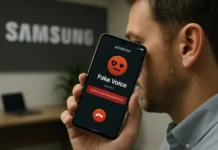
- 🍂 The BER months scam Philippines season is here — remittance traffic, shopping spend, and scam volume all rise together in the Philippines from September to December.
- 🏦 Regulators already moved: the Anti-Financial Account Scamming Act (RA 12010) forced banks and GCash to kill SMS one-time passwords — in-app OTPs went nationwide June 22, 2026.
- 🛡️ The defense is a stack, not a habit: bank-level locks, device DNS protection, a real-time phishing shield like NordVPN’s Threat Manager, and a 60-second verification script.
- 🧪 Spoofed sender names are not proof: fake “BDO” and “BPI” texts arrive inside real message threads — the only verification that works is calling the bank yourself.
- ⏱️ Configure once, before your wave arrives: the full setup below takes about 20 minutes and covers the whole season.
Table of Contents
BER months scam season in the Philippines starts every September — the country’s most generous and most dangerous financial stretch. The BER months scam calendar in the Philippines is as predictable as the holidays themselves: as soon as “ber” appears in the month, the texts start. Remittances spike for Christmas, shopping moves online, bonuses land in accounts, and the scam industry scales up to intercept all of it. This year the banks opened the season with unusually blunt BER months scam Philippines warnings: BDO has been pushing its #BDOStopScam reminders across every application flow, BPI has flagged phishing waves using fake transaction alerts, and the Bangko Sentral ng Pilipinas itself has issued fresh warnings about scammers impersonating its officials — most recently misusing the name of Monetary Board Member Benjamin Diokno in fraudulent donation messages. The advice you’ll see in most feeds stops at “be careful.” This article refuses to end there, because a reminder is not a defense, and the BER months scam Philippines wave does not lose to caution. Below is the complete defense setup — bank controls, phone configuration, DNS and phishing protection, and a verification script — that a Filipino professional or OFW can finish in one sitting, before the first scam text of the season lands.
BER months scam Philippines: Why the Season Is Different — the Seasonal Scam Economy
Scam volume in the Philippines is seasonal because money movement is seasonal — the BER months scam Philippines economy tracks remittance data almost in lockstep. From September to December, overseas Filipinos send more money home than at any other time of year, e-commerce spending climbs toward its annual peak, and banks push year-end promos that fill inboxes with legitimate-looking messages. Every one of those patterns is raw material. A remittance confirmation email arrives — except it’s fake. A “BDO” text says your account needs re-verification before holiday spending. A “BPI” message reports a ₱24,500 transaction you didn’t make, with a click-here-to-dispute link. A “BSP official” calls about a “fraudulent account in your name.” The scams don’t get smarter every year; they get more seasonal, better timed, and better dressed.
The scale justifies the paranoia: after PNP’s AI-fraud tracking earlier this year and the country’s experience with SIM-swap phishing waves, the financial sector’s own regulator moved from advisories to enforcement. The Anti-Financial Account Scamming Act — Republic Act 12010, signed July 2024 — gave the BSP, NBI, and PNP powers to pursue money-mule accounts and issue cybercrime warrants. And one of its implementing directives is the reason your phone changed this year: financial institutions had to phase out SMS-based one-time passwords by June 2026.
The Biggest Change of 2026: SMS OTPs Are Dead — In-App OTPs Won
On June 22, 2026, GCash completed its national switch from SMS OTPs to in-app one-time passwords — verification codes now arrive as push notifications inside the authenticated GCash app itself, not as text messages (Context.ph, June 5; ABS-CBN, June 8). The shift aligns with the BSP directive under AFASA requiring financial institutions to phase out SMS-based OTPs, and the logic is simple: a text message can be intercepted, spoofed, or manipulated through SIM-related fraud; a push notification delivered only to your verified device inside your logged-in app cannot be faked by a scammer with a spoofed sender ID.
Here’s why this matters to your BER defense: the classic PH bank scam is a fake OTP request — “someone is trying to log in, send us the code.” With in-app OTPs, a code that arrives by SMS is now automatically suspicious, because GCash no longer sends codes that way. Turn it into a rule: any OTP in a text message, for any account, in 2026 = red flag. Legitimate services either push codes in-app or you’re interacting with a fake. That single rule neutralizes an entire category of scams — and it’s the kind of structural defense this guide is about, rather than willpower.
Layer 1 — Bank and Wallet Controls (Do These Today)
Before any device settings, lock the money itself. BDO’s #BDOStopScam online-banking security page and BPI’s advisories converge on the same checklist, and every bank app now implements it:
- Turn on every transaction alert — push notifications, email confirmations, and (where offered) SMS as backup. You want to see fraud in minutes, not on statement day.
- Set daily transfer limits in your banking apps to an amount you’d tolerate losing in the worst hour — then lower them. The limit is a blast radius, not a target.
- Lock cards you don’t use. Card lock/unlock toggles exist in BDO, BPI, and GCash apps; a locked card can’t be drained at 3 a.m. by a stolen number.
- Enable in-app OTP and push notifications in GCash (Help Center: “In-app OTP lets you receive GCash OTPs in real-time through push notifications, not SMS”) — and keep the app updated; the anti-fraud improvements arrive in updates.
- Save your banks’ official hotlines in your contacts by hand — never from a message. The hotline printed on your card and on the official website is the only hotline that exists.
Layer 2 — the Phone: Where Most BER months scam Philippines Attacks Actually Land
Between your bank and the scammer sits a device you probably haven’t audited since last BER season. The scam texts of 2026 arrive dressed as parcel notifications, e-wallet verifications, bank disputes, even government relief messages — and the ones that succeed exploit phone settings, not user stupidity. The audit takes 15 minutes — and it is where most BER months scam Philippines losses are decided:
- Update the operating system. This year’s iOS 27 lesson (we covered the connectivity trap in our NordVPN iOS 27 guide) proved that even default settings can quietly route your traffic around protection — review what changed after the update.
- Turn off “install unknown apps” permissions on Android; scam links still try to walk users into sideloading “bank security” APKs.
- Kill notification previews on the lock screen — OTP previews visible on a lock screen are shoulder-surfing material in jeepneys and offices alike.
- Stop clicking SMS links entirely. BDO’s own StopScam reminder: “Don’t click links from random emails and text messages. Only use official BDO apps or go to bdo.com.ph.” Type the bank’s address yourself; bookmark it once; never navigate from a message again.
Layer 3 — DNS and Real-Time Phishing Protection: Where NordVPN Earns Its Place
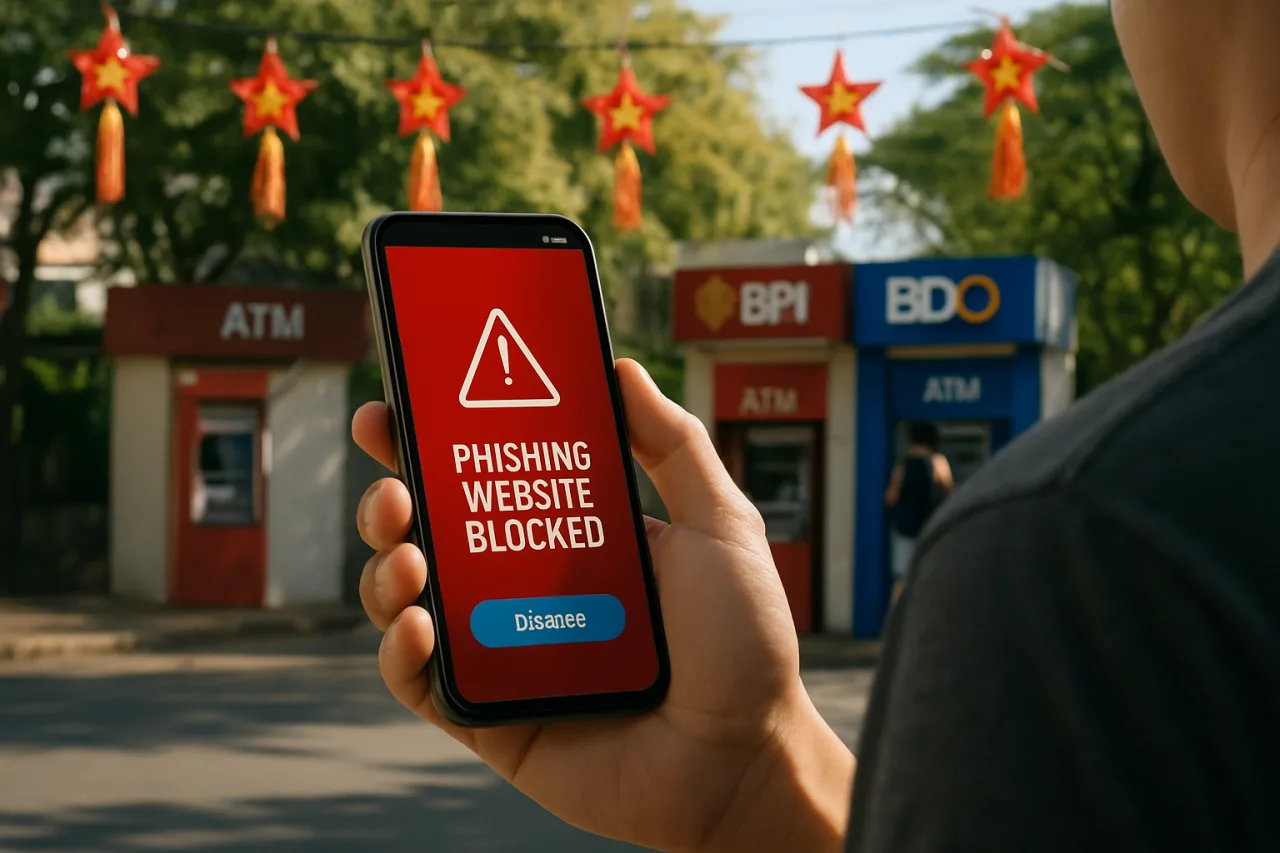
The most damaging BER scams are phishing pages — pixel-perfect copies of your bank’s login screen, hosted on a fresh domain that didn’t exist last week. Anti-virus databases can’t keep up with domains that live for hours. What can keep up is a service that inspects every connection your phone makes in real time and refuses the malicious ones.
This is where a next-generation antivirus and privacy suite like NordVPN stops being “a travel tool” and becomes part of your financial security stack. Two capabilities do the work: Threat Manager’s real-time phishing protection, which checks sites against continuously updated blocklists the moment your browser or an app tries to open them; and encrypted DNS, which prevents the quieter attack — a compromised network or ISP-level redirect silently swapping your bank’s domain for a lookalike. On hotel WiFi in Singapore or mall WiFi in Makati, where the remittance-season traveler spends money, that second layer is the difference between your credentials going to your bank and going to a scammer’s database.
Setup takes two minutes: install the app, sign in, and leave the protection toggle always-on (on iOS 27, choose the “Only with VPN” connectivity mode as we detailed in the iOS guide). One subscription covers six devices — the phone you bank on, the laptop you file taxes from, and the tablet your kids use for school — which makes it the rare defense that covers a whole OFW household at once. The honest comparison: banks protect their own apps’ sessions; a real-time protection suite covers every app and browser moment between you and them, including the moments the banks don’t own.
Layer 4 — the 60-Second Verification Script
When a message claims to be your bank, your e-wallet, or the BSP, run this script before any other action. It fits in a notes app and takes one minute:
- Step 1: Ask what it wants. A link, a code, a “confirm,” an “OTP resend,” a payment — any request for action = treat as hostile until verified. Real banks never need your OTP, PIN, or password by message.
- Step 2: Check the ask against the channel. Open the official app yourself (not from the message) and check whether the alert exists there. A real flagged transaction shows in-app; a fake one exists only in the SMS.
- Step 3: Call the saved hotline. Not a number in the message — the one you saved in Layer 1. Say the phrase: “I received a message claiming to be from you. Is it legitimate?” Banks would rather verify a thousand real messages than miss one victim.
- Step 4: Report it. Forward scam texts to your bank’s official scam-reporting channel and to the NTC reporting lines. BDO collects them under #BDOStopScam; BSP asks for impersonation reports through its official channels. Every report trains the takedown machine that protects the next person.
That is the whole script.
The script’s power is that it converts a moment of panic (“did someone use my account?!”) into a checklist. Scammers manufacture urgency precisely because urgency skips verification; the script is how you refuse to skip it.
The BER months scam Philippines Threat Board: What’s Circulating This Season
Based on the advisories and takedowns logged through September, these are the active BER months scam Philippines playbooks your setup must survive: fake transaction-alert phishing (BPI-style spoofed sender names, urgency + dispute link); official impersonation (BSP officials’ names and photos in donation and “account verification” messages); mule-account recruitment (“rent your account for easy income” — now a crime under AFASA RA 12010 with real penalties); fake e-wallet verification (SMS-borne “GCash” codes, now automatically suspect after the in-app OTP switch); and investment-group recruitment (Facebook-flavored “IPO allocations” and “guaranteed returns” — the legitimate GCash IPO needs no middleman, as our application walkthrough makes clear). Notice the common spine: every playbook manufactures urgency and offers a link. The stack above attacks that spine from three directions — alerts that show truth, DNS that blocks redirects, and a script that slows the click.
For OFWs: the BER months scam Philippines Remittance-Rush Layer
September-to-December is also when families’ money moves most — and scammers know the calendar as well as the banks do. Three additions for the OFW household: agree on a family code word for genuine emergencies (any “I’m stranded, send money” message without the code is fake — this kills the eldest-scam that targets OFW parents); send through locked channels only (the remittance platforms compared in our fees guide, never “new” services that arrive by DM); and brief the receivers — the person in Batangas who receives your remittance is the softest target in the chain and the one scammer scripts target most. A five-minute family call this week — covering the code word, the “no OTP sharing” rule, and the hotline list — protects the whole chain better than any single app setting.
The OFW Family Drill: One Meeting, Whole-Season Protection
Settings protect accounts; drills protect people. Before the remittance rush peaks, run one family video call and walk the household through the same three scenarios the scammers will run: the fake “your son is stranded” emergency (answer: the code word test), the fake bank dispute on the remittance you just sent (answer: hotline, not the message), and the “claim your IPO allocation” offer (answer: there is no allocation without the official app — see our IPO signal guide). Write the three answers in the family group chat after the call, so the rule survives the moment of panic. The scammers’ entire business model depends on your family not having done this one call.
Fifteen minutes of theater beats a season of explanation.
Finish the season strong: bookmark the BSP advisories page, check your bank app’s security settings monthly (they add new controls quietly), and treat every “ber” month as a fresh reminder that the full BER months scam Philippines defense stack — bank locks, device hygiene, real-time phishing protection, and the verification script — is what stands between a season of giving and a season of regrets. The BER months scam wave arrives on schedule every year; so can your defenses.
The BER months scam Philippines Defense Stack, Recapped
Everything above compresses into one season-proof checklist: bank alerts on and transfer limits set, cards locked, in-app OTP rule enforced (“any OTP by SMS = red flag”), phone OS updated and lock-screen previews off, real-time phishing protection and encrypted DNS always-on, the 60-second verification script saved in your notes, and one family drill before the remittance rush peaks. Configure it once this week and the entire BER months scam Philippines season runs against a stack, not a hope.
Financial Disclaimer: This article is for general information and education, not personalized financial or security advice. Product features, pricing, and promotions mentioned (including NordVPN) are subject to change by their providers. WorldNgayon.com is not a bank, broker, or financial adviser; always verify details with your bank, the BSP, and official government channels before acting.
Frequently Asked Questions
What is the BER months scam Philippines wave?
The The BER months scam Philippines wave is the September-to-December period when scam activity peaks alongside holiday remittances and shopping. Bank warnings (BDO #BDOStopScam, BPI advisories, BSP impersonation alerts) intensify because text-message phishing, fake transaction alerts, and impersonation scams all surge with the season’s money movement.
Why did GCash stop sending OTPs by SMS?
GCash completed its shift to in-app OTPs on June 22, 2026, following the BSP directive under the Anti-Financial Account Scamming Act requiring financial institutions to phase out SMS-based authentication. Push-delivered codes go only to your verified device, closing the interception and spoofing routes scammers used in SMS. A bank code arriving by text today is itself a red flag.
What should I do if I receive a scam text from “my bank”?
Run the 60-second script: don’t act on the message, open your bank’s official app to check whether the alert is real, call the hotline you saved yourself, and report the message through the bank’s official channel. Never use contact details contained in the suspicious message itself.
How does a VPN help against phishing scams?
A security suite like NordVPN provides real-time phishing protection through Threat Manager, blocking connections to known malicious pages, and encrypted DNS that prevents network-level redirects to lookalike bank sites. Banks protect their own apps; the suite covers every browser session and app connection between you and them — including public Wi-Fi during BER-season travel.
Are money-mule accounts really illegal?
Yes — renting out your bank or e-wallet account is criminalized under Republic Act 12010, the Anti-Financial Account Scamming Act. The “rent your account” offer is itself the scam: the mule becomes the criminal trail’s first arrest, not its investor.
How do I verify a message claiming to be from BSP?
The BSP does not message individuals about accounts, donations, or verification. Any such message is fake by construction. Cross-check announcements only through bsp.gov.ph or its official social accounts, and report impersonation attempts through its official channels.
Disclosure: This article contains a sponsored affiliate link. If you subscribe through it, WorldNgayon may earn a commission at no additional cost to you. We recommend only tools we would configure on our own family’s phones.