Table of Contents
Key Takeaway
- 🐛 USB Worm Threat: A newly discovered USB worm is spreading crypto-stealing malware through weaponized Windows shortcut (.lnk) files — targeting cryptocurrency wallets and remittance apps.
- 🔄 Self-Spreading: Once a user plugs in an infected USB drive, the worm automatically copies itself to every other USB device connected to that PC — spreading without user interaction.
- 💰 Crypto Clipper: The malware includes a “clipper” module that monitors the clipboard for cryptocurrency wallet addresses and silently replaces them with the attacker’s address during transactions.
- 🇵🇭 OFW Risk: Many OFWs use USB drives to transfer files between work computers and home devices. Those who use crypto wallets or remittance apps are at direct risk of losing funds.
- 🛡️ Protection: Disable USB autorun, avoid using unknown USB drives, verify wallet addresses before sending, and use hardware wallets for significant crypto holdings.
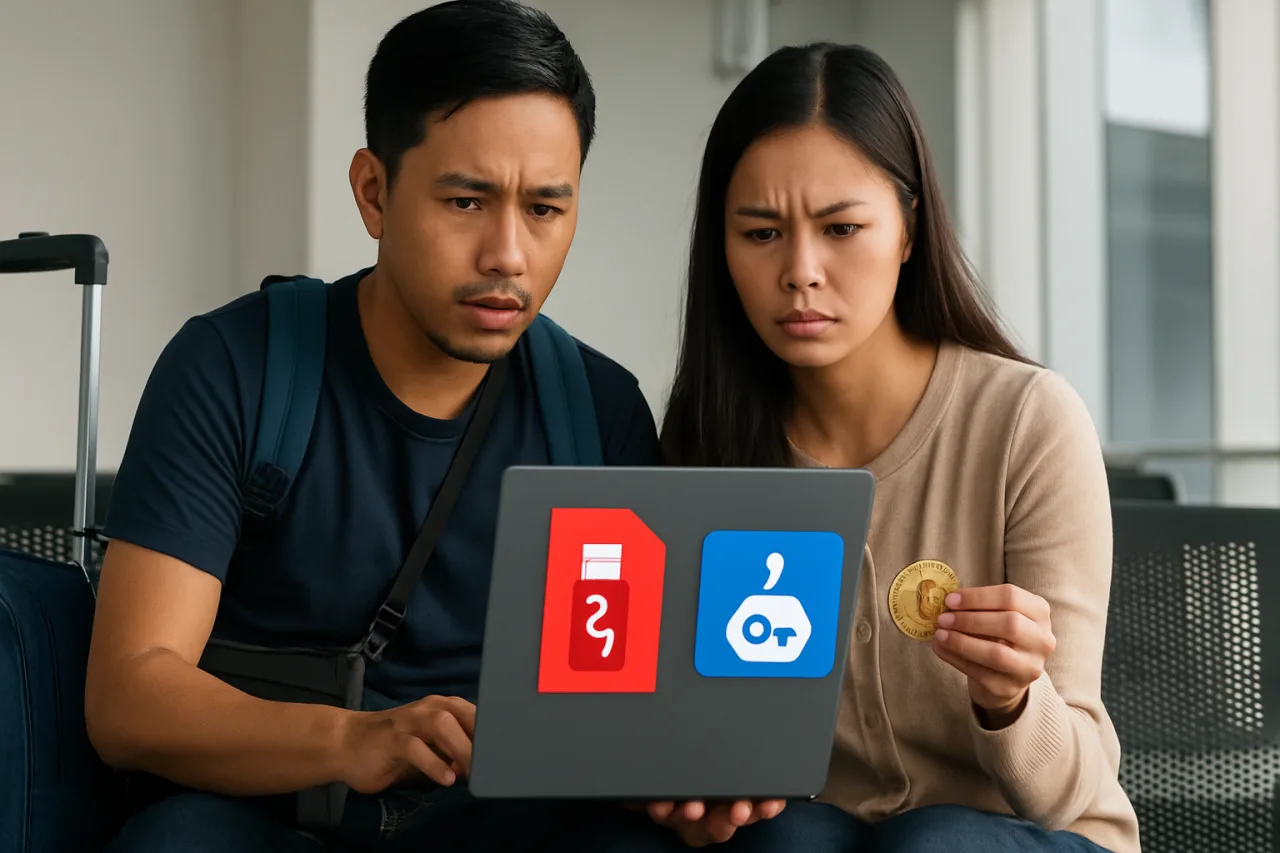
A dangerous new USB worm crypto malware campaign is targeting cryptocurrency users worldwide — and OFWs who rely on digital wallets and remittance apps are in the crosshairs. The usb worm crypto malware threat is real and growing. First discovered by Microsoft’s security team in June 2026, the malware spreads through weaponized Windows shortcut files on USB drives, silently installing a crypto-clipper that steals digital assets by manipulating clipboard data. For the millions of overseas Filipino workers who use cryptocurrency for remittances or savings, this USB worm crypto malware represents a direct threat to their hard-earned money.
The attack, reported by BleepingComputer and confirmed by Microsoft, has been active since at least February 2026. Threat actors have been distributing infected USB drives through various channels — including leaving them in public places, mailing them to targeted individuals, and selling compromised USB devices through online marketplaces. Once a single user plugs in an infected drive, the USB worm crypto malware begins its silent spread.
How the USB Worm Crypto Malware Works
The USB worm crypto malware uses a multi-stage attack chain that combines old-school USB propagation with modern cryptocurrency theft techniques. Understanding how it works is essential for OFWs who regularly use USB drives and digital wallets.
Stage 1 — Initial Infection: The attack begins when a user plugs in a USB drive containing weaponized Windows shortcut (.lnk) files. These shortcut files are disguised to look like legitimate documents, photos, or folders. When the user double-clickes what appears to be a normal file, the shortcut executes hidden malware code instead of opening the expected content.
Stage 2 — Worm Propagation: Once executed, the malware installs two components on the victim’s PC: a worm module and a clipper module. The worm module continuously monitors for newly connected USB drives. When a clean USB drive is plugged in, the worm copies itself along with the weaponized shortcut files — creating a self-perpetuating infection chain. Every USB drive that touches an infected PC becomes a new infection vector.
Stage 3 — Crypto Clipping: The clipper module runs silently in the background, monitoring the Windows clipboard for cryptocurrency wallet addresses. When the user copies a wallet address to send funds (for example, when sending remittances through a crypto app), the clipper detects the address pattern and instantly replaces it with the attacker’s wallet address. The user pastes what they believe is the correct address — but the funds go to the attacker instead.
Stage 4 — Data Exfiltration: Beyond clipboard manipulation, the malware also harvests browser cookies, saved passwords, and cryptocurrency wallet files from the infected PC. This data is exfiltrated to attacker-controlled servers, potentially giving them access to exchange accounts, remittance apps, and other financial services.
The entire USB worm crypto malware infection chain is designed to be invisible. Users typically don’t realize their USB drive is infected, don’t notice the clipboard manipulation, and don’t discover the theft until the funds are long gone.
Why OFWs Are at High Risk
Overseas Filipino workers face elevated risk from USB worm crypto malware for several reasons that make them particularly attractive targets:
USB Drive Usage: Many OFWs regularly use USB drives to transfer files between work computers, internet cafés, and home devices. In countries with limited internet access, USB drives are a primary method of file sharing. Each USB connection is a potential infection point.
Crypto Remittances: A growing number of OFWs use cryptocurrency for remittances — sending USDT, Bitcoin, or other digital assets to families in the Philippines through services like Coins.ph, Binance, or direct wallet transfers. The clipboard manipulation technique directly targets this behavior.
Shared Computers: Many OFWs share computers at work, in dormitories, or at internet cafés. A single infected USB drive can spread the worm to every computer in a shared environment — and every user of those computers becomes a potential victim.
Limited Security Awareness: Not all OFWs have access to cybersecurity training or up-to-date antivirus software. The USB worm crypto malware exploits this gap, relying on users not recognizing the threat until it’s too late.
As we reported in our crypto clipper malware investigation, clipboard-stealing malware has been a persistent threat to OFW cryptocurrency users. The USB worm variant makes this threat significantly more dangerous by adding self-spreading capability.
Microsoft and Security Researchers’ Response
Microsoft’s security team has confirmed the USB worm crypto malware threat and issued guidance to Windows users. The company has updated Microsoft Defender to detect the worm’s signature and the weaponized shortcut files. However, security researchers note that the malware authors are already adapting their techniques to evade detection.
CybersecurityNews reported that the malware uses Tor for command-and-control communications, making it difficult for law enforcement to track the attackers. The Tor network anonymizes the connection between the infected PC and the attacker’s server, allowing the malware to receive updates and exfiltrate data without revealing the attacker’s location.
Key security recommendations from researchers include:
- Disable USB autorun: Prevent Windows from automatically executing code when USB drives are connected. This is the single most effective defense against USB worm propagation.
- Scan USB drives before use: Always scan USB drives with updated antivirus software before opening any files. Pay special attention to .lnk (shortcut) files.
- Show file extensions: Configure Windows to show full file extensions. This makes it easier to spot suspicious files like “document.pdf.lnk” that are disguised as PDF files.
- Use hardware wallets: For significant cryptocurrency holdings, use hardware wallets (like Ledger or Trezor) that require physical confirmation for transactions. This prevents clipboard manipulation from succeeding.
- Verify addresses: Always verify the first and last few characters of a cryptocurrency wallet address before sending funds. Clipboard malware changes the middle characters while keeping the beginning and end similar.
How to Protect Your Crypto from USB Worm Malware
For OFWs who use cryptocurrency for remittances or savings, protecting against USB worm crypto malware requires a combination of behavioral changes and technical safeguards:
- Stop using unknown USB drives: Never plug in USB drives you find in public places, receive in the mail, or get from untrusted sources. If you must use a shared USB drive, scan it thoroughly first.
- Disable USB autorun completely: Go to Group Policy Editor (gpedit.msc) → Computer Configuration → Administrative Templates → Windows Components → AutoPlay Policies → Turn off AutoPlay → Enabled. This prevents automatic execution of USB malware.
- Use a dedicated device for crypto: If possible, use a separate device (phone or computer) exclusively for cryptocurrency transactions. Don’t use this device for general web browsing, email, or file downloads.
- Verify every transaction: Before sending any cryptocurrency, manually verify the recipient address character by character. Don’t rely solely on copy-paste — type the first and last few characters manually to confirm.
- Keep software updated: Ensure Windows, your antivirus, and your cryptocurrency apps are always updated. Security patches frequently address vulnerabilities that malware exploits.
- Use a hardware wallet: For any significant crypto holdings, invest in a hardware wallet. These devices require physical button presses to confirm transactions, making clipboard manipulation ineffective.
- Monitor your wallet: Regularly check your cryptocurrency wallet transaction history. If you see unauthorized transactions, immediately transfer remaining funds to a new wallet and report the theft.
As we noted in our OFW digital safety guide, cryptocurrency security requires the same level of vigilance as traditional banking — if not more. The irreversible nature of crypto transactions means that once funds are sent to an attacker’s wallet, recovery is nearly impossible.
What You Don’t Know: The Physical-Digital Threat Convergence
The USB worm crypto malware represents a worrying trend in cybersecurity: the convergence of physical and digital attack vectors. Security researchers are concerned about what this means for the future of malware:
Supply Chain USB Attacks: Beyond random USB drops, attackers are now compromising USB devices at the manufacturing or distribution level. Infected USB drives have been found in branded packaging from reputable manufacturers. This means even “new” USB drives from “trusted” sources could be compromised.
USB Killer Attacks: A related threat uses USB devices designed to physically destroy computers by sending high-voltage power surges through the USB port. While not directly related to crypto theft, USB killer devices demonstrate how the USB port can be weaponized beyond data theft.
Air-Gap Bypass: The most concerning aspect of USB worm malware is its ability to bypass air-gapped networks — computers that are physically isolated from the internet for security. Government agencies, military installations, and financial institutions use air-gapped systems for sensitive operations. USB worms can bridge this gap, infecting isolated systems and exfiltrating data when the USB drive is later connected to an internet-connected device.
OFW Remittance Kiosks: In countries with large OFW populations, remittance kiosks and money transfer services sometimes use USB drives for data transfer between systems. If these USB drives become infected with crypto-clipper malware, every transaction processed through the compromised system could be affected — potentially stealing from hundreds of OFWs simultaneously.
The USB worm crypto malware is a reminder that cybersecurity is not just about software — it’s also about physical security. Every USB port is a potential attack surface, and every USB drive is a potential weapon.
The Rising Cost of USB Attacks: According to IBM’s 2026 Cost of a Data Breach Report, USB-borne malware attacks cost organizations an average of $4.45 million per incident. For individual OFWs, the cost can be equally devastating — a single successful crypto-clipping attack can wipe out months of savings sent home to families. The USB worm crypto malware variant makes these attacks more accessible to less sophisticated attackers, lowering the barrier to entry for cybercrime.
FAQ
What is USB worm crypto malware?
USB worm crypto malware is a type of malicious software that spreads through USB drives using weaponized Windows shortcut files. Once installed, it includes a crypto-clipper module that monitors your clipboard for cryptocurrency wallet addresses and replaces them with the attacker’s address during transactions, stealing your digital assets.
How does the USB worm spread?
The worm automatically copies itself to every USB drive connected to an infected computer. When someone plugs that infected USB drive into another computer, the malware spreads to the new machine. This creates a self-perpetuating infection chain that can spread rapidly through shared computers and USB drives.
Can antivirus detect USB worm crypto malware?
Microsoft Defender and most major antivirus products have been updated to detect known variants of this USB worm crypto malware. However, malware authors continuously update their code to evade detection. Keep your antivirus updated and practice safe USB habits regardless of your antivirus status.
How can OFWs protect themselves from USB malware?
Disable USB autorun, scan all USB drives before use, avoid unknown USB drives, verify cryptocurrency addresses manually before sending, use hardware wallets for significant holdings, and keep your operating system and antivirus updated. Read our OFW digital safety guide for comprehensive protection.
What should I do if I suspect USB malware infection?
Immediately disconnect from the internet, run a full antivirus scan, check your cryptocurrency wallet for unauthorized transactions, and change passwords for all financial accounts accessed from the infected computer. If you’ve recently sent cryptocurrency, check the transaction on a blockchain explorer to verify the recipient address.
Is cryptocurrency remittance still safe for OFWs?
Cryptocurrency remittance remains safe when proper security practices are followed. Use reputable exchanges, enable all security features, verify addresses manually, use hardware wallets for large amounts, and keep your devices updated. The key is treating crypto security with the same seriousness as traditional banking — USB worm crypto malware is a threat, but it’s a manageable one with the right precautions.
This article is for informational purposes only and does not constitute cybersecurity or financial advice. Information sourced from BleepingComputer, Microsoft Security, CybersecurityNews, CoinDesk, and VPN Central (as of June 2026).