Key Takeaway
- 📺 StreamRat Android malware via real ads: Criminals bought TikTok and Meta advertising a free TV-streaming app (“Steamtv”) — the ad system itself delivered the malware to roughly 570,000 users.
- 🤖 What StreamRat does: It’s a full Android takeover kit — Accessibility abuse, screen capture, keylogging, credential overlays, hidden-screen (black screen) control, and VNC remote access.
- 🎯 Who was targeted first: Spanish-speaking users, mostly in Spain — but the same ad banners also ran on TikTok, and language is just a rotation setting.
- 🔍 The red flag: “Free premium TV” apps are a recurring malware lure — verify every app against the Play Store listing, never sideload from an ad link.
- 🛡️ Your defense: Play Protect on, Accessibility permissions audited monthly, and app installs only from official stores.
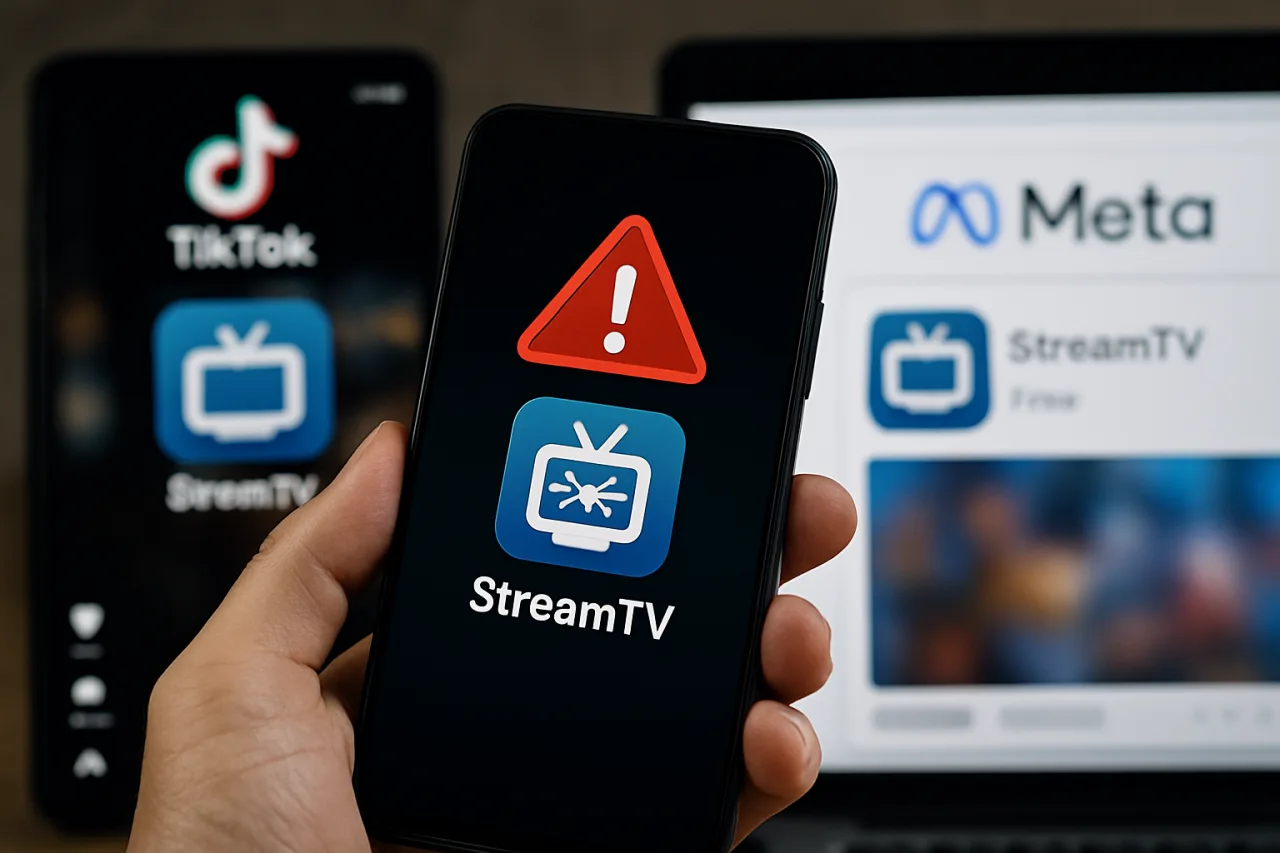
StreamRat Android malware marks a grim milestone in the malvertising era: the campaign didn’t slip through the ad platforms — it bought its way in. ThreatFabric researchers documented how a threat actor ran paid ads impersonating a free TV-streaming service, reaching approximately 570,000 Meta users, with the same banners distributing the trojan through TikTok. The ads looked like every other promotion in your feed. That’s precisely the problem.
Here is what the StreamRat Android malware actually does, how the two-stage install works, why Android’s accessibility powers make it so dangerous, and the checks that keep your phone — and your family’s phones — out of the 570,000.
How the StreamRat Android Malware Campaign Worked
The StreamRat Android malware campaign began with a lure every sports fan recognizes: free access to premium TV. ThreatFabric’s researchers, monitoring Meta’s ad ecosystem in late July 2026, spotted a campaign named “Steamtv Esp.” — a phishing page targeting Spanish-speaking users with the promise of a free TV-streaming service. The StreamRat Android malware campaign was polished from day one: streaming-themed banners indistinguishable from legitimate IPTV promos.
The reach was the headline: roughly 570,000 potential victims saw the Meta campaign, which ran from June 11 through July 3, 2026 — and the same banners also ran on TikTok. Most observed victims were located in Spain, but that’s a function of targeting, not limitation: ad platforms let buyers pick language, country, and interests with a few clicks. The same infrastructure could rotate to Tagalog-language creative tomorrow.
The install was a two-stage design that dodges the lazy eye: first, a benign-looking dropper lands; then, after the user has already granted the initial permissions, the real StreamRat payload loads. That split is deliberate — it survives app-store scanning better than a single heavy package, and it means the user’s first impression of the app is a working, harmless-looking streaming UI.
ThreatFabric’s disclosure is blunt about the consequence: “full device takeover” — the StreamRat Android malware combines multiple Android powers into what amounts to a remote-control station run by the attacker.
What the StreamRat Android Malware Can Do to Your Phone
StreamRat belongs to the most dangerous class of Android malware: the Accessibility-abusing banking trojan. By convincing the user to grant Accessibility Services and MediaProjection permissions — the “screen recording” and “assist” powers buried in Android settings — the app obtains capabilities that make it effectively the phone’s second owner:
Screen monitoring and capture. Via MediaProjection, StreamRat watches everything displayed — banking balances, one-time passwords, message previews.
Keylogging. Through Accessibility event interception, the StreamRat Android malware records everything typed — passwords, search queries, messages.
Credential-stealing overlays. When you open a target app, a fake login screen paints itself on top. You type your password into the attacker’s form.
Hidden-screen control (“black screen”). The screen goes dark while the attacker operates the phone — the user often has no idea anything is happening.
VNC remote access. Operators connect remotely, browse files, launch apps, read notifications, and — critically — control which apps and notifications appear, via the internal app_list module.
Blocking internet and screen. The trojan can cut connectivity or lock the display, preventing the user from interfering mid-transaction.
Put together, these capabilities let operators drain banking apps, e-wallets, and crypto exchanges in minutes — the same takeover pattern documented in previous Android banking trojans like ToxicPanda, which targeted 349 banking apps. StreamRat’s innovation isn’t the technique; it’s the distribution: paid ads on mainstream platforms.
Inside the Two-Stage Install: Why the First Screen Looks Safe
The StreamRat Android malware doesn’t announce itself, and understanding its two-stage install explains why so many victims saw nothing suspicious until money moved. Stage one is the dropper: a small, benign-looking app — the “streaming service” — that behaves normally enough to pass a first glance. It may even work: a few channels play, the UI loads, the user relaxes.
Stage two comes after trust is established. The app prompts for Accessibility access (“needed to detect video quality”) and screen capture (“needed for casting”). Once granted — and only then — the real StreamRat payload activates, and the device becomes the operator’s remote station. The design is the malware equivalent of a long con: the permissions arrive after the user has psychologically accepted the app.
This staging also defeats the quick-glance review most users perform. The victim isn’t approving “malware” — they’re approving a TV app, and the permissions arrive wearing reasonable-sounding explanations. That’s why the defense isn’t reading install screens; it’s refusing the entire category: an ad-promised app with screen-capture demands is the StreamRat Android malware pattern in miniature, whatever the logo on the dropper says.
Security researchers expect the StreamRat Android malware family to keep rotating lures — free sports, free movies, unlocked games — because the delivery economics work: one ad budget, 570,000 impressions, and a conversion funnel that needs only a handful of installs to pay for itself. The counter is boring and effective: the checklist above, executed before every install from any source.
Why Paid Ads Are the Perfect Malware Delivery
The StreamRat Android malware campaign exposes something uncomfortable about trust online: the ad itself was the attack. Users have been trained for a decade to distrust random links — but to treat platform-verified sponsored content as safer. StreamRat weaponized that trust.
Malvertising has always existed, but the 2026 wave is different in scale and polish. The ad buyers behind campaigns like Steamtv use the same targeting tools as legitimate marketers — language, geography, interest profiles (football fans, streaming-app users). They A/B-test creative. They budget like startups. The result is a scam that arrives wearing the platform’s own verification badge, reaching half a million people before any takedown — and platforms’ takedown cycles, as this case shows, lag the spend.
For users, the practical rule set has changed. An ad is not a vetting process. A sponsored tag is not a safety certificate. The StreamRat Android malware reached its audience through the most trusted real estate on the internet — the feed — which means every install decision now needs one extra step: verify the app independently of the ad.
Why Filipino Users Should Care About a Spain-First Campaign
“Most victims in Spain” is not a reason to scroll past. Three reasons this campaign matters in the Philippines:
The infrastructure is language-agnostic. ThreatFabric notes the banners were reused across TikTok; ad campaigns are templates. Filipino streaming-app demand — especially around free sports streaming — mirrors the Spanish lure almost exactly. The next rotation can be Tagalog-first.
Android is the dominant platform here. The Philippines is overwhelmingly an Android market, and accessibility-abusing trojans are an Android-only threat. The StreamRat Android malware playbook maps one-to-one onto Filipino usage patterns: e-wallets, mobile banking, remittance apps — exactly what credential overlays and keyloggers harvest best. Our guides on GCash and Maya OTP protection and the ToxicPanda banking trojan cover the same anatomy.
OFW family phones are the soft target. The device a worker’s family uses for video calls, remittance apps, and Facebook is the highest-value, lowest-protected device in the household. A “free TV” ad is precisely the lure that travels through family group chats. Forward the checklist in this article to that chat — it costs one forward and can save one drained e-wallet.
The StreamRat Defense Checklist
The StreamRat Android malware is stopped by five checks — none of them technical, all of them habits:
1. Never install from an ad. Whatever the promise — free TV, bonus credits, exclusive app — don’t tap Install inside any ad unit. Search the app’s name in the Play Store yourself; check the developer, the install count, and the reviews. If it’s not in the store, it doesn’t go on your phone.
2. Audit Accessibility and Screen-capture permissions monthly. Settings → Accessibility (and “Special app access” → “Display over other apps”). Anything you don’t recognize loses its permission that day. StreamRat’s entire power set flows through these two doors.
3. Treat “allow screen recording” prompts as alarms. A streaming app has no legitimate reason to capture your screen. MediaProjection prompts are the exact permission StreamRat abuses for live viewing.
4. Keep Play Protect on — and act on its warnings. Play Protect scans sideloaded and store apps alike; don’t dismiss its flags to “finish installing.”
5. If you already installed something suspicious: revoke Accessibility permissions, uninstall the app, change your banking and e-wallet passwords from a different device, and monitor accounts. For family devices, walk grandparents through steps 1–3 in person — this class of trojan targets exactly the users least likely to read security articles.
These checks also cover the wider malvertising wave — fake job apps, fake shopping apps, fake crypto trackers — because the StreamRat Android malware’s delivery trick is shared by the whole family. The CISA Secure Our World guides are a solid forwardable resource for non-technical relatives.
What TikTok and Meta Owe Their Users
Platforms will point to their takedowns — Meta’s campaign was eventually removed, as TikTok’s banners were. But the StreamRat Android malware episode shows the structural gap: 570,000 impressions happened before enforcement. Ad review is reactive; the attacker only needs the review window, and 570,000 views is a career’s worth of phishing reach bought in one buy.
Reasonable asks, in order of impact: pre-scan creative and destination URLs for known malware infrastructure (ThreatFabric’s indicators were findable); require app-install ads to link only to official store listings; and publish takedown timelines so users know how long a malicious ad could have lived. Until then, the honest security posture for every user is the one in the checklist above: the platform’s ad badge is not a safety certificate.
The enforcement gap also has a user-facing cost: after a takedown, the dropper links keep working in forwarded form. Screenshots of the ad circulate in group chats with “is this legit?” questions, and the phishing pages survive on fresh domains long after the ad that seeded them is gone. That lifecycle mismatch — ads die fast, infrastructure lives slow — is why the StreamRat Android malware story doesn’t end when the platform posts a takedown. Users who saw the ad, saved the link, or shared the APK keep the funnel alive without the platform’s involvement, and the operators move to the next campaign with the same infrastructure and a new face.
Frequently Asked Questions
What is StreamRat?
An Android banking trojan and device-takeover kit, documented by ThreatFabric in September 2026, distributed through paid TikTok and Meta ads impersonating a free TV-streaming app.
How many people saw the StreamRat ads?
Approximately 570,000 users saw the Meta campaign (June 11 – July 3, 2026); reach measures views, not confirmed infections.
What can StreamRat do to my phone?
With Accessibility and MediaProjection permissions: watch your screen, record keystrokes, show fake login overlays, browse and launch apps, read notifications, hide its activity behind a black screen, and even block your internet or screen.
Was StreamRat in the Google Play Store?
The campaign delivered via ads to phishing-style install pages (two-stage install). Verify every app in the Play Store itself — the official listing check is your main defense.
I installed a free TV app from an ad. What now?
Revoke its Accessibility and screen-capture permissions, uninstall it, run a Play Protect scan, change banking/e-wallet passwords from another device, and watch your accounts.
Does StreamRat affect iPhones?
No — the StreamRat Android malware targets Android’s Accessibility framework. iPhone users should still distrust ad installs, but this specific trojan doesn’t apply.
Why did platforms accept these ads?
The creative looked like a legitimate streaming promo, and ad review is reactive. The lesson for users: treat ads as untrusted content regardless of platform.
Financial Disclaimer: This article is for general information only and does not constitute financial, legal, or professional advice. Threat details reflect ThreatFabric’s disclosure as of September 2026; verify current advisories before acting.