Table of Contents
Key Takeaway
- Two Systems: You can file BIR tax return online through the eBIRForms desktop application or the BIR Online Registration and Update System (ORUS) — no branch visit required.
- Deadlines: Annual income tax returns are due April 15 (extended to May 15 in 2026 by presidential order). Quarterly returns follow staggered deadlines throughout the year.
- What You Need: TIN, registered tax payer status, eBIRForms software installed on your computer, and your books of accounts or financial records.
- Payment Options: After filing, pay through authorized agent banks (AABs), GCash, Maya, Landbank Link.BizPortal, or Revenue Collection Officers.
- Penalties: Late filing incurs 25% surcharge plus 20% annual interest and compromise penalties. File on time to avoid compounding charges.
Every Filipino professional who earns income — whether employed, self-employed, freelancing, or running a business — must file BIR tax return online or in person. The Bureau of Internal Revenue (BIR) has made digital filing mandatory for most taxpayers, and understanding the process saves you from penalties, stress, and last-minute branch visits.
In April 2026, President Marcos moved the income tax return filing deadline from April 15 to May 15, 2026, giving taxpayers an extra month to comply, according to Inquirer.net. The BIR also set interim rules for pandemic-era tax loss claims in July 2026, as reported by Inquirer.net on July 24, 2026. These changes make it essential for professionals to understand the current filing process.
What Forms Do You Need to File?
The BIR form you file depends on your income type and taxpayer classification:
For Employed Individuals
- BIR Form 1701 (Annual Income Tax Return): For mixed-income earners (salary plus business or freelance income)
- BIR Form 1700 (Annual Income Tax Return): For purely salaried employees with only one employer during the year
- BIR Form 2305: Certificate of Update of Exemption and Registration Data
For Self-Employed and Freelancers
- BIR Form 1701 (Annual Income Tax Return): For sole proprietors, professionals, and mixed-income earners
- BIR Form 2551Q (Quarterly Percentage Tax): For businesses with annual gross sales below P3 million (VAT-exempt)
- BIR Form 2551M (Monthly Percentage Tax): Alternative monthly filing option
For VAT-Registered Businesses
- BIR Form 2550Q (Quarterly VAT Return): Filed within 25 days after each quarter
- BIR Form 2550M (Monthly VAT Return): Filed within 20 days after each month
Step 1: Register with BIR and Get Your TIN
Before you can file BIR tax return online, you need a Tax Identification Number (TIN) and registered taxpayer status:
- Get a TIN: Visit the nearest BIR Revenue District Office (RDO) or register online through the BIR eRegistration system. Bring a valid government-issued ID and proof of income.
- Register your tax type: Specify whether you are an employee, self-employed, professional, or mixed-income earner. This determines which forms you file.
- Get your books of accounts registered: Self-employed professionals and businesses must register their books of accounts with the BIR. This can now be done online through the BIR eFPS.
- Receive your Certificate of Registration (COR): Also known as BIR Form 2303, this document confirms your taxpayer status and lists your required tax obligations.
If you already have a TIN from a previous employer, you do not need a new one. Simply update your registration status at your RDO.
Step 2: Download and Install eBIRForms
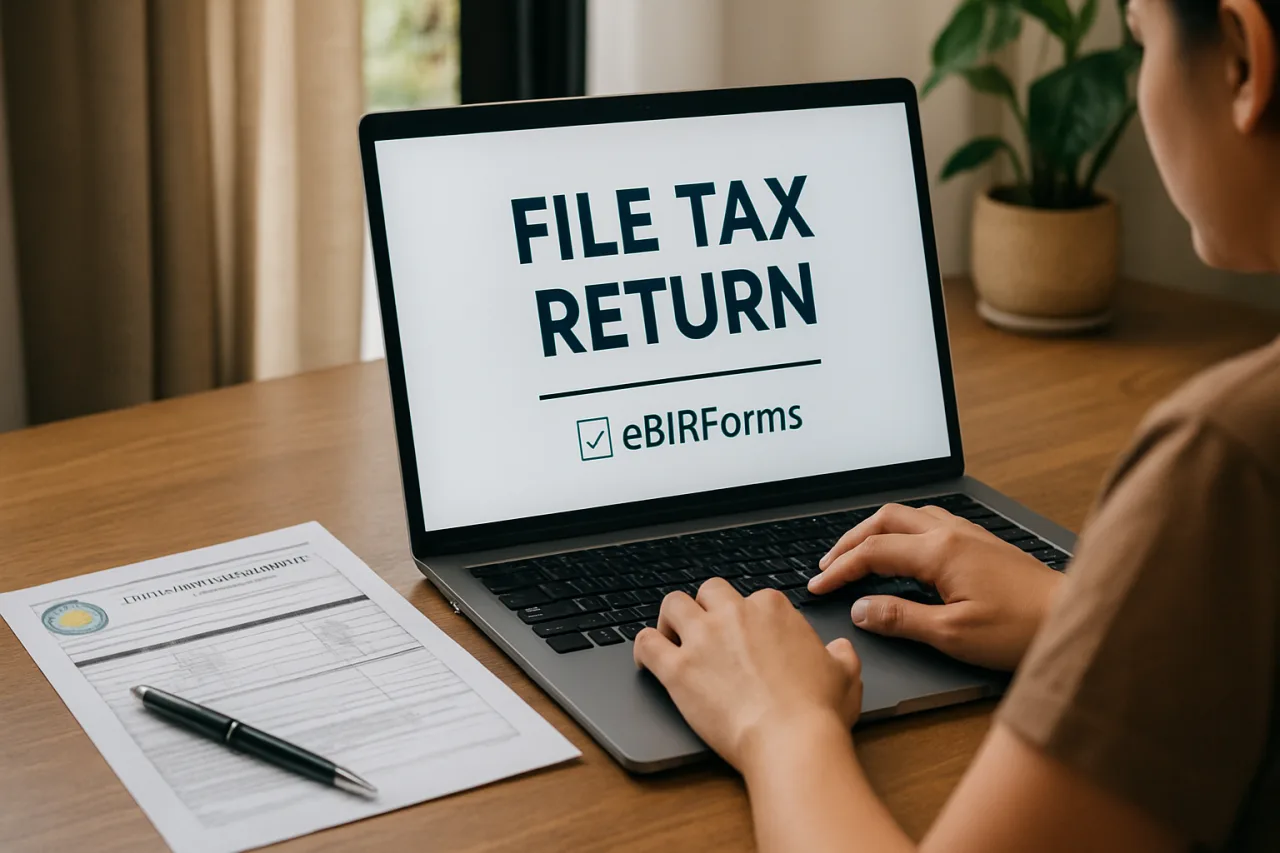
The eBIRForms Payment System is the BIR’s official desktop application for electronic tax filing. Here is how to set it up:
- Go to the official BIR website (bir.gov.ph), which also connects to the Bangko Sentral ng Pilipinas payment infrastructure
- Navigate to eServices and select eBIRForms
- Download the latest version of the eBIRForms package (check for updates — the BIR releases new versions regularly)
- Install the software on your Windows computer (Mac users may need a virtual machine or Windows emulator)
- Register for an eBIRForms account using your TIN, name, and email address
- Verify your email through the confirmation link
Once installed, the eBIRForms application allows you to fill out, validate, and submit tax forms electronically. It also generates the payment reference number you need for payment.
Step 3: Fill Out Your Tax Return
Open the eBIRForms application and select the appropriate form:
- Select the form: Choose BIR Form 1701 (annual income tax) or the relevant quarterly form
- Enter taxpayer information: TIN, name, RDO code, contact details, and filing period
- Enter income details: Report your gross income, deductions, and tax credits. For employees, this comes from your BIR Form 2316 (Certificate of Compensation Payment) issued by your employer.
- Calculate tax due: The eBIRForms software automatically calculates your tax based on the entered data. Verify the computation before submitting.
- Validate the form: Click Validate to check for errors. The system will flag missing or incorrect entries.
- Save the form: Save the validated form to your computer. The system generates a .DAT file for submission.
Step 4: Submit Your Tax Return Online
Once your form is validated, submit it through the eBIRForms application:
- Click Submit to BIR in the eBIRForms application
- The system connects to the BIR server and transmits your return
- If successful, you receive a confirmation email with your filing reference number and payment details
- Save the confirmation email — this is your proof of filing
- The system will display whether you have a tax due to pay or a refund to claim
If the submission fails (due to server downtime or incorrect data), the system will display an error message. Common errors include incorrect TIN format, missing mandatory fields, or server connectivity issues. Fix the errors and resubmit.
Step 5: Pay Your Tax Due
If your tax computation shows a tax due, you must pay through one of these authorized channels:
Option 1: Authorized Agent Banks (AABs)
Print the BIR-generated payment form and present it at any BIR-accredited bank (BDO, BPI, Metrobank, Security Bank, PNB, China Bank, UnionBank). Present your payment form and pay in cash or check.
Option 2: GCash
Open GCash, go to Pay Bills, select Government, choose BIR, and enter your payment details from the eBIRForms confirmation. GCash is one of the most convenient channels for professionals who already use the app. See our GCash security guide for safe payment tips.
Option 3: Maya
Open Maya, go to Bills, select Government, choose BIR, and enter your payment reference number. Maya processes BIR payments within 24 hours.
Option 4: Landbank Link.BizPortal
For Landbank account holders, use the Link.BizPortal online payment system. Select BIR as the biller and enter your payment details.
Option 5: Revenue Collection Officers
In remote areas without AABs, Revenue Collection Officers at BIR offices accept cash payments during filing periods.
Filing Deadlines for 2026
Knowing your deadlines is critical to file BIR tax return online on time:
- Annual Income Tax Return (Form 1701/1700): April 15 (extended to May 15 in 2026 by presidential order)
- Quarterly Income Tax (Form 1701Q): April 30, July 31, October 31, and January 31
- Monthly Percentage Tax (Form 2551M): 20th day of the following month
- Quarterly Percentage Tax (Form 2551Q): 25th day after each quarter
- Monthly VAT (Form 2550M): 20th day of the following month
- Quarterly VAT (Form 2550Q): 25th day after each quarter
The BIR also extended tax deadlines in earthquake-affected areas in June 2026, according to Inquirer.net. Check the BIR website for area-specific extensions if your region is affected by a natural disaster.
Penalties for Late Filing
Failing to file BIR tax return online on time carries significant penalties:
- 25% surcharge on the amount of tax due
- 20% annual interest on the unpaid tax from the due date until full payment
- Compromise penalty of P1,000 to P50,000 depending on the violation
- Criminal liability for willful refusal to file or filing fraudulent returns
For OFWs, the OFW tax filing guide covers special provisions for overseas workers, including which income is taxable and which is exempt. If you are also paying SSS contributions, our SSS online payment guide walks through the digital payment process.
For Freelancers and Digital Nomads
Freelancers and digital nomads face unique challenges when they file BIR tax return online. Key considerations:
- Registration as a professional: Register with the BIR as a self-employed professional at your RDO. You will need a Certificate of Professional Registration from the PRC if applicable.
- Books of accounts: Even freelancers must maintain books of accounts. Use accounting software or hire a bookkeeper to keep records organized.
- Receipts: Issue BIR-registered receipts or sales invoices for all income. Register your receipts with the BIR before using them.
- Optional standard deduction: You can claim 40% of gross income as standard deduction instead of itemizing expenses. This simplifies filing significantly.
For those considering relocating while working remotely, the Philippines digital nomad visa guide covers tax residency implications.
Common Mistakes to Avoid
- Wrong tax form: Using Form 1700 (for purely salaried) when you have freelance income requires Form 1701 instead.
- Missing the deadline: Even one day late triggers the 25% surcharge. File early to avoid server congestion during peak periods.
- Not validating the form: Unvalidated forms are rejected by the BIR server. Always click Validate before submitting.
- Incorrect TIN or RDO: Double-check your TIN and RDO code. Mismatched data causes submission failures.
- Not keeping proof of filing: Save your confirmation email and payment receipt. These are your evidence in case of BIR disputes.
- Filing but not paying: Filing the return is only half the obligation. You must also pay the tax due through an authorized channel.
What to Do After Filing
After you file BIR tax return online, there are several follow-up steps to ensure compliance:
- Keep your filing confirmation: Save the email confirmation and any payment receipts for at least 5 years. The BIR may audit returns within this period.
- Update your books: Record the filing and payment in your books of accounts. This maintains accurate financial records for future reference.
- Check for BIR notices: Monitor your registered email and the BIR eNotification system for any notices or assessments. Respond to any BIR letter within 15 days to avoid additional penalties.
- Plan for next filing: Set calendar reminders for quarterly deadlines. Many professionals file quarterly returns even if no tax is due — failure to file a nil return still triggers penalties.
- Consider e-invoicing: The BIR is rolling out its e-Invoicing/Receipting Software (eIS) for businesses with annual gross sales above P1 million. Register your POS or sales system with the BIR if applicable.
The BIR also announced interim rules for pandemic-era tax loss claims in July 2026, as reported by Inquirer.net. If you have outstanding tax loss carryforwards from 2020-2022, consult with a tax practitioner to understand how the new rules affect your claims when you file BIR tax return online.
Frequently Asked Questions
How do I file BIR tax return online for the first time?
Register with the BIR to get your TIN, download and install the eBIRForms application from bir.gov.ph, register for an eBIRForms account, fill out the appropriate form, validate it, and submit electronically. You will receive a confirmation email with your filing reference number.
What is the deadline for filing income tax return in 2026?
The annual income tax return deadline is April 15, but President Marcos extended it to May 15, 2026. Quarterly returns follow staggered deadlines throughout the year. Always check the BIR website for current deadlines and extensions.
Can I file BIR tax return online using my phone?
The eBIRForms desktop application requires a Windows computer. However, you can pay your tax due through GCash or Maya on your phone. The BIR is developing mobile filing options, but as of 2026, desktop filing through eBIRForms remains the primary method.
What happens if I file my BIR tax return late?
Late filing incurs a 25% surcharge on the tax due, plus 20% annual interest from the due date until full payment. Compromise penalties of P1,000 to P50,000 may also apply. Willful refusal to file can result in criminal liability.
Can OFWs file BIR tax return online?
Yes. OFWs who earn income from sources within the Philippines must file. Those whose income is entirely from abroad are generally exempt. The eBIRForms application works internationally with an internet connection. See our detailed OFW tax filing guide for specific provisions.
What is the difference between eBIRForms and eFPS?
eBIRForms is the offline desktop application for filling and submitting tax forms. eFPS (Electronic Filing and Payment System) is the online browser-based system. eBIRForms is more commonly used by individual taxpayers and small businesses, while eFPS is preferred by larger corporations.
How do I pay my BIR tax due after filing online?
After filing through eBIRForms, pay through authorized agent banks (BDO, BPI, Metrobank, etc.), GCash, Maya, Landbank Link.BizPortal, or Revenue Collection Officers. Present your filing confirmation and pay the amount shown as tax due. Keep your payment receipt as proof.
Disclaimer: This article is for informational purposes only and does not constitute tax advice. Tax rules, deadlines, and forms may change. Always verify current information through the official BIR website (bir.gov.ph) or consult a licensed accountant or tax practitioner before filing.