Table of Contents
App builder tools powered by AI have quietly removed the last excuse keeping good ideas out of the market: you no longer need to write code to ship software. Sam Altman confirmed the shift this week when he told Axios that OpenAI now wants to fund founders “who just really deeply understand their users and can’t code at all” — and backed it with a real example: one founder used GPT-5.6 to build software that now sells to 50 customers at about $500 a month. This guide breaks down the exact five-step app builder workflow behind results like that, written for professionals starting from zero — including the OFW and Filipino readers who know their industry’s broken workflows better than any Silicon Valley engineer ever will.
Key Takeaway
- 🛠️ The shift is real: OpenAI’s own CEO now funds non-technical founders because AI coding agents handle the build — the skill that mattered for 20 years just stopped being the gate.
- 📋 Spec first, always: the difference between a working app builder project and an “unfixable mess” is a one-page specification written before you touch any tool. Step 2 below gives you the exact template.
- 🧪 Realistic outcome: your first app-builder project will be small and ugly and useful — a working internal tool in a weekend, a sellable product in weeks, not a unicorn overnight.
- 💼 The OFW edge: your insider knowledge of a broken workflow — hospital scheduling, remittance tracking, inventory headaches — is the exact asset this new market pays for. The machine supplies the code; only you supply the problem.
Before the steps, calibrate expectations honestly. An app builder powered by modern agents can genuinely take a disciplined beginner from idea to working product in a weekend and to first paying customer in a month — Altman’s $500-a-month example proves the ceiling is real, as he told Axios in the interview that put this shift on record. What it cannot do is replace judgment: choosing a real problem, specifying it precisely, and testing the result against reality. The five steps below are sequenced so that the machine does what machines are good at and you keep the parts that decide whether anything you build is worth money. Follow them in order, and skip none.
Why the App Builder Moment Arrived in 2026
Three curves crossed to make the no-code app builder era viable, and each is recent enough that most professionals have not internalized the implications yet. First, capability: frontier models like GPT-5.6, Claude, and Gemini now generate working, deployed software from natural-language descriptions — not code snippets to paste, but running applications with databases, logins, and payment flows. Second, cost: building that software the traditional way meant $50,000 to $500,000 and a hired team, while the agent route costs a subscription and your evenings. Third, and least noticed: the people who understand expensive problems — nurses, accountants, logistics coordinators, teachers — finally have direct access to the machinery of solution-building. The economic consequence is that niche problems too small for software companies to bother with are suddenly servable by the one person who actually understands them, at a price one person can afford to charge.
The market has already voted on this. Y Combinator’s batches fill with solo founders shipping agent-built products, Cognition — the company behind the Devin AI software engineer — just doubled its valuation to $48 billion on the strength of revenue that also doubled in four months, and the platforms themselves keep shipping agent features that make the workflow easier every month. Business Insider’s coverage of Altman’s Stripe Sessions remarks traced the same arc months earlier. As we covered in our report on the revenge of the idea guys, the scarce asset in software is no longer writing code; it is deciding what deserves to be written. The five steps below are how a person with no technical background claims that asset this month, not someday.
Step 1: Pick a Problem You Know From the Inside
The app builder workflow fails or succeeds at this step, before any tool is opened. Your unfair advantage is the industry you have worked in, the community you belong to, or the process you have personally suffered through. The strongest first apps solve one of three patterns: a repetitive coordination chore (scheduling, follow-ups, status updates), a calculation or compliance check that people currently do by hand or memory, or an information bottleneck where one person becomes the spreadsheet everyone depends on. Name the ten hours a week that your peers waste and write them down — that list is your product pipeline, ordered by how expensive the pain is.
Test your candidate against three filters before building. Is the pain expensive — does it cost real money, real hours, or real errors? Are the sufferers reachable — do you know fifty of them by name, through a workplace, a group chat, an association? And is there a workaround today — because people paying for clumsy workarounds (paper forms, WhatsApp threads, overtime) are the customers who will pay for the fix. Altman’s example founder sold scheduling software to fifty customers not because he knew React but because he knew exactly how those fifty people worked. If you cannot name the fifty, the problem is not yours to solve yet — go find the workflow you already touch.
Step 2: Write the Spec Before You Touch Any Tool
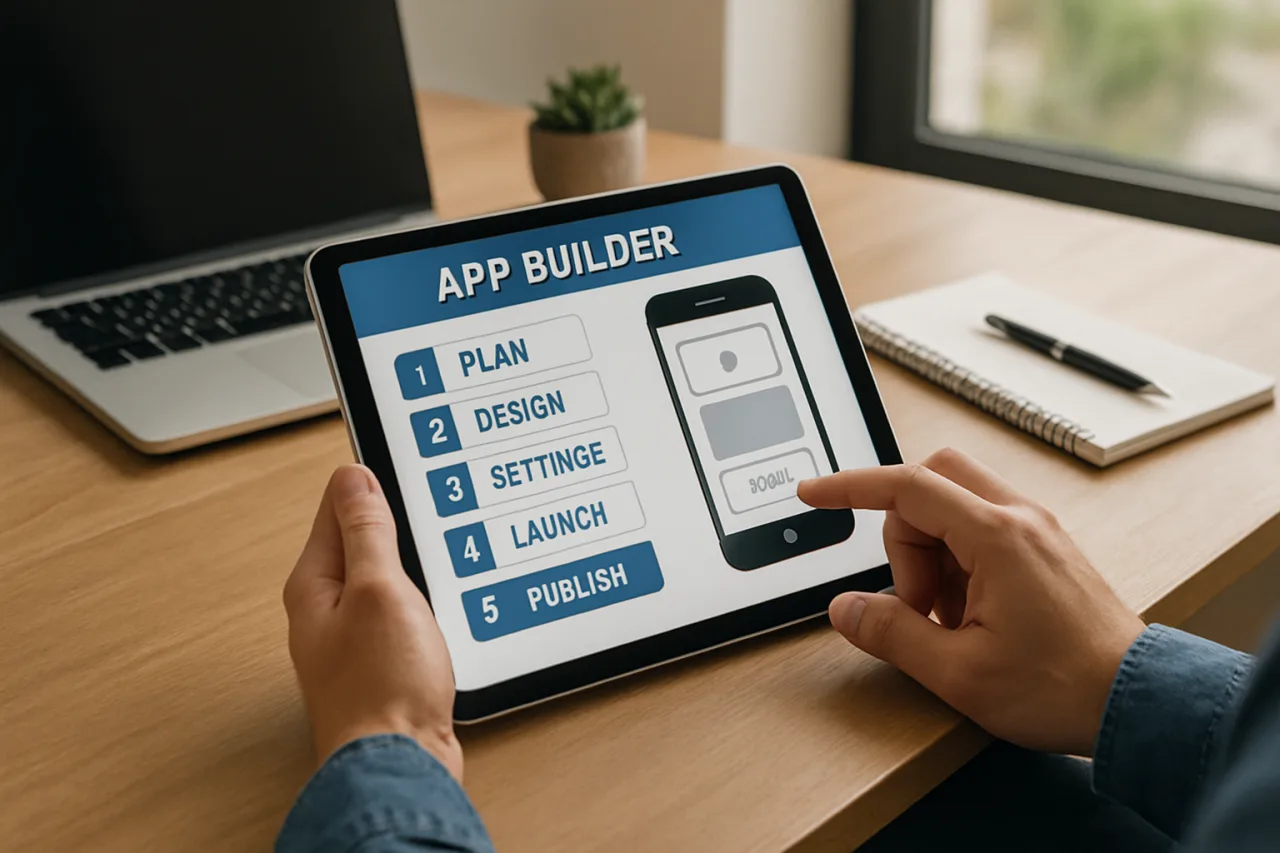
This is the step that separates working app builder projects from abandoned ones, and it costs one focused afternoon. The mature form of the app builder workflow in 2026 is specification-driven: you write a structured document that the agent builds against, and quality of that document determines quality of everything after. Your spec needs five sections, and none of them require technical vocabulary. Users: who logs in and what can each person see. Screens: the four to seven pages the app needs, described in plain words (“a list of today’s appointments, newest first, with a button to confirm each”). Data: what information gets saved — patients, jobs, orders, amounts. Rules: what must never happen (double-booking, deleting paid records, showing one customer another customer’s data). Edge cases: what happens when the input is garbage, the connection drops, or two people edit at once.
Write it in a document, not in your head — the spec doubles as your customer interview script, your build contract with the agent, and your future bug-report template. Professionals who skip this step get exactly what the developer forums are full of: the “unfixable mess” where the AI has guessed wrong about your intent so many times that nobody, including the machine, understands the app anymore. One afternoon of specification discipline saves weeks of agent thrash, and if writing feels hard, dictate it to the AI itself: describe your app aloud, ask the model to draft the spec back to you, then correct it until it matches what you meant. The spec is the product; the code is just its execution.
Step 3: Build With an Agent, Then Supervise Like a Manager
Now open the tools, and the realistic choice set looks like this: GPT-5.6 and Claude Code for the strongest general build agents; Gemini for generous free capacity and multimodal input (photograph a paper form and ask for an app that digitizes it); and Grok’s agent tooling inside X for quick web-tied builds. Paste your spec, in full, as the first message — never build from a chat summary — and demand a working preview after each phase rather than at the end. The discipline that matters here is supervision: review what the agent produces the way a senior engineer reviews a junior’s work. Click every button with garbage input. Create two test accounts and confirm one user cannot see the other’s data. Ask the agent “what happens if two users submit this form at the same moment?” and make it fix the answer before you ship. Our walkthrough of setting up an AI agent for real work covers the supervision habits in detail, and the same review instincts transfer directly to app building.
Expect the build to take several sessions, not one prompt. The professional rhythm is: one evening to generate the core screens, one to connect the data and rules, one to break it on purpose and catalogue what broke, and one more to let the agent repair everything you found. Keep every change request in a running list in the same document as your spec — that changelog becomes your instruction manual and your handoff note if you ever hire help. And keep the app boring on purpose: your first build should do one workflow well, not ten workflows badly. The fancy version comes after the first customer, paid for by revenue instead of hope.
Step 4: Charge From Day One
The fastest way to learn whether your app deserves to exist is to ask for money, early, from people who already trust you. Pre-sell before the build is finished: a message to twenty colleagues describing the workflow it fixes, with a founding-customer price and a start date, will teach you more than a month of polishing. Price against the workaround, not against nothing — if your app saves a clinic five hours a week of double-encoding, it is underpriced at a fraction of those hours’ value; if nobody will pay even that, you have learned the pain was not expensive enough, for the cost of an afternoon. Fifty customers at $500 a month beats 5,000 free users as validation and as psychology: revenue is the only review that cannot be faked. The professionals who treat the app builder route as a business from the first week — invoices, support, a named human who answers — are the ones whose second app funds the third.
Step 5: Keep the Human Layer Visible
Agents rotate — the best tool this quarter is replaced within a year, as everyone who worked through three model generations already knows — but accountability compounds. Answer your own support messages, publish your real name, stand behind the output, and log every failure honestly in your spec document so the next build inherits the lessons. The winners in every no-code niche share one trait: customers trust a person, and the software is just how that person keeps promises at scale. When the tools change — and they will, probably by this time next year — the relationships and the problem knowledge carry you to the next tool intact. That is the compounding asset in this whole game: own the problem, supervise the machine, and let the machine do the typing. For the macro context on why this career pattern beats pure execution work, our analysis of the Kenya ghostwriter collapse documents what happens to workers who stayed on the wrong side of the reprice.
Choosing Your App Builder Stack Without Overthinking It
Decision paralysis kills more first apps than bad code ever will, so here is the simple routing. If you want the fewest decisions: GPT-5.6 with your spec in a project folder, building one feature per session. If your app revolves around documents, images, or screenshots: Gemini, whose multimodal input turns a photo of a paper form into a data-entry schema in one message. If your app needs careful reasoning about complex rules — payroll logic, compliance checks, multi-step pricing — Claude, whose long-context discipline suits spec-heavy builds. If you live inside X and want speed over polish: Grok’s agent tooling. All four have free or near-free entry tiers, so the honest answer to “which app builder should I pay for” is: none, until your first user pays you — then buy capacity for the tool that already worked. And if you want a deeper production workflow once you are comfortable, our GPT-5.6 coding-agent playbook covers the professional-grade setup, including the review checkpoints that keep agent output deployable.
The Three Mistakes That Kill First Apps
Learn them here instead of paying for them in months of wasted evenings. First, building before selling: the graveyard of no-code projects is full of beautiful apps nobody asked for, finished the week their builder ran out of motivation — get one paying customer committed before the second session. Second, skipping the unhappy paths: agents build the happy path flawlessly and the failure paths carelessly, so your job in supervision is to spend as much time on garbage input, double submission, and permission boundaries as on the features themselves — one data leak in a small app ends the trust that a hundred good features built. Third, vanity metrics: downloads, signups, and app-store stars feed the ego while bank alerts feed the business; track conversations with real prospects and invoices actually paid, and let everything else be decoration. Avoid those three and your odds move from lottery to craft.
From First App to Real Income: the OFW Version
For Filipinos at home and abroad, the app builder path has a specific shape worth naming. The domain knowledge advantage is strongest inside industries the Philippines already dominates — healthcare administration, finance operations, logistics, customer experience — and among OFWs sitting inside foreign workflows that no local builder can see from the outside: the hospital rostering nightmare in Riyadh, the remittance-reconciliation ritual in Hong Kong, the inventory dance in a Dubai trading house. Each is a software-shaped hole that the person suffering through it is uniquely qualified to fill, and the build capability that used to require a co-founder now requires an afternoon of spec-writing. The sequence that works: fix one workflow you personally understand, sell it to the colleagues who share that pain, let revenue — not ambition — commission the next build. The Philippine digital workforce already proved it can execute for the world; the app builder era is the first one where Filipinos can also own the products. The technology finally matches the talent. What remains is the decision to start.
Frequently Asked Questions About Building an App Without Coding
Can I really build an app without knowing how to code?
Yes — that is the documented reality of 2026. Frontier agents like GPT-5.6, Claude, and Gemini generate working applications from plain-language specifications, and OpenAI’s CEO now publicly funds founders who cannot code. What you supply is the problem knowledge and the supervision; the machine supplies the implementation. The five-step workflow in this guide — problem, spec, build, charge, human layer — is the proven path.
Which app builder tool should a beginner start with?
Start with GPT-5.6 or Claude and a written spec; both build full working applications from structured descriptions. Use Gemini when your app digitizes documents or photos, and Grok’s agents for quick web-tied builds. All have free entry tiers — pay only after your first customer pays you.
How much does it cost to build an app with AI?
Your realistic cost is a subscription and your time: tens of dollars monthly versus $50,000-plus for a traditional development team. The hidden cost is discipline — spec-writing and testing hours — which is why apps built on a weekend of spec work succeed and prompt-only builds stall.
Do I need to register a business before selling my app?
For your first paying customers, you can start informally and settle up as revenue grows, but before scaling — recurring customers, employees, or ads — register the business and open a dedicated account. Philippine professionals should check BIR and DTI registration requirements once monthly revenue becomes consistent; the administrative step is cheap and unlocks corporate clients who will not pay individuals.
What if the AI-built app breaks or loses data?
Two safeguards: export your data weekly — every no-code platform offers CSV export, and a weekly habit of downloading it turns any catastrophe into an inconvenience — and keep your spec document current, because a rebuild on a newer, cheaper model is now measured in days. Treat the agent as staff, not infrastructure: the asset is your spec and your data, not the tool that happened to build this month’s version.