Key Takeaway
- 📱 The attack in one line: a sim swap attack convinces your carrier to move YOUR number to a thief’s SIM — your texts, calls, and SMS-based login codes then arrive on the attacker’s phone, not yours.
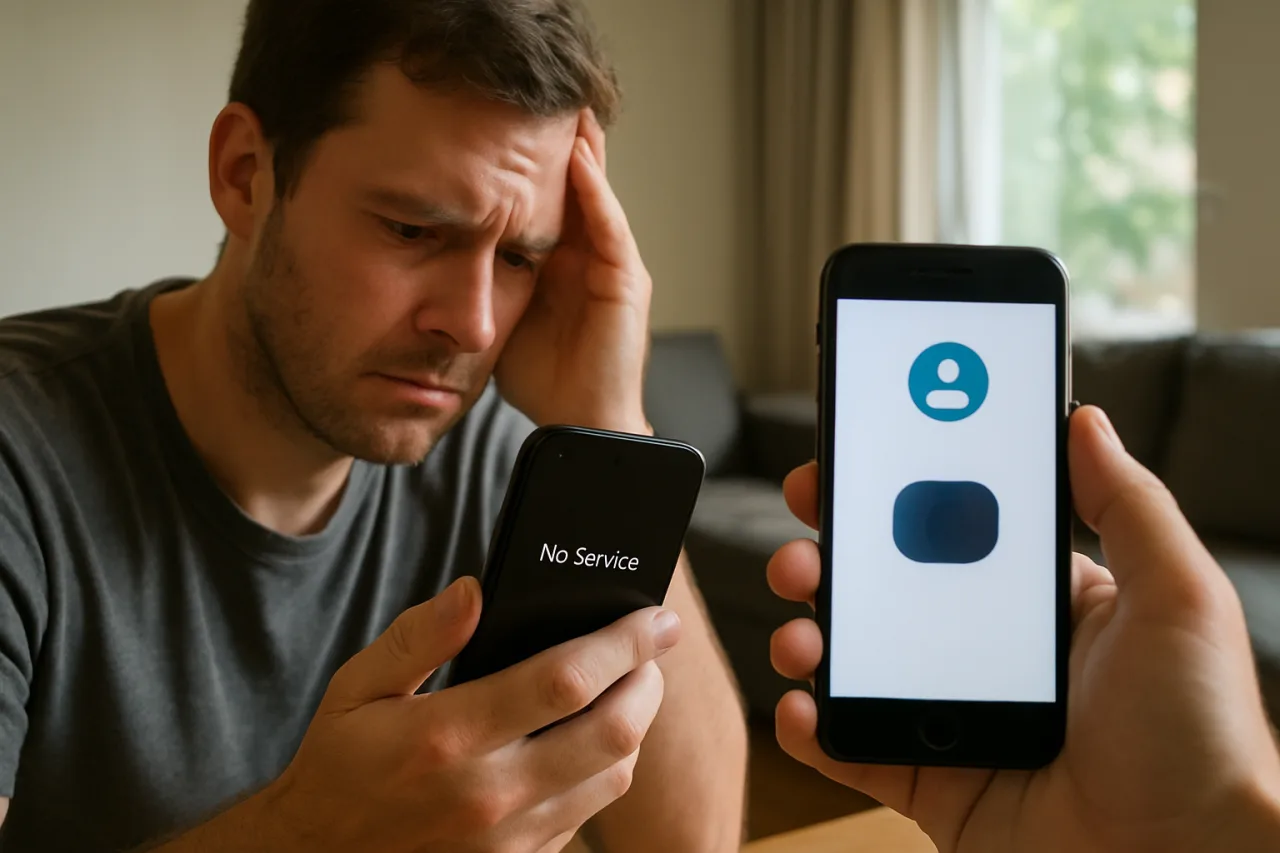
- 🚨 The first sign: sudden “No Service,” then a dead phone with bars returning to someone else — the port-out has already happened.
- 🔐 The three locks: a carrier PIN on every SIM, a port-out freeze with your telco, and app-based 2FA or passkeys replacing SMS codes — each removes one attacker step.
- 💰 The target is never just the phone: attackers use the captured codes for banking apps, crypto wallets, and email reset — the money is the goal.
- ⚡ Do this today: spend ten minutes walking your carrier’s PIN and lock settings — before anyone impersonates you.
Table of Contents
A sim swap attack does not break your phone — it breaks your identity’s weakest lock, the phone number itself, and it takes minutes once your carrier is convinced. Agencies on every continent treat it as one of the fastest account-takeover tools available; Europe’s telecom-security work documented the mechanics years ago: the attacker social-engineers or bribes their way into the operator’s systems, “replaces a lost SIM,” and your number lives in their pocket. Everything you receive by SMS — banking codes, reset links, wallet OTPs — follows it. This guide covers the anatomy, the signs inside the first hour, the response that limits damage, and the three locks that stop the swap from ever completing. The OWASP Foundation’s prevention guidelines document the pattern in the same shape I use below: identity abuse at the carrier, then the dominoes.
What a Sim Swap Attack Actually Steals
The target is never the handset. A sim swap attack steals the phone number’s authority: the ability to receive your calls, your texts, and the one-time codes that many banks, wallets, and apps still treat as proof of you. Once the port completes, an attacker who already holds your passwords quietly converts them into logins — the SMS code arrives on their SIM, the account opens, the money moves. That is why the attack sits upstream of the accounts: it does not need to know your passwords at all, only your identity details and a cooperative counter at the carrier.
There are two layers of harm to separate. The port itself is reversible within your carrier’s process — the real damage follows from what the number unlocks while you wait to notice. Financial accounts reset through captured SMS codes, social accounts re-registered to attacker-controlled addresses, and in the worst cases crypto balances emptied within the same hour. Recovery is asymmetric on purpose: the thief needs one success; you need a complete defense.
How the Attack Unfolds: Five Steps From Recon to Takeover
Step 1 — Identity harvest. The attacker assembles what a carrier’s identity checks actually ask for: full name, address, ID numbers, recent top-ups, and often the answers to security questions lifted from a previous breach. Data dumps from breaches supply this quietly — which is why your breach hygiene matters long before any swap starts.
Step 2 — Contact and pressure the carrier. By phone or a retail store, the attacker reports a “lost phone,” requests a replacement SIM, or performs a number port-out to another operator. Here the process depends entirely on the carrier’s identity controls — this single counter is where the whole sim swap attack is defeated cheaply, or handed a pass. Stores under pressure to ‘help a stranded customer’ accept a story instead of a document; remote swap channels multiply the moment. The defenses you set today are what that counter checks tomorrow.
Step 3 — Port your number. Once the operator’s checks pass, your number activates on the attacker’s SIM inside minutes. Your phone drops to “No Service” — most victims report this as “signal problems” and lose the early warning.
Step 4 — Harvest your codes. On their device, the attacker triggers password resets everywhere; the SMS 2FA codes flow straight to the SIM. From there, email first, then banking and crypto: the standard takeover ladder.
Step 5 — Silence the defenses. Reset passwords, register their own 2FA, and change recovery addresses so your later login attempts fail. Every minute of unnoticed port time is leverage — that is why the response section below starts with the carrier, not the inbox.
The Signs Inside the First Hour
- Sudden loss of service with bars elsewhere. Your phone shows “No Service” in areas it never failed before. Call your carrier from another line — not from public “help” numbers found in search ads.
- 2FA codes arriving that nobody requested. Someone is mid-takeover. An unsolicited code is an alarm, not a nuisance.
- SMS messages you sent that aren’t in your thread. The SIM’s identity is being used somewhere else.
- Bank or wallet password-reset emails you didn’t trigger. The port has already been used.
- A carrier text you never requested saying a SIM change was completed. Some operators send this only after the harm is done — verify immediately.
The First-Hour Response: What Works After a Swap
1. Kill the port at the carrier. Call the operator’s official fraud line from another phone, report identity theft, and reverse the swap. Carriers keep an emergency process for exactly this; naming it as a port-out attack moves your case to the right desk. Lock the account with a new PIN before hanging up.
2. Freeze the money layer. Contact your bank’s fraud line, freeze cards and transaction rights, and put alerts on every payment app. If a wallet or crypto exchange was reached, use its account-freeze flow at once — minutes matter more than politeness.
3. Secure email before anything else. The attacker’s ladder runs through your inbox. Change the password from a clean device, sign out all sessions, remove unfamiliar forwarders, and re-register recovery to details only you control.
4. Rebuild authentication on the number. Re-add the SIM’s 2FA profile after the port reverses, then migrate important services to app-based codes or passkeys so the number stops being the master key.
5. File the record. A police or cybercrime report — in India through the national helpline and portal, in the US through IC3, elsewhere through your local equivalent — is what unlocks bank-reimbursement processes later. Documentation makes restitution possible; it does not replace the freeze.
Sim Swap Attack Prevention: The Three Locks That End the Risk
- Carrier PIN or passcode on every SIM account. The single highest-value lock: with a PIN required for any SIM change or port-out, the “lost phone” script dies at the counter. Ask for it explicitly — many operators never offer it on their own.
- Port-out freeze on the account. Operators that support one-time port blocks or transfer freezes turn the attack’s central step off; enable notification alerts for any account change so an attempt reaches you instantly.
- Move critical 2FA off SMS. Authenticator apps or passkeys bind the codes to a device, not to a number. Where a service still requires SMS, use it as the outer ring only — never the bank’s only lock.
Behind those three, hygiene holds the line: unique passwords, an updated phone OS, and less personal detail exposed in public profiles (the identity harvest feeds the swap). India’s own mobile-security push gives this real shape — the Sanchar Saathi portal’s device and connection checks let Indian users see what phones and number connections exist under their name, an honest answer to the recon step that every India-side takeover begins with. Our separate guide to the app era of login methods walks through how SMS 2FA dies by design and what replaces it.
Common Mistakes That Leave the Door Open
- Treating a No Service afternoon as a network outage. Check with the carrier before assuming anything; it is the classic swap signature.
- Keeping the SIM 2FA on money apps after enabling app codes. Remove SMS from the recovery path entirely; a leftover number is a leftover lockpick.
- Posting real answers to security questions on social media. “First pet,” “first school” — the harvest reads your timeline.
- Trusting caller ID. Ported numbers and spoofed lines make the calling number worthless as identity; verify through the app or official numbers.
- Waiting for the carrier to “investigate” before freezing accounts. Freeze first; the investigation then runs while nothing can move.
What This Means for Overseas Workers and Travelers
For OFWs and long-stay expatriates, the attack lands where you can least manage it: your home-country SIM sits in a drawer while your foreign number does daily duty. The dormant SIM is the softest target — no one notices its port for days. Set the carrier PIN and a port-out block on the dormant number anyway, or port it to an eSIM inside your primary device so a sim swap attack against it surfaces in hours, not weeks. If your salary account and family’s remittances ride on SMS OTPs, migrate those apps to authenticator codes this week — our guide to why SMS 2FA is dying covers the exact shift: the number you cannot watch is the number that must not be your key. The Philippines’ own banking-scam waves have already documented account-takeover patterns identical to the sim swap ladder; the difference between an expensive story and a warning article is usually one carrier PIN.
Frequently Asked Questions
What is a sim swap attack in one sentence?
A sim swap attack transfers your phone number to a criminal’s SIM card so they receive your calls, texts, and login codes while your own phone goes dark. It is identity theft at the carrier layer, not malware on your handset — a sim swap attack never needs to touch your device at all.
How does a sim swap attack happen even without my password?
The attack attacks the carrier’s identity checks, not yours: stolen identity data — the breach-leak economics our compromised-credentials analysis tracks — plus social engineering at the operator completes the port. Passwords enter later, harvested through resets once your SMS codes are already captured.
How can I tell my number was ported?
Sudden “No Service” on a healthy phone, 2FA codes arriving unrequested, or reset emails you never triggered. Confirm with the carrier’s official line from a second phone and treat any one of these as urgent.
What does a carrier PIN actually protect?
The PIN gates every SIM change and port-out request against your account, which breaks the “lost my phone” script exactly where it succeeds. Combined with a port-out freeze, the attack loses its opening move.
Should I still use SMS 2FA at all?
Use it only where nothing else exists, and never as the sole lock on banking, email, or crypto. App-based authenticators and passkeys bind codes to your device instead of the number, ending the SIM’s authority over your logins.
Financial Disclaimer
This article is for informational and educational purposes only and does not constitute financial, legal, or professional security advice. Carrier procedures, liability rules, and recovery outcomes vary by operator, bank, and jurisdiction and change over time; verify every step against your carrier’s official channels. The author and publisher disclaim any liability for actions taken based on this information.