- Sophisticated phishing campaign compromised 80+ organizations using legitimate RMM tools SimpleHelp and ScreenConnect
- Attackers exploited trusted remote management platforms to bypass security controls and establish persistent access
- Critical defense strategies include RMM access controls, email filtering, and endpoint monitoring
A sophisticated RMM phishing campaign has successfully compromised over 80 organizations worldwide, demonstrating how cybercriminals weaponize legitimate remote management tools. Attackers exploited SimpleHelp and ScreenConnect platforms to establish unauthorized access while evading traditional security measures. IT professionals now face an urgent need to reassess their remote access security protocols.
What Happened
SimpleHelp and ScreenConnect are legitimate Remote Monitoring and Management (RMM) tools used by IT teams to provide technical support and manage systems remotely. These platforms allow technicians to access computers, transfer files, and troubleshoot issues from anywhere. Period.
Security researchers discovered that threat actors sent phishing emails impersonating legitimate IT support requests or software updates. Once victims clicked malicious links or downloaded infected attachments, the attackers deployed SimpleHelp or ScreenConnect clients on compromised systems. This approach allowed cybercriminals to blend malicious activity with normal IT operations.
The campaign affected organizations across multiple industries in May 2026. Attackers maintained persistent access for weeks before discovery. The scale and sophistication suggest a coordinated effort by experienced threat actors who understand enterprise IT environments and existing security blind spots.
Why RMM Tools Become Attack Vectors
Remote management platforms present attractive targets for cybercriminals because they operate with elevated privileges and network access. Organizations whitelist RMM traffic to ensure legitimate IT support functions properly. Attackers exploit this trust.
Traditional security solutions struggle to differentiate between legitimate administrative activity and malicious RMM usage. Endpoint detection systems often flag unknown remote access tools but may ignore established platforms like ScreenConnect, creating a security gap that sophisticated threat actors actively exploit.
The COVID-19 pandemic accelerated RMM adoption as organizations embraced remote work models. Companies deployed these tools quickly without implementing comprehensive security controls. The current threat landscape reflects this rushed implementation period, with attackers capitalizing on weak RMM governance and monitoring.
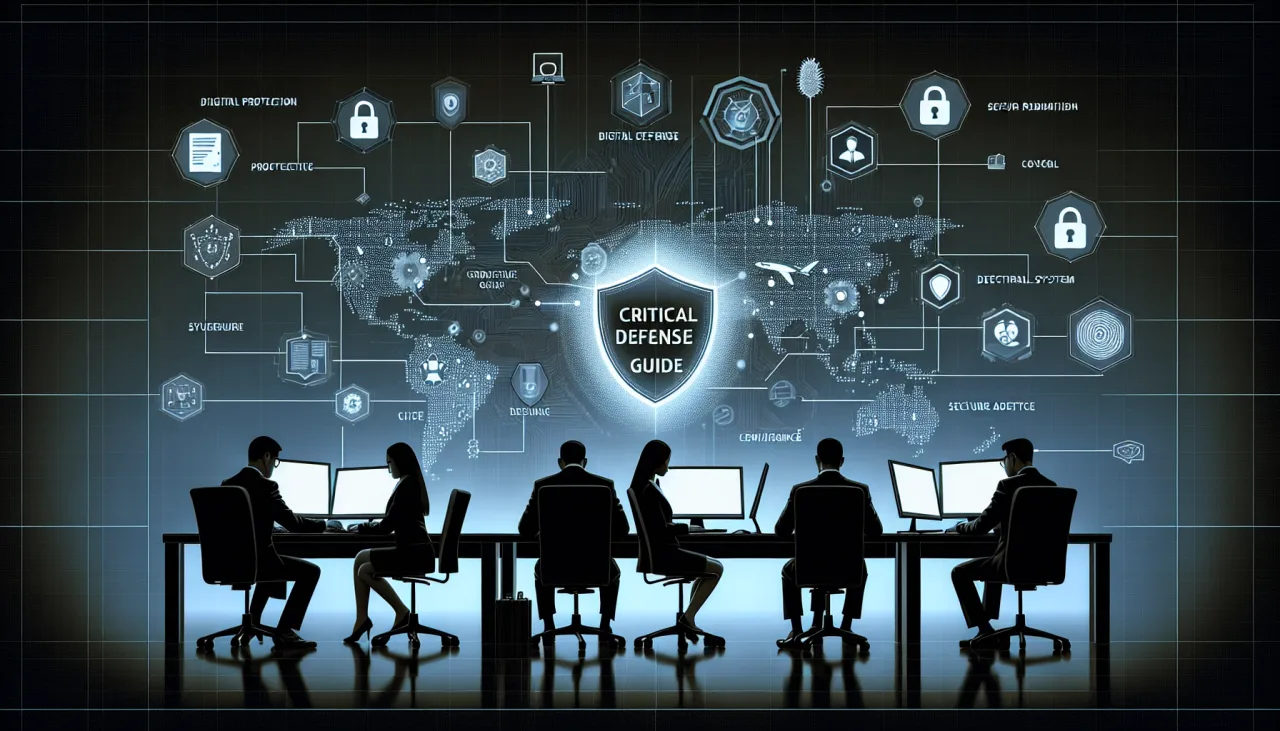
Critical Defense Strategies
Organizations must implement strict RMM access controls that include multi-factor authentication for all remote connections. IT teams should maintain detailed logs of RMM usage patterns and establish baseline behavior profiles. Any deviation from normal access patterns should trigger immediate security reviews.
Email security filtering requires specific attention to RMM-related phishing attempts. Security teams should configure email gateways to flag messages containing RMM download links from unknown senders. Employee training programs must include specific scenarios involving fake IT support requests and unauthorized remote access attempts.
Network segmentation provides crucial protection against RMM-based attacks by limiting lateral movement capabilities. Organizations should restrict RMM tools to designated network segments and implement zero-trust principles for remote access. CISA recommends continuous monitoring of all remote access sessions with automated alerting for suspicious activities.
Implementation Best Practices
Endpoint monitoring solutions must include specific detection rules for unauthorized RMM installations and executions. Security teams should deploy behavioral analytics that identify unusual remote access patterns, including after-hours connections from unfamiliar locations. Regular audits of installed RMM clients help identify unauthorized or forgotten remote access software.
Incident response procedures require specific protocols for RMM-related security events. Teams should practice scenarios involving compromised remote access tools. Clear escalation paths matter. The NIST Cybersecurity Framework provides comprehensive guidelines for developing incident response capabilities.
Vendor management processes must include security assessments for all authorized RMM platforms. Organizations should maintain current inventories of approved remote access tools and regularly review their security configurations. Regular vulnerability assessments help identify potential weaknesses in RMM implementations before attackers exploit them.
Advanced Threat Intelligence
Threat intelligence feeds should include indicators of compromise specifically related to RMM abuse campaigns. Security teams must monitor for known malicious RMM configurations, suspicious connection patterns, and threat actor tactics targeting remote management platforms. Have I Been Pwned and similar services help organizations identify if their credentials have been compromised in related breaches.
Proactive threat hunting activities should focus on identifying unauthorized RMM installations and suspicious remote access behaviors. Security analysts must understand normal IT support patterns to effectively identify anomalous activities. Regular penetration testing should include RMM attack scenarios to validate defensive capabilities.
Information sharing with industry peers enhances collective defense against RMM phishing campaigns. Organizations should participate in threat intelligence sharing communities and report suspected RMM abuse to appropriate authorities. This collaborative approach improves the overall security posture across industries and geographic regions.
Frequently Asked Questions
How can organizations detect unauthorized RMM installations?
Organizations should implement endpoint detection and response solutions that monitor for unauthorized software installations, particularly remote access tools. Regular asset inventory scans help identify unexpected RMM clients. Network monitoring can detect unusual outbound connections to RMM service providers. Employee reporting channels also provide valuable detection capabilities when users receive suspicious IT support requests.
What specific email filtering rules help prevent RMM phishing attacks?
Email security systems should flag messages containing RMM download links from external senders, especially those impersonating IT departments. Organizations should implement sender verification protocols that confirm the legitimacy of IT support requests through secondary channels. Advanced threat protection solutions can analyze email attachments for RMM installers and other remote access tools.
How should IT teams secure legitimate RMM deployments?
Legitimate RMM implementations require multi-factor authentication, session recording, and time-limited access controls. IT teams should maintain detailed access logs and implement approval workflows for remote support requests. Regular security assessments ensure RMM configurations align with current security standards and threat intelligence recommendations.
The RMM phishing campaign targeting 80+ organizations demonstrates the evolving sophistication of cyber threats against remote management infrastructure. Organizations must implement comprehensive security controls that balance operational efficiency with protection against RMM abuse. Proactive defense strategies, including advanced monitoring, employee training, and incident response capabilities, provide essential protection against this emerging threat vector. The cybersecurity landscape demands continuous adaptation and vigilance as attackers find new ways to exploit trusted business tools.
Get free AI tools, digital income strategies, and cybersecurity tips for OFWs — delivered every week.
📧 Subscribe Free — No Spam, Ever