Table of Contents
Key Takeaway
- 🎭 The trick: A fake CAPTCHA scam called TerminalFix shows visitors a “verify you are human” box that secretly copies a malicious command to the clipboard — one paste into the Run box or PowerShell and the attacker is inside.
- 🌐 The upgrade: Microsoft’s August 28 report says TerminalFix doesn’t stop at stealing data like the ClickFix waves before it — it installs an encrypted, multiplexed reverse TCP tunnel that can expose an entire company network.
- 🖼️ The concealment: The payload hides inside ordinary-looking PNG images (steganography), arrives through DLL sideloading, and phones home over port 443 — the same port as normal web traffic.
- 🛡️ The defense: The whole attack dies at one rule: a real CAPTCHA never asks you to open Run, Terminal, Command Prompt, or PowerShell. Seven practical defenses below.
The fake CAPTCHA scam has been the most successful piece of social engineering on the internet for two years running — and Microsoft’s newest threat report shows it has just grown from a pickpocket into a burglar with a master key. In a campaign Microsoft named TerminalFix, documented on August 28, 2026, the familiar “verify you are human” page does what it always did: a click secretly copies a malicious command to your clipboard, and the page instructs you to paste it into Windows to “prove” you’re not a bot. What happens next is what changed. Instead of planting a password stealer and moving on, TerminalFix builds an encrypted, multiplexed reverse tunnel from inside the victim’s machine — a hidden doorway that can give attackers access to the victim’s whole network, through the same port your browser uses for ordinary web traffic. For the millions of Filipino professionals working in offices, BPO floors, and home offices, one habit — pasting a command you don’t understand — is now the difference between a minor infection and a compromised company.
Related: How to Spot a Fake Website 2026: The 10-Point Check Before You Type Your Card
How the Fake CAPTCHA Scam Works, Step by Step
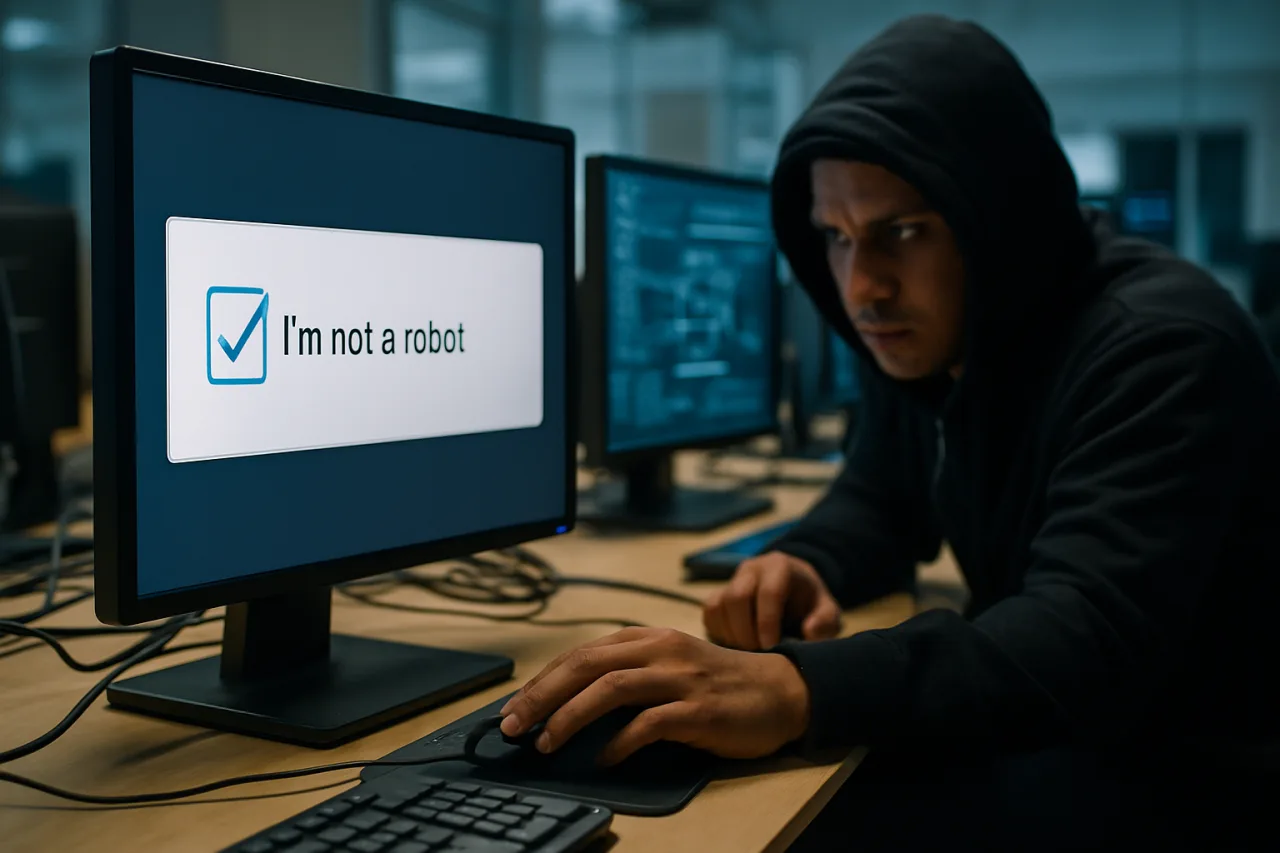
The social engineering is almost respectful in its simplicity. A visitor lands on a website — often reached from a search result, a malformed link, or an ad — and is shown what looks like a Cloudflare verification widget. Clicking it triggers the clipboard hijack: a PowerShell or terminal command is silently copied, and the page displays instructions asking the user to “prove you are human” by pressing Windows-R, pasting, and hitting Enter. Nothing is downloaded visibly. No attachment arrives. The user performs every step themselves, which is exactly why this fake CAPTCHA scam defeats email filters and most users’ instincts — the malware’s delivery mechanism is the victim’s own hands. Malwarebytes, which has tracked the ClickFix family since the fake-CAPTCHA technique went mainstream, notes that sophisticated campaign pages add countdowns, fake user counters, and other pressure tactics to discourage careful thought. And the entry points keep multiplying: what began as fake verification pages on shady download sites has spread into poisoned search results, malvertising, and — most dangerous for office workers — links dropped into everyday tools like Teams chat, email attachments, and shared calendars where the request arrives wearing a colleague’s context. The 2026 CrowdStrike threat reporting already documented how far social engineering had climbed; the fake CAPTCHA is its most self-serviceable weapon yet.
What lands after the paste is where TerminalFix earns its separate name. The initial foothold downloads what appear to be ordinary PNG images from attacker-controlled servers — but the images carry concealed payload data. A PowerShell script reads the images’ pixel data: the first eight bytes specify the embedded file’s length, and the remaining pixel data is reconstructed into an executable and two DLL fragments that are joined on the victim’s disk. This steganographic delivery — malware hidden in image pixels — has appeared in earlier ClickFix waves, but TerminalFix layers it into a full evasion stack: DLL sideloading to launch malicious code through trusted applications, hidden folders to survive casual inspection, realistic browser User-Agent rotation to blend into normal web traffic, and encrypted WebSocket communications for attacker coordination. Each layer defeats a different defense; together they make the infection unusually hard to spot with casual inspection.
The payoff is the part that should redraw every office worker’s mental model of what a “scam” is. TerminalFix performs domain-aware reconnaissance — checking where it has landed inside a corporate network — before installing a custom, multiplexed reverse TCP tunnel. The infected computer calls out to the attackers using encrypted, web-like traffic over port 443, the same port that carries normal HTTPS, so the connection sails past company firewalls that only inspect inbound traffic. “Reverse” means the victim’s machine initiates the connection outward; “multiplexed” means the attackers can thread several separate channels — a file server here, a database there, another workstation across the hall — through that single encrypted tunnel simultaneously. The infected laptop stops being the target and becomes the door.
| Stage | What the victim sees | What actually happens |
|---|---|---|
| 1. The page | A Cloudflare-style “verify you are human” box | Malicious command copied to clipboard |
| 2. The paste | “Press Win-R and paste to verify” | PowerShell runs the attacker’s command |
| 3. The images | Nothing — background PNG downloads | Payload hidden in pixel data is reassembled |
| 4. The tunnel | Nothing — traffic looks like HTTPS | Encrypted reverse tunnel opens the network |
Why the TerminalFix Fake CAPTCHA Scam Is Different From ClickFix
ClickFix campaigns, in their many 2025-2026 variants, have mostly been about theft: information stealers that harvest passwords, session cookies, and cryptocurrency wallets from the infected machine, then vanish. Painful, but bounded — the blast radius is one person’s accounts. TerminalFix inverts that economics. As Malwarebytes’ analysis of the Microsoft report explains, the campaign chains together mature evasion techniques “rather than relying on one obfuscated PowerShell downloader,” and its end goal is persistence and access, not a one-time heist. A reverse tunnel is an asset: it keeps working after the initial infection is discovered, it can be rented or resold inside the criminal ecosystem, and it converts one careless employee into a standing threat against every server, database, and shared drive the tunnel can reach.
That distinction matters most for the organizations Filipino professionals actually work in. A remote-access tunnel into a company network is the opening move of ransomware deployments, data extortion schemes, and the long-dwell intrusions that cost enterprises millions — the same mechanics behind the extortion crises that have hit Philippine-adjacent enterprises this year. The Microsoft Threat Intelligence write-up treats TerminalFix as a multistage intrusion campaign, not a consumer scam, and the framing is the warning: this is what the lowly fake CAPTCHA evolved into when its operators graduated from stealing wallets to stealing keys. Malwarebytes’ independent analysis adds the free tool worth installing tonight: the Malwarebytes Browser Guard extension warns you when any website tries to copy something to your clipboard — a direct alarm for the exact mechanism this attack depends on. Our earlier reporting tracked the doubling of AI-assisted social engineering through 2026 — TerminalFix is what that escalation looks like when it reaches the clipboard.
The One Rule That Kills the Fake CAPTCHA Scam
Strip away the steganography and the tunnels, and the entire attack chain depends on a single user action: pasting a command a stranger dictated. That is also why the defense fits in one sentence, and Malwarebytes states it plainly: a real CAPTCHA may ask you to click boxes or select images, but it will never ask you to open Run, Terminal, Command Prompt, or PowerShell and paste a command. No legitimate verification system in the world needs your terminal. If any page, email, pop-up, or “support agent” ever instructs that sequence, the conversation is over — close the tab. Everything else is reinforcement:
- Slow down when a page demands urgency. Countdowns, blinking warnings, and “only 3 people can view this” counters are pressure engineering. Attackers rely on speed to defeat thought; give yourself five seconds before touching the keyboard.
- Never run commands or scripts from untrusted sources. Code copied from websites, emails, or chat messages — no matter how official the page looks — is the delivery mechanism, not the solution.
- Verify instructions independently. If a site insists a technical action is required, check the vendor’s official documentation or contact support through a channel you found yourself, not one the suspicious page provided.
- Limit copy-paste for anything technical. Typing commands manually — or better, refusing them entirely — breaks the clipboard hijack that the entire fake CAPTCHA scam depends on. Clipboard-monitoring browser extensions add a second net.
- Run real-time anti-malware with web protection. Modern endpoints should flag the clipboard hijack and the hidden-PNG download pattern; unpatched and unprotected machines are the ones that become tunnels.
- Learn the evolving patterns. The fake CAPTCHA scam has mutated from clipboard hijacks to fake Windows updates, Mac variants, and now network tunnels. Teams that brief employees quarterly on the current variant cut their click rate dramatically.
- For IT admins: watch for the telltale signs. Unexpected PowerShell execution following clipboard activity, DLL sideloads from unusual directories, workstations initiating persistent outbound 443 connections to non-standard hosts — these are the IOCs of a tunnel under construction, and the moment to cut it is before the database is reachable.
The social-engineering wave that made 2026 dangerous — from the vishing calls impersonating IT departments on Teams to the 16,619 phishing attacks that hit Philippine inboxes in six months — shares one architecture with the fake CAPTCHA scam: every one of them needs the user to perform a small, plausible action. The defenders’ advantage is that the actions are getting easier to recognize, not harder. “Paste this to prove you’re human” is now, formally, the signature of an intrusion attempt — and the offices that drill that single reflex will not become anyone’s doorway.
Frequently Asked Questions About the Fake CAPTCHA Scam
What is the fake CAPTCHA scam?
The fake CAPTCHA scam — best known through the ClickFix family and Microsoft’s newly documented TerminalFix campaign — displays a counterfeit “verify you are human” widget that secretly copies a malicious command to the victim’s clipboard. The page then instructs the user to paste and run the command in Windows Run or PowerShell to “prove” they are human, executing the attacker’s code themselves.
What is TerminalFix and how is it different from ClickFix?
TerminalFix is a Windows malware campaign Microsoft reported on August 28, 2026. It uses the same fake-CAPTCHA social engineering as ClickFix, but instead of installing information stealers, it chains DLL sideloading, steganographic payload delivery in PNG images, folder hiding, User-Agent rotation, and encrypted WebSocket traffic to install a multiplexed reverse TCP tunnel — giving attackers persistent access to the victim’s entire network through outbound port 443.
How do I know if a CAPTCHA is fake?
A legitimate CAPTCHA asks you to click checkboxes, select images, or complete simple puzzles inside the browser. The moment any verification page asks you to open Run, Terminal, Command Prompt, or PowerShell and paste a command, it is fake — no legitimate CAPTCHA requires terminal access. That single rule defeats the entire attack class.
Can a fake CAPTCHA infect a whole company network?
Yes — that is what makes TerminalFix a turning point. The infected workstation initiates an encrypted outbound connection on port 443 that attackers can multiplex into multiple tunnels, reaching file servers, databases, and other workstations behind the corporate firewall. One pasted command can therefore expose an entire organization, not just one device.
What should I do if I already pasted a command from a suspicious page?
Disconnect the device from the network immediately, report it to IT or security before self-correcting, and let responders hunt for the tunnel and payload fragments — hidden folders, sideloaded DLLs, unusual outbound 443 connections. Do not simply delete browser history and move on; the reverse tunnel’s purpose is to survive that cleanup.
Are Filipino office workers and BPO employees specific targets?
The attack technique is global, but the Philippines’ dense concentration of corporate and BPO environments makes tunnel-class intrusions especially costly here — one infected endpoint inside a service-delivery network can expose client systems and trigger contractual breaches. The 16,619 phishing attacks recorded in Philippine inboxes in just six months of 2026 show how actively local inboxes are already farmed for exactly this kind of foothold.
Financial Disclaimer: This article is for informational and educational purposes only and does not constitute professional cybersecurity advice. Organizations should consult qualified security professionals to assess their specific threat landscape and implement appropriate protections.
- microsoft.com/en-us/security/blog/2026/08/28/terminalfix-campaign-dep… — Microsoft Threat Intelligence write-up
- malwarebytes.com/blog/news/2026/09/terminalfix-looks-like-clickfix-bu… — independent analysis
External sources linked in this article, in order of first mention. Spotted an error or a broken link? Tell us.
Cite this pagePublished Sept 4, 2026 · Updated Oct 25, 2026
Agron, E. (2026, September 4). That “Verify You Are Human” Box Can Hand Hackers the Keys to Your Whole Company Network. WorldNgayon. https://worldngayon.com/fake-captcha-scam-2026/
Agron, Edmon. “That “Verify You Are Human” Box Can Hand Hackers the Keys to Your Whole Company Network.” WorldNgayon, 4 Sept. 2026, worldngayon.com/fake-captcha-scam-2026/.
Agron, Edmon. “That “Verify You Are Human” Box Can Hand Hackers the Keys to Your Whole Company Network.” WorldNgayon, September 4, 2026. https://worldngayon.com/fake-captcha-scam-2026/.
Agron, E. (2026) ‘That “Verify You Are Human” Box Can Hand Hackers the Keys to Your Whole Company Network’, WorldNgayon, 4 September. Available at: https://worldngayon.com/fake-captcha-scam-2026/.
E. Agron, “That “Verify You Are Human” Box Can Hand Hackers the Keys to Your Whole Company Network,” WorldNgayon, Sept. 4, 2026. [Online]. Available: https://worldngayon.com/fake-captcha-scam-2026/
@online{agron2026fakecaptcha,
  author       = {Agron, Edmon},
  title        = {{That “Verify You Are Human” Box Can Hand Hackers the Keys to Your Whole Company Network}},
  year         = {2026},
  date         = {2026-09-04},
  organization = {WorldNgayon},
  url          = {https://worldngayon.com/fake-captcha-scam-2026/},
  urldate      = {}
}TY - ELEC AU - Agron, Edmon TI - That “Verify You Are Human” Box Can Hand Hackers the Keys to Your Whole Company Network T2 - WorldNgayon PY - 2026 DA - 2026/09/04/ UR - https://worldngayon.com/fake-captcha-scam-2026/ Y2 - ER -
Cite the version you read; the page may be updated. Zotero and Mendeley can also import this page directly.