Key Takeaway
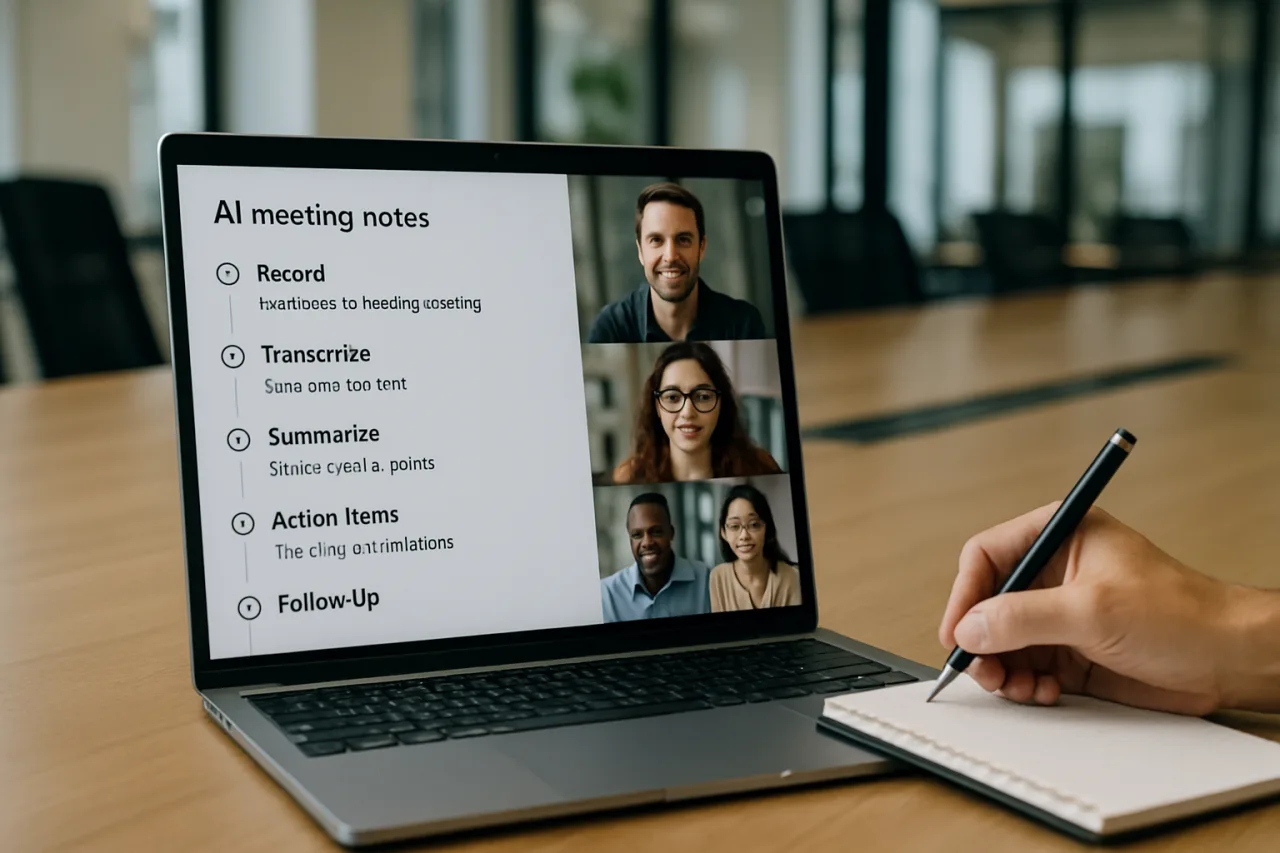
- 📝 The AI meeting notes workflow has five stages — record, transcribe, summarize, assign, follow up — and every stage now runs on tools you can set up in under ten minutes.
- 🆓 The free path is real: Fathom offers unlimited free recording, Otter’s free tier carries 300 minutes a month, and ChatGPT turns any raw transcript into decisions, owners, and deadlines with one structured prompt.
- 🤖 The 2026 tool landscape splits three ways: bot-free capture (Granola), searchable archives (Otter), and generous free plans (Fathom) — plus bot-based assistants (Fireflies, tl;dv, Krisp) that join calls for you.
- 🔁 The step most teams skip — the follow-up loop — is where AI notes pay off: assigned action items pushed to your task tool, with the transcript as the searchable record of who said what.
- 🇵🇭 Why Filipinos should care: client calls across time zones are the remote worker’s daily reality — the workflow below turns every call into a searchable, accountable record your client sees too.
Nobody was hired for their minute-taking. Yet meetings generate the notes, the notes carry the decisions, and the decisions die in an unsearchable doc. The AI meeting notes workflow ends that chain: a recorder joins for you, a transcriber captures every word, a summarizer turns an hour of talk into five lines of decisions, and the action items route themselves to the people who own them. This guide builds the complete workflow in five steps — with the free tools that run each step, the ChatGPT prompt that turns any transcript into minutes, and the follow-up loop that makes the whole system accountable.
Table of Contents
Step 1: Record Automatically — the Bots That Join for You
The workflow begins with capture you never think about. Bot-based assistants — Fireflies, tl;dv, Krisp, Grain — join your calendar calls automatically, record video and audio, and produce a live transcript without you pressing anything. The 2026 landscape, per independent testing rounds, ranks tl;dv, Fathom, Fireflies, Grain, Krisp, and Otter among the strongest overall — each with a free tier, each handling the classic failure modes (the flaky connection, the 4pm Friday call) with different grace. The setup is one OAuth connection to your calendar and a permissions check; the recurring value is that every call from that moment exists as a recording and transcript whether or not you remembered to capture it.
The honest caveat: some clients and some jurisdictions require consent before recording. The professional default is one line in the meeting invite — “this call is recorded for notes; tell me in the first minute if you’d prefer it weren’t” — which keeps the workflow compliant and the relationship clean.
Step 2: Transcribe — Choose Bot-Free or Bot-Joined
Not every meeting wants a bot in the room. The 2026 alternative is bot-free capture: Granola pioneered it — the app listens to your system audio locally, joins nothing, and still produces notes; Fathom and Otter both record with bots and produce excellent transcripts (Otter’s are the most searchable archive in the category). The choice is contextual: client calls where a third participant feels intrusive → bot-free; internal standups where the recording is welcome → bot-joined. Fathom’s free plan is the category’s most generous — unlimited recording with searchable summaries — while Otter’s free tier carries 300 minutes a month, enough for roughly a dozen hour-long calls. Whatever the tool, the standard is the same output: a complete transcript with speaker labels, timestamped, ready for Step 3.
Step 3: Summarize — the ChatGPT Prompt That Does It for Free
This is the step that costs nothing and saves the most: paste any transcript into ChatGPT (or Claude) with a structured brief. The AI meeting notes summary prompt that works:
You are an executive assistant. From the transcript below, produce:
1. DECISIONS — every decision made, one line each
2. OWNERS — who owns what, in "owner: task: deadline" format
3. OPEN QUESTIONS — unresolved items, one line each
4. TONE NOTE — one line on team energy/concerns worth flagging
Keep the entire summary under 200 words. Flag anything ambiguous as [CHECK].
The [CHECK] flag is the workflow's quality gate: the model marks every inference it had to make, so you verify judgment calls instead of trusting them silently. Run the same prompt on every transcript and the summaries become comparable across weeks — a meeting archive that actually gets searched. For recurring meetings, save the prompt as a project instruction (per the prompt engineering guide's versioning habit) so the format never drifts.
Step 4: Assign — Turn Talk Into Owned Tasks
An AI meeting notes summary without assignment is a diary; the workflow needs the OWNERS block to become tasks. The manual path: copy each owner line into your task tool (Todoist, Notion, Trello) with the deadline attached. The automated path: Zapier or native integrations — tl;dv and Fireflies both push action items to Slack and Notion; Otter syncs to its own workspace — so the owner:task:deadline lines land as notifications without a copy-paste step. The discipline that makes it stick: every task gets one owner and one date. "The team will look into it" is a decision that didn't happen; "Marco: draft the revised rate card by Friday" is a task the AI meeting notes system just created from a sentence someone said out loud.
Step 5: Follow Up — the Loop That Makes It Accountable
The fifth step of the AI meeting notes workflow turns convenience into accountability. The pattern: at the start of the next meeting, paste the previous week's OWNERS block and ask the assistant to build the agenda around what's open. The transcript archive becomes the memory; the [CHECK] flags become the first agenda items; and the person who promised the Friday draft gets to see the sentence they said it in — searchable, dated, verbatim. Teams that run this loop report the meeting itself shortens, because status updates stop being the agenda's first hour. The AI meeting notes workflow's payoff is not fewer meetings — it is meetings that start where the last one actually ended.
For the Remote Filipino Desk: Time Zones as a Feature
The workflow earns its keep twice as fast across time zones. A client call that ends at 11pm Manila time should not cost your evening: the bot captured it, the summary and OWNERS block wait in the morning, and your follow-up email can be drafted from the transcript before your client wakes up. The searchable archive doubles as a billing and scope record for freelancers — "as agreed on the March 12 call" becomes a link, not an argument. And for Filipino professionals managing global teams, the [CHECK] flags are the fastest way to catch a misheard instruction before it becomes a misdelivered week. Time zones stop being a handicap when the record does the remembering for you.
The Tool Stack: 2026 Snapshot
| Tool | Best for | Free tier | The catch |
|---|---|---|---|
| Fathom | Generous free recording + summaries | Unlimited recording | Summary depth gated on paid tiers |
| Otter | Searchable transcript archive | 300 min/month | Bot joins the call by default |
| Granola | Bot-free local capture | Limited history | Desktop-first; no live help |
| Fireflies | CRM sync for sales teams | Limited credits | Best features behind paid tiers |
| tl;dv | Product/user-research calls | Generous free tier | Feature surface is wide, not deep |
| ChatGPT (manual) | Free summarization + [CHECK] flags | Included | Paste-and-prompt, no auto-capture |
The pragmatic stack for most professionals: Fathom (or Otter) for capture, ChatGPT with the Step-3 brief for summarization, your existing task tool for assignment. Zero budget, five minutes of setup, and every meeting becomes a searchable record from today forward.
Frequently Asked Questions
What is the best AI meeting notes tool in 2026?
It depends on the job: Fathom for the most generous free plan (unlimited recording), Otter for searchable archives (300 free minutes/month), Granola for bot-free capture, Fireflies for CRM-connected sales teams, and tl;dv for research calls. Most professionals pair one capture tool with ChatGPT for summarization — the combination costs nothing and covers all five workflow steps.
How do I summarize a meeting transcript with ChatGPT?
Paste the full transcript with a structured brief: ask for four blocks — DECISIONS (one line each), OWNERS in owner:task:deadline format, OPEN QUESTIONS, and a one-line TONE NOTE — under 200 words, with anything ambiguous flagged [CHECK]. The flags are your verification list: confirm the judgment calls before the summary circulates. Save the brief as your standard meeting template so every week's summaries are comparable.
Is it legal to record meetings with AI notetakers?
Consent rules vary by jurisdiction — some require one-party consent, others all-party — and company policies may be stricter than law. The professional default: disclose recording in the invite ("this call is recorded for notes") and offer an opt-out in the first minute. For client calls, disclosure protects the relationship as much as the compliance file.
What's the difference between bot-based and bot-free AI notes?
Bot-based tools (Otter, Fireflies, Fathom) send a participant that joins the call and records; bot-free tools (Granola) capture your system audio locally without joining anything. Bot-based gives full video and cleaner separation of speakers; bot-free is invisible to other participants and works on any platform. Choose by context: internal calls → bot-based; sensitive client calls → bot-free.
Can AI meeting notes replace a human minute-taker?
For decision-and-action capture — the core of minutes — yes: transcription is verbatim, summarization with a structured brief is consistent, and assignment is mechanical. What AI does not replace is judgment: deciding what matters, reading the room, and the follow-up conversation when a commitment slips. The 2026 pattern is AI for the record and humans for the accountability — which is exactly the division of labor the five-step workflow encodes.
How much do AI meeting notes tools cost?
The working free tier: Fathom (unlimited recording), Otter (300 minutes/month), and ChatGPT's free plan for summarization. Paid tiers add depth: Fathom's premium summaries, Otter's archive features, and team collaboration layers run roughly $10-30 per user per month across the category. Most solo professionals and small teams never need to pay — the free stack covers the full five-step workflow.
Final Word: the Meeting After the Meeting
The five steps take an afternoon to set up and pay out every working day after: capture you never think about, transcripts you can search, summaries with owners and deadlines, tasks that route themselves, and a follow-up loop that starts every meeting where the last one ended. AI meeting notes is the rare workflow upgrade that costs nothing at its core and pays in the currency professionals are poorest in — attention. The minute-taker you never hired finally got hired: it works free, joins every call, and never forgets a commitment. Your job shrinks to the part that was always yours — deciding what the decisions mean.
- tldv.io/blog/best-ai-meeting-assistants — independent testing rounds
- itsconvo.com/blog/granola-vs-otter-vs-fathom — Granola pioneered it
External sources linked in this article, in order of first mention. Spotted an error or a broken link? Tell us.
Cite this pagePublished Sept 20, 2026 · Updated Oct 9, 2026
Agron, E. (2026, September 20). AI Meeting Notes in 2026: the 5-Step Workflow That Ends Minute-Taking Forever. WorldNgayon. https://worldngayon.com/ai-meeting-notes-workflow-2026/
Agron, Edmon. “AI Meeting Notes in 2026: the 5-Step Workflow That Ends Minute-Taking Forever.” WorldNgayon, 20 Sept. 2026, worldngayon.com/ai-meeting-notes-workflow-2026/.
Agron, Edmon. “AI Meeting Notes in 2026: the 5-Step Workflow That Ends Minute-Taking Forever.” WorldNgayon, September 20, 2026. https://worldngayon.com/ai-meeting-notes-workflow-2026/.
Agron, E. (2026) ‘AI Meeting Notes in 2026: the 5-Step Workflow That Ends Minute-Taking Forever’, WorldNgayon, 20 September. Available at: https://worldngayon.com/ai-meeting-notes-workflow-2026/.
E. Agron, “AI Meeting Notes in 2026: the 5-Step Workflow That Ends Minute-Taking Forever,” WorldNgayon, Sept. 20, 2026. [Online]. Available: https://worldngayon.com/ai-meeting-notes-workflow-2026/
@online{agron2026aimeeting,
  author       = {Agron, Edmon},
  title        = {{AI Meeting Notes in 2026: the 5-Step Workflow That Ends Minute-Taking Forever}},
  year         = {2026},
  date         = {2026-09-20},
  organization = {WorldNgayon},
  url          = {https://worldngayon.com/ai-meeting-notes-workflow-2026/},
  urldate      = {}
}TY - ELEC AU - Agron, Edmon TI - AI Meeting Notes in 2026: the 5-Step Workflow That Ends Minute-Taking Forever T2 - WorldNgayon PY - 2026 DA - 2026/09/20/ UR - https://worldngayon.com/ai-meeting-notes-workflow-2026/ Y2 - ER -
Cite the version you read; the page may be updated. Zotero and Mendeley can also import this page directly.