Table of Contents
AI Browsers 2026: What the Atlas Shutdown Changed — our dedicated guide goes deep on this.
Key Takeaway
- 🔓 One extension, five browsers: The BragJack research (disclosed September 16, 2026) showed that a single ordinary browser extension could drive the built-in AI agents of Chrome, Edge, Opera Neon, Perplexity Comet, and Claude in Chrome — no jailbreak, no exploit in the wild, but five real design flaws in AI agent security.
- 📣 Prompt forcing beats prompt injection: Instead of smuggling bad instructions into page content, the extension wrote the whole command itself and sent it straight to the agent — controlling the instruction, the timing, and every follow-up.
- 🧱 The flaw was architectural: Each vendor built a privileged channel between its own trusted pages and the agent, then left a door open that ordinary extension permissions could reach. Google and Microsoft issued CVEs; all five vendors shipped fixes.
- 🛡️ Your defense is a short list: Update past the patched builds, audit extensions quarterly, grant the fewest permissions, and treat every agent confirmation dialog as load-bearing.
When your browser’s AI agent can read your email, act inside your logged-in accounts, and click through a task you approved yesterday, the security question changes shape. The BragJack research made that concrete. AI agent security, once an abstract concern about chatbots, became physical in September 2026: Gal Weizman of Forever Security demonstrated that one ordinary-looking extension could quietly command the built-in AI assistants of five major browsers. Every vendor has since fixed what he showed them, paid bounties, and — for Google and Microsoft — issued CVEs. The fixes are real. The lesson underneath them is not about any single bug. It is about what “trust an extension” means when the browser now employs an agent that acts for you.
Related: Computer Use Agents: Which Ones Exist and What They Can Actually Do
What BragJack Actually Did
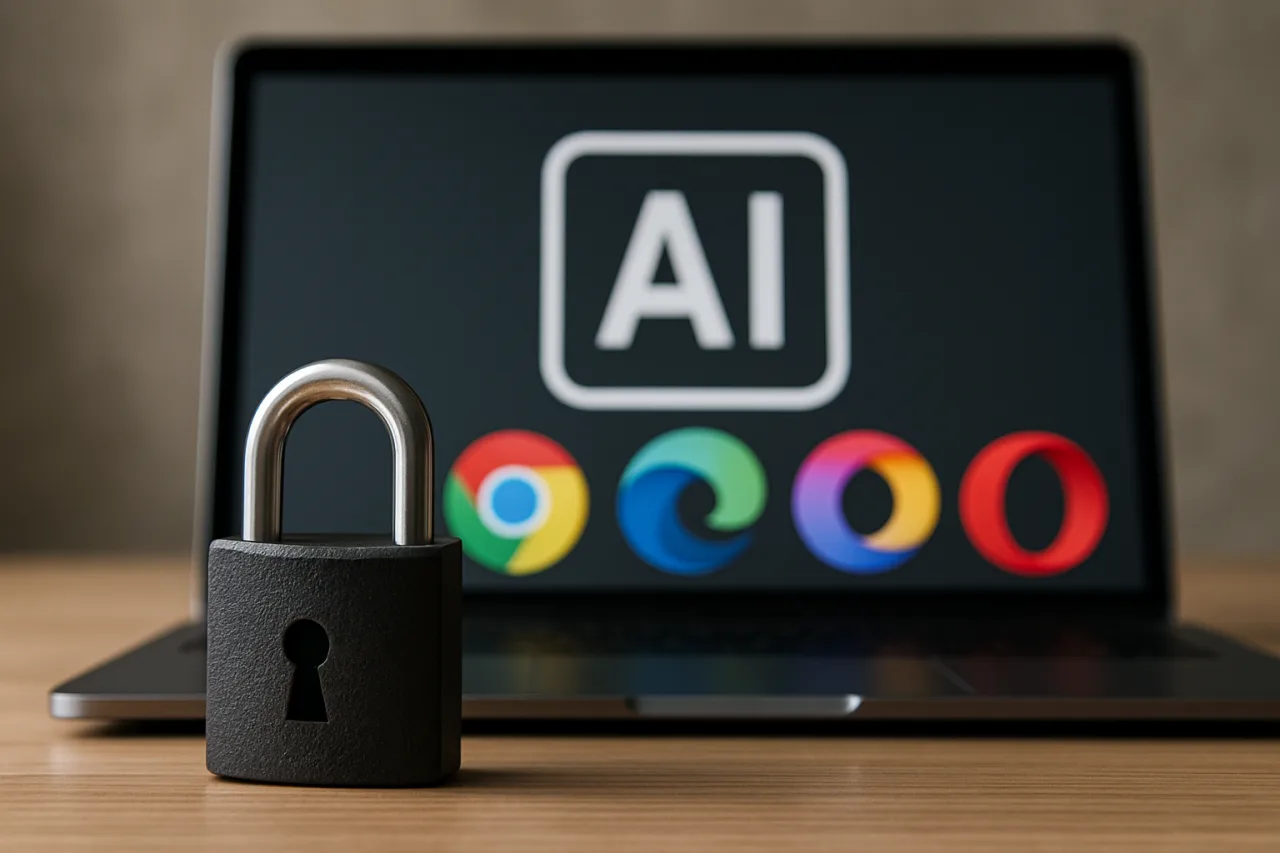
Published September 16, 2026, the BragJack write-up hijacked the agent surfaces of five products: Gemini Live in Chrome, Microsoft Edge’s Copilot Actions, Opera Neon, Perplexity Comet, and Claude in Chrome. No in-the-wild exploitation was ever reported; this was coordinated disclosure with all five vendors confirming the issues. Bounties ranged from $600 (Anthropic) to $7,000 (Google and Perplexity), roughly $20,000 combined, and Google assigned CVE-2026-0628 (CVSS 8.8) to the Chrome flaw while Microsoft assigned CVE-2026-55945 to the Edge race condition.
The striking part is what the attack did not do. It did not jailbreak the model, because it never needed to. It did not smuggle hidden text into a webpage for the agent to misread. The extension simply became the voice of authority: it sent complete, attacker-authored prompts to the agent through channels the browser itself had opened. Researchers named the technique prompt forcing — the attacker controls the entire instruction, when it arrives, and the chain of follow-ups, which makes the attack adaptive mid-flight in a way content-level injection is not.
| Browser / Agent | Weakness Exploited | Demonstrated Reach | Status |
|---|---|---|---|
| Chrome (Gemini Live) | Extension rewrote network requests to substitute its own script into the agent’s trusted page; CVE-2026-0628 | Local file access, screenshots, camera and microphone | Fixed in Chrome 143.0.7499.192 |
| Edge (Copilot Actions) | Marketing page with privileged prompt access plus a Think/Do mode race condition; CVE-2026-55945 | Authenticated actions without a genuine user gesture | Fixed in Edge 150.0.4078.48 |
| Perplexity Comet | Testing subdomain left unprotected, letting extensions message the agent directly | Screenshots, browsing history, user data, agent actions | Remediated |
| Opera Neon | No restriction on content scripts targeting Opera’s trusted interface pages | Email reading and exfiltration | Remediated |
| Claude in Chrome | Content script accepted synthetic clicks not verified as user-initiated | Execution of predefined tasks without user approval | Remediated |
Five vendors, five different bugs — and one shared design flaw underneath all of them: every one of these browsers gave its AI agent a private, trusted line back to the vendor’s own pages, and none fully walled that line off from the permissions Chromium grants to any ordinary extension. The Cloud Security Alliance’s independent analysis reached the same conclusion: this is an architectural gap, not five coincidences. Any user of any of those five browsers with even one extension installed was theoretically exposed — a population that counts in the hundreds of millions.
Prompt Forcing: Why It Is Worse Than Prompt Injection
Prompt injection is the attack most people have heard of: hide instructions inside content the AI will read, and hope it takes the bait. It is probabilistic — the model’s guardrails, its system prompt, and sheer luck all intervene between the hidden instruction and the action.
Prompt forcing skips all of that. The attacker’s extension holds ordinary, already-granted browser permissions — the ability to modify page headers, redirect script loads, or talk to specific pages — and uses them to deliver instructions directly into the channel the vendor built for its own trusted pages. Nothing needs to pass a guardrail, because nothing suspicious reaches the model. The command arrives looking exactly like a legitimate instruction, through a door marked as trusted. As the CSA analysis put it, closing this class of gap is not something model safety training can do, because the exploit never touches the model’s judgment — it forges the authority of the channel itself.
That is why this matters to AI agent security well beyond browsers. Every agent product sits at the end of a privileged channel — an MCP connection, a tool API, an automation webhook, a trusted dashboard. The BragJack question generalizes immediately: who else can write into that channel? This is now the core problem of AI agent security: not the model’s judgment but the plumbing around it. A browser answered it badly in five different ways. Your stack deserves the same test before an incident answers it for you.
What the Vendors Fixed — and What They Did Not
All five vendors remediated the proof-of-concept behaviors, and the two formal CVEs came with version-pinned fixes — Chrome 143.0.7499.192 for the Gemini Live flaw and Edge 150.0.4078.48 for the Copilot race condition. That is the “fixed” part, and credit where due — the disclosure-to-patch cycle ran fast.
The “did not” part is the architecture. The CSA’s research note points out that remediation quality varied: Google and Microsoft published formal advisories with CVSS scores and pinned builds, while Perplexity, Opera, and Anthropic acknowledged and patched their specific bugs without comparable public advisories. And the underlying pattern — agent channels that neighbors in the runtime can reach — is now a standing test case rather than a closed incident. The CSA’s guidance is blunt: when red-teaming an agentic browser, keep asking whether a co-resident extension can reach the agent’s command path — permanently, not just against last month’s CVE. The same note pairs BragJack with BioShocking, a June 2026 attack family that used classic prompt injection against overlapping products — two independent hijack routes, and closing one does not close the other.
AI Agent Security: 7 Checks to Run After BragJack
The fixes are live in current browser builds, so the residual risk management is yours. Here is the AI agent security checklist after BragJack — seven checks, in order:
- Update past the patched builds. Current Chrome (143.0.7499.192 or later) and current Edge (150.0.4078.48 or later) close the two formal CVEs. Check every machine you use — including the family laptop nobody thinks of as a work device.
- Audit your extensions this week. Open the extensions page in each browser and read the permission list of every extension. Anything you do not recognize or have not used in a month is a candidate for removal. The BragJack chain required only one extension with ordinary permissions.
- Grant the least that works. “Read and change all your data on all websites” is the permission that made this attack possible. Prefer extensions scoped to specific domains, and be suspicious when a calculator wants network-wide access.
- Treat confirmation dialogs as load-bearing. When an agent asks “should I do this?”, the click is the security boundary. BragJack exploited forged clicks and race conditions to bypass human confirmation — which means your genuine, attentive confirmation is worth protecting. Never click through agent prompts reflexively.
- Keep high-value accounts out of agentic browsers. An agent that can act inside your signed-in sessions can read email, open business apps, and submit forms as you. For the accounts you cannot afford to lose — banking, primary email, admin consoles — the best AI agent security practice is a separate browser profile with zero extensions, or a browser without an agent at all.
- Re-read the permission prompts your agent has. Agentic browsers increasingly ask for explicit scope: which sites, which tools, which data. Review what you have already granted, the same way you audit OAuth apps with your email account.
- If you run a team, inventory the fleet. The CSA checklist’s first item is organizational: enumerate which agentic browsers are installed across your fleet and confirm every one runs at or above the patched versions. Add “co-installed extension reaches the agent channel” to your standing red-team cases.
What BragJack Means for the Future of AI Agents
The uncomfortable summary of BragJack for AI agent security teams is that the weakest link was never the model. Five frontier-class agents, built by companies that employ the world’s leading AI safety teams, were all driven by ordinary extension permissions — because the trust boundary was drawn around the wrong thing. Vendors trusted their own pages and channels, and left the adjacent, well-documented extension platform outside the perimeter.
That mistake is generalizable in both directions. Agent products everywhere are building privileged channels — between the agent and its tools, its memory store, its companion app, its marketing pages. BragJack says: map those channels, and ask what else in the runtime can reach them. For browser users specifically, the near-term reality is that agentic browsing will keep spreading, extensions will keep being useful, and the two will keep sharing a runtime. The defenses that survive that reality are the boring ones: patched builds, minimal permissions, quarterly audits, and a human who actually reads the confirmation dialog. The exciting ones — autonomous agents acting on your behalf with no gate at all — can wait until the boundaries hold.
Two more moments reward AI agent security attention before we close the checklist. When an extension update ships new permissions — pause and re-review it; updates are the quiet way over-permission arrives. And when a browser offers to let its agent run unattended overnight — that is the exact “no gate” scenario BragJack warned about; leave it off until the trust boundaries are proven, not promised.
Frequently Asked Questions About AI Agent Security
Was BragJack used by real attackers?
No. BragJack was a research demonstration by Gal Weizman of Forever Security, disclosed responsibly to all five vendors on September 16, 2026. No exploitation in the wild has been reported, every vendor fixed the demonstrated flaws, and Google and Microsoft issued CVEs for their products.
Which browsers were affected by BragJack?
Five products: Gemini Live in Chrome, Microsoft Edge’s Copilot Actions, Opera Neon, Perplexity Comet, and Claude in Chrome. All five vendors confirmed the issues and remediated them.
What is prompt forcing?
Prompt forcing is the technique the BragJack research named for delivering attacker-written commands directly into the trusted channel a browser built for its AI agent — using ordinary extension permissions like header rewriting and script redirection. Unlike prompt injection, no malicious content needs to trick the model; the attacker controls the whole instruction and its follow-ups.
What did the BragJack attack let the attacker do?
Depending on the browser: read local files, take screenshots, read browsing history, activate the camera and microphone, read email, and take actions inside authenticated sites — all without the user seeing a confirmation dialog.
Are the BragJack bugs fixed now?
The two formal CVEs have version-pinned fixes — Chrome 143.0.7499.192 for CVE-2026-0628 (CVSS 8.8) and Edge 150.0.4078.48 for CVE-2026-55945 — while the other three vendors paid bounties and patched without formal advisories.
Do I need to uninstall my browser’s AI agent?
No — the demonstrated flaws are patched in current builds. The practical defense is layered, because AI agent security is never one setting: stay updated past the patched versions, audit extensions, grant the fewest permissions, keep high-value accounts in a clean profile without extensions, and treat agent confirmation dialogs as a real security boundary.
What is the difference between prompt injection and prompt forcing?
Prompt injection hides malicious instructions in content an AI reads — the model’s guardrails decide whether the trick works. Prompt forcing bypasses the model’s judgment entirely: the attacker writes the instruction and sends it through a trusted channel, so nothing suspicious ever reaches the guardrails.
Why does AI agent security matter for browser extensions?
Because extensions and agents share a runtime. BragJack showed an ordinary extension could reach the privileged channel of five different browser agents; the defense is patched builds, minimal permissions, and quarterly extension audits.
How do I check if my browser has the BragJack fixes?
In Chrome, check that your version is at least 143.0.7499.192 (Settings → About Chrome). In Edge, check for at least 150.0.4078.48 (Settings → About Microsoft Edge). After updating, audit your extension list — the attack required an installed extension to work.
Sources
Primary research: Forever Security’s BragJack disclosure and its technical overview (Gal Weizman, September 16, 2026). Independent analysis: the Cloud Security Alliance research note (September 22, 2026), Dark Reading, and the PointGuard AI incident scorecard. CVE details: NVD CVE-2026-0628 and NVD CVE-2026-55945. For related WorldNgayon coverage, see our AI agent security guide, our AI agent memory explainer, and our coverage of the Gemini agent’s enterprise governance.
Cite this pagePublished Oct 13, 2026 · Updated Nov 4, 2026
Agron, E. (2026, October 13). AI Agent Security: 7 Checks After the BragJack Browser Flaws. WorldNgayon. https://worldngayon.com/ai-agent-security-bragjack-checks/
Agron, Edmon. “AI Agent Security: 7 Checks After the BragJack Browser Flaws.” WorldNgayon, 13 Oct. 2026, worldngayon.com/ai-agent-security-bragjack-checks/.
Agron, Edmon. “AI Agent Security: 7 Checks After the BragJack Browser Flaws.” WorldNgayon, October 13, 2026. https://worldngayon.com/ai-agent-security-bragjack-checks/.
Agron, E. (2026) ‘AI Agent Security: 7 Checks After the BragJack Browser Flaws’, WorldNgayon, 13 October. Available at: https://worldngayon.com/ai-agent-security-bragjack-checks/.
E. Agron, “AI Agent Security: 7 Checks After the BragJack Browser Flaws,” WorldNgayon, Oct. 13, 2026. [Online]. Available: https://worldngayon.com/ai-agent-security-bragjack-checks/
@online{agron2026aiagent,
  author       = {Agron, Edmon},
  title        = {{AI Agent Security: 7 Checks After the BragJack Browser Flaws}},
  year         = {2026},
  date         = {2026-10-13},
  organization = {WorldNgayon},
  url          = {https://worldngayon.com/ai-agent-security-bragjack-checks/},
  urldate      = {}
}TY - ELEC AU - Agron, Edmon TI - AI Agent Security: 7 Checks After the BragJack Browser Flaws T2 - WorldNgayon PY - 2026 DA - 2026/10/13/ UR - https://worldngayon.com/ai-agent-security-bragjack-checks/ Y2 - ER -
Cite the version you read; the page may be updated. Zotero and Mendeley can also import this page directly.