Key Takeaway
- ⏳ The deadline: Microsoft makes passkeys the default authentication method in Entra ID starting September 1, 2026, and shuts down SMS-based MFA delivery entirely by February 1, 2027.
- 🏦 The stakes: most OFW bank accounts, email, and government portals still rely on SMS codes — the weakest 2FA factor, and the easiest to phish.
- 📲 What replaces SMS: authenticator apps (Microsoft Authenticator, Google Authenticator), hardware keys, and passkeys synced through iCloud Keychain or Google Password Manager.
- ⚠️ Phishing reality: SMS codes are the currency of SIM-swap scams and OTP phishing — the exact scams that emptied Filipino accounts this year.
- 🛠️ The move: five steps this week — inventory your accounts, install an authenticator, register passkeys, keep your SIM protected, and tell the family group chat.
Table of Contents
The Text Message Password Is Officially Dying
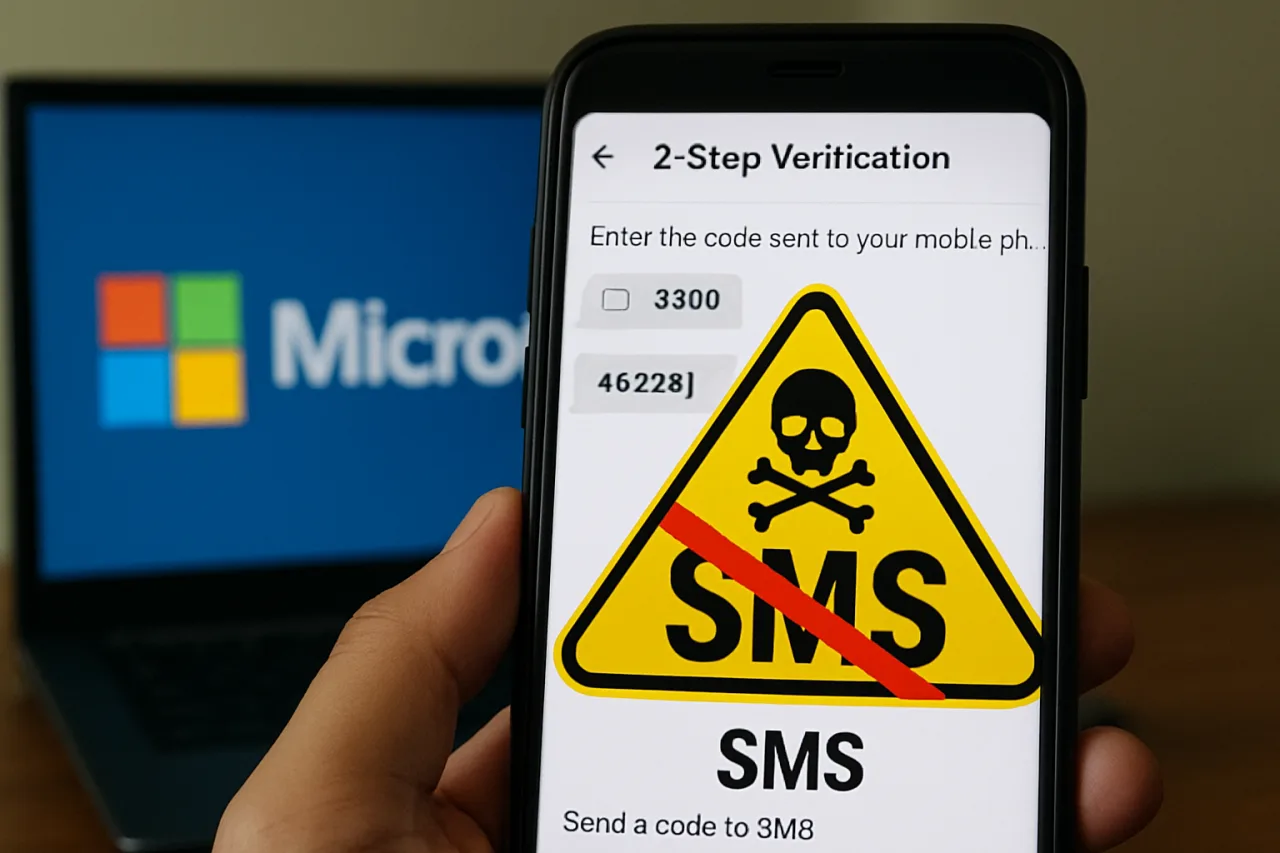
For two decades, the six-digit code in a text message has been the world’s default second factor. Microsoft has now put a date on its retirement: passkeys become the default authentication method in Entra ID from September 1, 2026, and SMS-based MFA delivery shuts down entirely by February 1, 2027.
The change lands first in Microsoft’s enterprise estate, but it marks the direction of travel for every platform that still counts a text message as security.
The reasoning is not mysterious. SMS codes sit at the bottom of every security hierarchy the industry publishes — NIST’s own guidance deprecates SMS as an out-of-band authenticator.
The code is only as safe as the phone number it travels to, and that path has three failure modes: SIM-swap attacks, SS7 network interception, and plain phishing, where a user pastes the code into a fake login page and hands over the session. None of those attacks work against a passkey.
Why OFW Accounts Are the Most Exposed
The OFW financial life runs on SMS verification. Bank transfer approvals, GCash and Maya logins, SSS and PAG-IBIG portals, e-mail password resets — the six-digit code is the connective tissue.
And OFWs face a specific compound risk: the phone number is often a Philippine SIM maintained abroad, or a foreign SIM registered to a host-country identity, and SIM-swap crews in the Philippines have demonstrated they can social-engineer their way through telco verification.
The scams follow the pattern. A text impersonates your bank, links to a convincing clone, and asks you to “verify” by entering the OTP the bank “just sent” — which the attacker triggers with your credentials in hand. The SMS code, designed as the last line of defense, becomes the final step of the heist.
In 2026 the pattern is so standardized that our stolen-phone lockdown piece treats the SIM as the thief’s primary target.
What Actually Changes at Microsoft
The Entra ID timeline runs in two beats. Since September 1, 2026, passkeys are the default — new Microsoft accounts and enterprise tenants are nudged toward passkey registration at setup, with phishing-resistant factors presented before SMS. From February 1, 2027, SMS MFA delivery ends: no more one-time codes by text for Microsoft accounts.
Voice-call delivery was deprecated earlier in the same modernization push.
For consumers the signal matters as much as the rule. When the largest identity provider on the planet stops treating a phone number as an identity proof, every bank and fintech that still defaults to SMS looks dated — and regulators notice.
The BSP’s own fraud-prevention guidance has pushed digital banks toward app-based, device-bound verification; the Microsoft timeline gives them a deadline to normalize against.
The Replacement Stack, Ranked
| Method | Phishing resistance | Setup effort |
|---|---|---|
| Passkeys (iCloud Keychain / Google Password Manager) | Highest — bound to device + biometric | One-time, per account |
| Hardware security key (YubiKey etc.) | Highest — separate physical device | Buy ₱1,500+; ideal for email |
| Authenticator app (TOTP codes) | High — codes never leave the device | Free app; QR scan per account |
| Push approval (Microsoft Authenticator) | High — but number-matching fatigue exists | Free |
| SMS one-time codes | Lowest — network + SIM attack surface | Zero (being retired) |
SMS 2FA still works everywhere today, and SMS 2FA will keep working at most banks through the transition — but authenticator apps remain the workhorse for OFWs: free, works offline for code generation, and survives SIM swaps entirely.
Passkeys are the destination — but adoption takes time, and banks will roll them out unevenly across 2027.
The Five Steps to Take This Week
- Step 1 — Inventory. List every account that texts you codes: banks, wallets, email, SSS, app stores. Most people find 12+ accounts and realize email is the master key.
- Step 2 — Install an authenticator today. Microsoft Authenticator or Google Authenticator, free on both stores. Move your primary email first — password resets flow through it.
- Step 3 — Register passkeys where offered. Google, Apple, and Microsoft accounts all support passkeys now; banks are adding them through 2027. A passkey on your main email beats every future SMS shutdown.
- Step 4 — Protect the SIM that remains. Not every platform supports app-based 2FA yet, so lock the SIM you still have: request your telco’s SIM-swap PIN, and check our first-hour lockdown steps.
- Step 5 — Teach the family chat. The relatives who receive your remittances get phished through SMS too. One voice note showing them where authenticator codes appear — versus where fake bank texts come from — is worth ten warnings.
The SIM-Swap Economics Behind the Deadline
Why did the industry take fourteen years to bury a factor it knew was weak? Because replacing SMS required something users would adopt without training, and the alternatives were clumsy.
That excuse finally expired when passkeys solved the usability problem: authentication became a biometric prompt on a device the user already unlocks twenty times a day.
The economics flipped at the same time — SIM-swap fraud losses grew faster than telco controls could close them, and every large provider’s fraud bill began to argue for retiring the text-message factor. Microsoft’s deadline is the moment the argument won.
For Saudi-Based Readers: One Extra Step
OFWs in Saudi Arabia and the Gulf carry one wrinkle: the SIM that receives codes may sit in a drawer in Batangas while you work in Riyadh.
If your Philippine SIM lives in a family phone, apply the lockdown steps to that device — SIM PIN, screen lock, and the family member’s awareness that the SIM in their phone is effectively your bank account.
If your number roams with you, register the authenticator on the phone you actually carry, and keep the roaming SIM for receiving legacy codes until each platform migrates. Either way, the master email moves to authenticator 2FA this week, because every other account’s reset path runs through it.
What Happens to the SMS Codes You Still Get?
Nothing overnight. Microsoft’s deadline applies to Microsoft’s own identity platform; your Philippine bank will keep texting codes well past February 2027 unless regulators force the switch.
The point of the deadline is normalization: once the biggest identity operator on the planet stops treating SMS as a security factor, the industry’s excuse — “users are used to it” — expires. Treat every SMS code you still receive as a legacy convenience with a countdown attached, not a security guarantee.
The Sixteen-Month Runway
February 1, 2027 gives everyone sixteen months from the passkey default — enough time to migrate an entire extended family’s accounts, one Sunday at a time.
The households that move early get phishing-resistant by default; the ones that wait get the same deadline panic that accompanies every forced migration, compressed into the weeks before the cutoff. The SMS code had a good run. It is time to let it retire before someone else retires it for you.
The OFW Account Inventory: Where SMS 2FA Still Lives
Before moving anything, map it. The typical OFW household runs fifteen to twenty accounts that matter — and most still lean on SMS 2FA for at least a few.
The usual suspects: GCash and Maya (both push app-based verification now, but legacy SMS flows remain enabled by default), the BPI and BPI Trade logins, COL Financial, SSS and PhilHealth member portals, BIR’s eServices, email accounts themselves — the master keys — and the remittance apps that bridge the two countries.
Microsoft’s February 2027 deadline does not touch these services directly; what it does is remove the world’s loudest argument that SMS-based codes are acceptable.
When the largest identity platform in enterprise computing formally declares SMS authentication dead, every bank’s security team loses the “industry standard” excuse — and every OFW should read the change as a starting gun, not a news item.
Run the inventory in one sitting: list every account that texts you a code today, then rank the list by damage-if-taken-over. The remittance app and the primary email sit at the top — a takeover there costs money and the keys to everything else. Government portals follow (identity theft, not money theft).
The social accounts trail — annoying, not ruinous. Migrate in rank order and the whole household’s exposure drops before the deadline matters.
Why SMS Codes Fail: The Mechanics Behind the Ban
The case against SMS is technical, not fashionable. SIM-swap fraud — an attacker convincing a carrier to port your number to their SIM — has industrialized in the Philippines and abroad: the scammer needs only personal details and a complicit or deceived agent at the telco, and your “secure” codes flow to their handset.
Phishing kits now relay codes in real time — the victim types the code into a fake login, the kit logs in simultaneously with it, and the 2FA becomes the attacker’s second factor too.
And SIM-jacking via SS7 network flaws remains the quiet background radiation of mobile security — invisible, unpatchable by the user, and fatal to any account whose only second factor is the phone network.
App-based TOTP codes, passkeys, and hardware keys fail all three attacks in different ways: they never transit a network you don’t control, they bind to the device or the physical key, and they can’t be ported by a phone call to a carrier. That is the entire logic of Microsoft’s move — not convenience, architecture.
The OFW who understands the three attack paths also understands why the migration list below orders itself the way it does.
The Five Steps, sequenced for the OFW household
Step one: password manager first. Every stronger second factor presumes strong unique first factors, and the manager is where passkey storage lives anyway. Step two: email. Gmail and Outlook both support passkeys and authenticator apps — the mailbox that receives every reset link is the account that must never depend on the SIM.
Step three: money. GCash, Maya, bank apps — enable their authenticator or biometric flows, then dial down SMS fallback in the security settings where the option exists.
Step four: government portals — SSS, PhilHealth, BIR — accept TOTP apps today; the SMS codes they send will keep working, but your account’s security should not depend on them.
Step five: audit and document — the family gets a one-page map of which account uses which second factor, so the next SIM-swap headline is somebody else’s emergency.
The deadline is Microsoft’s, but the lesson is universal, and the household that finishes the five steps before February 2027 turns a corporate policy change into a personal security upgrade that cost nothing but an afternoon.
Frequently Asked Questions
When does Microsoft shut down SMS 2FA?
February 1, 2027 for SMS-based MFA delivery in Entra ID. Passkeys became the default authentication method on September 1, 2026.
Does this affect my Philippine bank’s SMS codes?
Not directly — Microsoft’s deadline covers its own identity platform. But it signals the industry direction; Philippine banks and fintechs are expected to follow with app-based and passkey options through 2027.
What should I use instead of SMS codes?
Passkeys first (iCloud Keychain or Google Password Manager), then authenticator apps for everything else, and a hardware key for your most critical accounts like primary email.
Is an authenticator app safer than SMS?
Yes — codes generated on your device never travel through the phone network, so SIM swaps and SS7 interception stop working against them.
What about GCash and Maya OTPs?
They remain SMS-based for now. Protect the SIM with your telco’s swap-PIN, keep the phone locked, and move email and other accounts to authenticator-based 2FA so a compromised SIM cannot cascade.
- Official pages.nist.gov/800-63-3/sp800-63b.html — NIST’s own guidance
External sources linked in this article, in order of first mention. Spotted an error or a broken link? Tell us.
Cite this pagePublished Sept 24, 2026 · Updated Oct 9, 2026
Agron, E. (2026, September 24). SMS 2FA Is Dying: Microsoft Kills It by February 2027 — What OFW Accounts Should Move To. WorldNgayon. https://worldngayon.com/sms-2fa-shutdown-2027/
Agron, Edmon. “SMS 2FA Is Dying: Microsoft Kills It by February 2027 — What OFW Accounts Should Move To.” WorldNgayon, 24 Sept. 2026, worldngayon.com/sms-2fa-shutdown-2027/.
Agron, Edmon. “SMS 2FA Is Dying: Microsoft Kills It by February 2027 — What OFW Accounts Should Move To.” WorldNgayon, September 24, 2026. https://worldngayon.com/sms-2fa-shutdown-2027/.
Agron, E. (2026) ‘SMS 2FA Is Dying: Microsoft Kills It by February 2027 — What OFW Accounts Should Move To’, WorldNgayon, 24 September. Available at: https://worldngayon.com/sms-2fa-shutdown-2027/.
E. Agron, “SMS 2FA Is Dying: Microsoft Kills It by February 2027 — What OFW Accounts Should Move To,” WorldNgayon, Sept. 24, 2026. [Online]. Available: https://worldngayon.com/sms-2fa-shutdown-2027/
@online{agron2026sms2fa,
  author       = {Agron, Edmon},
  title        = {{SMS 2FA Is Dying: Microsoft Kills It by February 2027 — What OFW Accounts Should Move To}},
  year         = {2026},
  date         = {2026-09-24},
  organization = {WorldNgayon},
  url          = {https://worldngayon.com/sms-2fa-shutdown-2027/},
  urldate      = {}
}TY - ELEC AU - Agron, Edmon TI - SMS 2FA Is Dying: Microsoft Kills It by February 2027 — What OFW Accounts Should Move To T2 - WorldNgayon PY - 2026 DA - 2026/09/24/ UR - https://worldngayon.com/sms-2fa-shutdown-2027/ Y2 - ER -
Cite the version you read; the page may be updated. Zotero and Mendeley can also import this page directly.