Key Takeaway
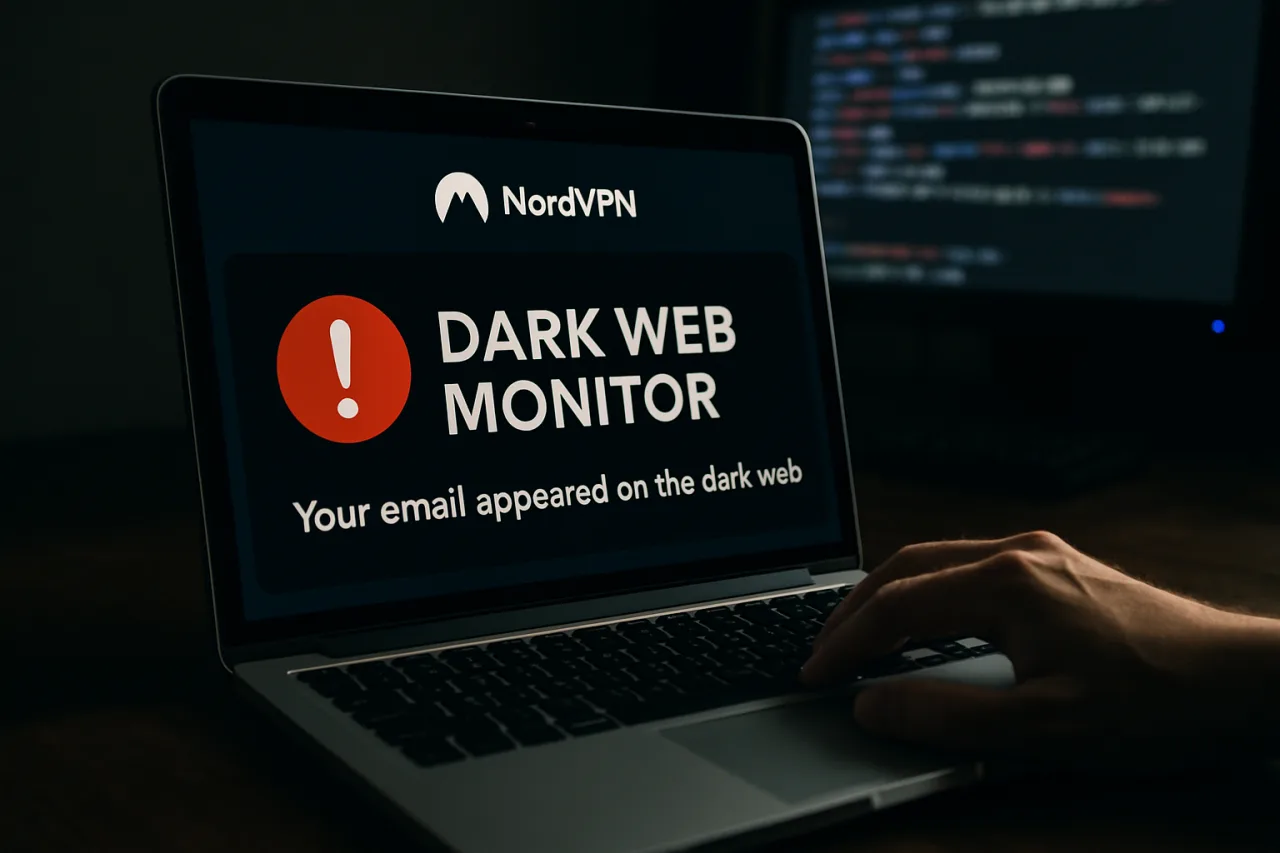
- 🚨 What it does: NordVPN’s Dark Web Monitor scans known breach dumps and stolen-credential markets, then flags you when your email appears in one — the alert that starts the response clock.
- ⏱️ The 30-minute plan: the five steps after an alert — verify the alert, change the exposed password, close session hijacks, harden the login, and check downstream accounts.
- 🇵🇭 Why it matters here: Philippine platforms have leaked millions of records in recent years — an alert is not a maybe; treat it as confirmed exposure.
- 🔒 What it can’t do: no monitor removes your data from a dump — the value is early warning that lets you rotate before someone uses the credentials.
- 🛡️ The setup: the monitor runs inside the NordVPN app on Windows, macOS, Linux, iOS and Android — one subscription, the whole household’s accounts watched.
Table of Contents
The Alert You Should Never Ignore
Somewhere between the breach headline and the identity theft, there is a quiet moment that decides outcomes: the moment you learn your email is in a stolen-data dump. Most people never get that moment — they learn at the password-reset email they did not request, or the OTP the scammer already triggered. NordVPN’s Dark Web Monitor exists to move that discovery earlier, and this walkthrough covers what it does, how to set it up, and the 30-minute response plan that follows every alert.
The feature is part of the NordVPN suite — the security bundle that pairs the VPN with next-generation antivirus protection, threat blocking, and the breach monitor. One subscription covers up to ten devices, which is why the household framing matters: the family’s shared email, the student’s account, the OFW worker’s remittance-adjacent logins — all can sit under one watch.
How Dark Web Monitor Actually Works
The mechanics are simpler than the name sounds. Security researchers and the monitor’s own sources continuously track breach dumps — the stolen email-and-password lists that circulate on criminal markets after a company gets hacked. The monitor checks whether your registered email addresses appear in those collections. When one does, it fires an in-app alert identifying the breach source where known, and the app prompts a password change for the affected account.
Setup takes minutes: open the NordVPN app, enable Dark Web Monitor, and register the email addresses you want watched — the family Gmail, the work address, the old Yahoo account that predates your security habits. The monitor then runs continuously in the background; no scanning on demand, no manual searches to remember. It also runs passively for household emails registered on other family devices — the alert reaches whichever device runs the app.
One honest limit up front: no product removes your data from a dump. Once your credentials are copied, copies persist in criminal collections. The monitor’s value is timing — an alert hours after a breach lands beats an alert months later when the credentials get used. Early warning is the entire product, and paired with fast rotation, it works.
The 30-Minute Response: Five Steps After an Alert
Minute 0-5: Verify and Locate
Open the alert and note the breach source. Match the exposed account to your records: which service, what password era (was it the one you retired last year?), and whether you reused that password anywhere else — you did, everyone did. The alert usually names the breached platform; if it does not, the email address plus your own memory of signups narrows it fast.
Minute 5-10: Change the Exposed Password First
Change the exposed account’s password immediately — and by “immediately,” before checking anything else on that account. Use a long unique passphrase (three random words plus a number beats complexity theater). If the account still works and you see unfamiliar sessions, log them out after the password change. If the password no longer works and you did not change it, treat the account as compromised: use the platform’s account-recovery flow, and assume the attacker held it longer than you knew.
Minute 10-15: Kill Sessions and Active Tokens
Password changes do not always invalidate existing sessions. On the exposed account, go to security settings and sign out of all devices and sessions. For email accounts — the master keys — also revoke connected app access: the OAuth grants that let third-party services read your inbox survive password changes and are the sneakier persistence route. Our AI account hardening walkthrough covers the same drill for ChatGPT and Claude accounts, where connected apps carry even more weight.
Minute 15-22: Harden the Login
Turn on app-based 2FA for the exposed account — authenticator app, not SMS where you have the choice. If it is your primary email and the platform supports passkeys, register one now; Microsoft’s 2026-2027 SMS 2FA shutdown signals where the industry is heading. A hardened login converts the same leak from an account takeover into a nothingburger.
Minute 22-30: Chase the Reuse Trail
The exposed password unlocked more than one account — fix the blast radius. Check every account sharing that password (or a variant), change each, and prioritize by blast radius: email first, banking second, shopping platforms third. Then register the newly changed emails and any other family addresses in the Dark Web Monitor, so the next breach finds you on day one, not month six.
Why Philippine Accounts Deserve the Extra Watch
The local context is not reassuring. Philippine government and private-platform leaks have repeatedly landed Filipino credentials in public dumps — millions of records across years of incidents our data-leak coverage tracks. Add the scam-call and OTP-phishing volume targeting Filipino mobile users, and the practical read is: if your email has been in any Philippine database breach, an alert will come eventually. The monitor’s job is making sure that “eventually” arrives before the damage.
For OFW households the calculus sharpens: the accounts behind remittances, SSS records, and family communication are exactly the ones a criminal collection monetizes. A ten-device family plan means the Batangas household and the Riyadh worker both sit under the same watch, and an alert on either side surfaces everywhere the app runs.
Where the Monitor Sits in the Stack
Position the feature honestly: it is a tripwire, not a shield. The shield is your password hygiene (unique passwords via a manager — our NordPass walkthrough covers the migration), app-based 2FA, and the habit of treating breach news as personal news. The tripwire catches what hygiene misses: the breach you did not know about, the dump that surfaced a year late. Both layers together — plus the suite’s next-generation antivirus and threat protection — form the practical security stack for a household; our public Wi-Fi walkthrough covers the travel side that would rather spend 30 minutes per alert than 30 days on recovery.
The alert is not bad news. It is the earliest good news you will ever get about a breach — the moment when the story is still cheap to fix. Set up the monitor, and give yourself that moment.
The Family Rollout: Ten Devices, One Afternoon
Practical deployment for a split household: install the app on the router-connected family PC and each parent’s phone first, register the family’s primary emails, then work outward — student devices, the shared laptop, the old tablet that still checks a legacy account. Twenty minutes of setup buys continuous coverage, and the conversation it starts (“what email do you use for GCash?”) is itself a security upgrade. The same session is the right time to run the stolen-phone lockdown checklist on each device — the monitor watches for leaks, the lockdown closes the physical gap.
Inside the Detection: How Dark Web Monitor Sees What It Sees
The feature’s credibility rests on its collection layer. NordVPN’s researchers maintain visibility into breach dump markets, paste sites, botnet-stolen credential stores, and the Tor-hidden services where stolen databases first surface.
When your registered email appears in any of those collections — inside a credential dump, a combo list, or a database preview — the matching engine associates the find with your account and generates the alert within hours.
The alert itself is deliberately sparse: source category, exposure type (credentials, personal data, or both), and discovery date.
NordVPN deliberately does not return the stolen password itself, even though the dump contains it — displaying a compromised password in a notification would recreate the leak on your screen, so the feature shows the fact of exposure and points you to the fix.
What the feature cannot see matters as much. Private breaches that never hit a market — an insider leak, a targeted phish that captures your password without a resale — produce no dump and therefore no alert. Dark Web Monitor is a tripwire on the resale economy, not a shield on your account.
That is why the thirty-minute response pairs it with a breach check across known-corpus databases and, more importantly, with the password changes that assume the worst regardless of what the monitors saw.
The Five Steps in Practice, With Real Timing
Walking the runbook end to end takes about thirty minutes if you have a password manager, closer to ninety if you do not — which is the strongest argument for installing one before you need it.
Minutes 0-5: read the alert, note the exposure type, and run a second check on the breach corpus sites to establish whether the exposure is old or fresh. Minutes 5-15: change the exposed account’s password to a manager-generated 20-character secret, and change it everywhere that credential was reused — reuse turns one breach into five.
Minutes 15-20: enable two-factor authentication on the exposed account if it is missing; app-based or hardware-key 2FA, never SMS for high-value accounts. Minutes 20-25: sweep the account’s security activity — active sessions, forwarding rules, recovery emails — because dwell time is where real damage hides.
Minutes 25-30: log the event in a simple note (date, source, actions taken) so the next alert has context, and set a calendar reminder to re-check that account in thirty days.
Why OFW Accounts Get Alert Fatigue — and How to Beat It
The OFW reality multiplies exposure: remittance accounts, government portals, payroll systems in two countries, and a decade of sign-ups whose passwords long predate your security habits. When the first Dark Web Monitor alert lands, most users act.
By the fifth, alert fatigue sets in — the brain files every notification as spam, and the one alert that matters sails past. The counter is triage discipline, decided in advance: every alert gets the thirty-minute runbook, but exposure type sets urgency. A credential dump from a forum you barely remember is a twenty-minute fix.
Your name and passport number inside a leak tied to a government agency database is a full evening — identity-theft monitoring, bank notifications, and a fraud watch on your accounts. Write the two-tier rule down before the alerts start, because the decision you make calmly in advance is the one that survives fatigue.
Frequently Asked Questions
What does NordVPN’s Dark Web Monitor do?
It scans known breach dumps and stolen-credential collections for your registered email addresses and alerts you when one appears — early warning that starts the password-rotation clock before criminals use the credentials.
Can the monitor remove my data from the dark web?
No — no product can remove copied credentials from criminal collections. Its value is early detection; the response (password change, session kill, 2FA hardening) is what actually protects you.
How many email addresses can I register?
You can register the addresses you want watched — set up family members’ emails too, so a breach affecting a student account or a parent’s old address surfaces for the household.
Is Dark Web Monitor included in NordVPN plans?
The monitor is part of the NordVPN app’s security features across Windows, macOS, Linux, iOS, and Android; feature availability can vary by plan and platform, so check the current plan page for the lineup.
What should I do the moment I get an alert?
Run the 30-minute plan: verify the breach source, change the exposed password, kill all sessions and connected apps, harden the login with app-based 2FA or a passkey, and rotate the password everywhere you reused it.
Disclosure: WorldNgayon may earn a commission if you purchase through links in this article. Full details on our disclaimer page.
Cite this pagePublished Sept 24, 2026 · Updated Oct 9, 2026
Agron, E. (2026, September 24). The 30-Minute Breach Response: NordVPN Dark Web Monitor Plus the Five Steps That Follow. WorldNgayon. https://worldngayon.com/dark-web-monitor-nordvpn-walkthrough/
Agron, Edmon. “The 30-Minute Breach Response: NordVPN Dark Web Monitor Plus the Five Steps That Follow.” WorldNgayon, 24 Sept. 2026, worldngayon.com/dark-web-monitor-nordvpn-walkthrough/.
Agron, Edmon. “The 30-Minute Breach Response: NordVPN Dark Web Monitor Plus the Five Steps That Follow.” WorldNgayon, September 24, 2026. https://worldngayon.com/dark-web-monitor-nordvpn-walkthrough/.
Agron, E. (2026) ‘The 30-Minute Breach Response: NordVPN Dark Web Monitor Plus the Five Steps That Follow’, WorldNgayon, 24 September. Available at: https://worldngayon.com/dark-web-monitor-nordvpn-walkthrough/.
E. Agron, “The 30-Minute Breach Response: NordVPN Dark Web Monitor Plus the Five Steps That Follow,” WorldNgayon, Sept. 24, 2026. [Online]. Available: https://worldngayon.com/dark-web-monitor-nordvpn-walkthrough/
@online{agron2026darkweb,
  author       = {Agron, Edmon},
  title        = {{The 30-Minute Breach Response: NordVPN Dark Web Monitor Plus the Five Steps That Follow}},
  year         = {2026},
  date         = {2026-09-24},
  organization = {WorldNgayon},
  url          = {https://worldngayon.com/dark-web-monitor-nordvpn-walkthrough/},
  urldate      = {}
}TY - ELEC AU - Agron, Edmon TI - The 30-Minute Breach Response: NordVPN Dark Web Monitor Plus the Five Steps That Follow T2 - WorldNgayon PY - 2026 DA - 2026/09/24/ UR - https://worldngayon.com/dark-web-monitor-nordvpn-walkthrough/ Y2 - ER -
Cite the version you read; the page may be updated. Zotero and Mendeley can also import this page directly.